620 Series
22
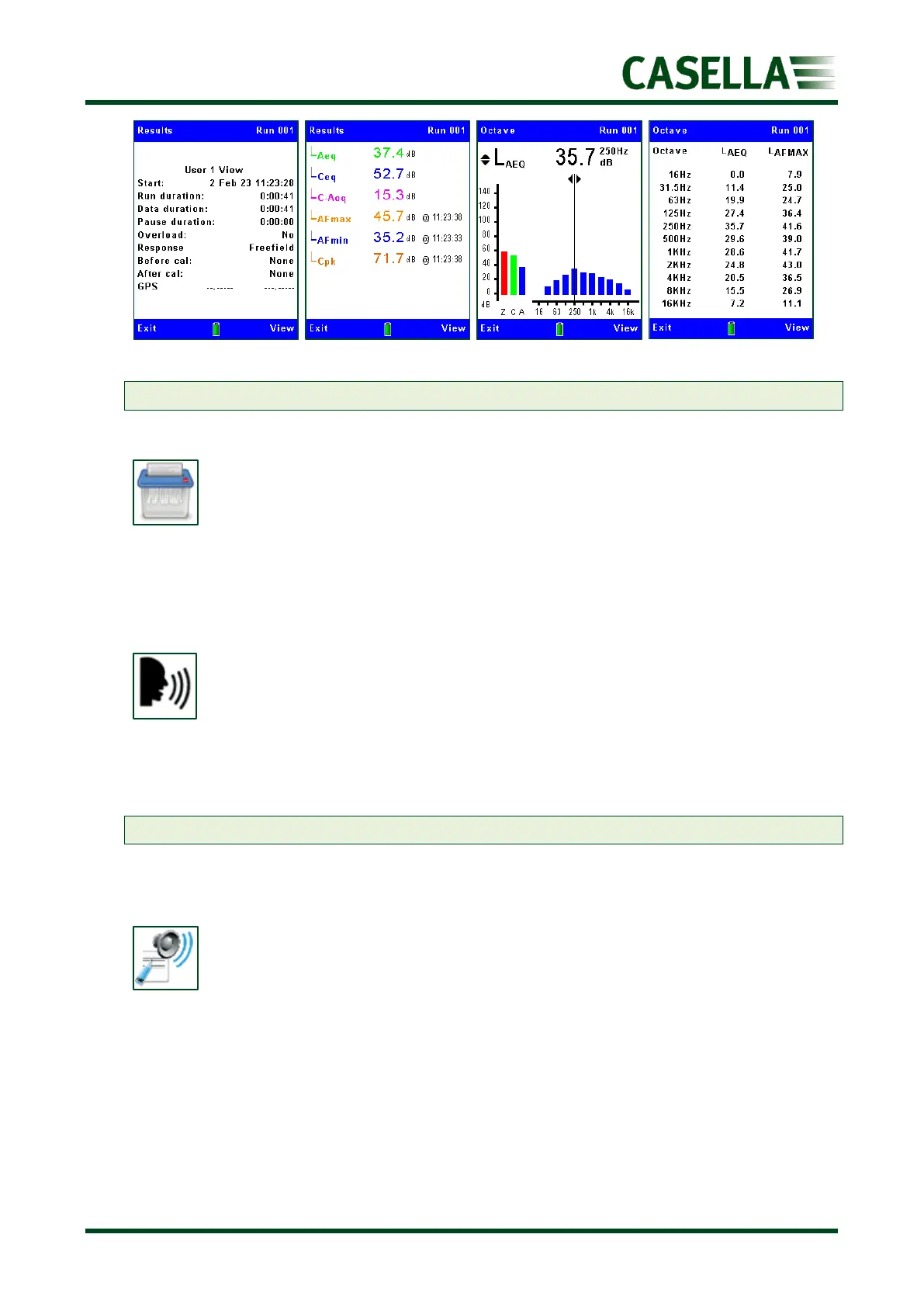
Note: The Octave screens are only available on ‘B models’.
Delete
Use the or navigation keys to highlight an individual date to be deleted, or all the
stored runs to date, and press the corresponding Select soft key. You will be asked to
confirm that you want to delete or otherwise.
Record Voice Notes
This is a similar function to that shown in the Measurement Screens sections (figure 7) and
allows you to retrospectively add (or edit) voice notes.
Note: Pressing REC will relace an existing voice note.
Event data audio
This allows you to listen to recorded voice notes using headphones connected to the Audio
Jack socket shown in the Connectivity section (figure 29). Press to replay.



 To Next Page