Chapter 4: Conics Application 117
Using G-Solve Menu Commands
When multiple solutions are obtained by a G-Solve command, only one solution is displayed at a time. For
example, executing [Analysis] - [G-Solve] - [Focus] for an ellipse that has two foci will display only one focus
at a time. In a case such as this, use the left and right cursor keys (or tap the left and right graph controller
arrows) to cycle between the available solutions.
u To determine the focus of the parabola x = 2(y – 1)
2
– 2
1. On the Conics Editor window, input the conics equation and then tap ^ to graph it.
• Here, input the parabolic equation
x = 2(y – 1)
2
– 2.
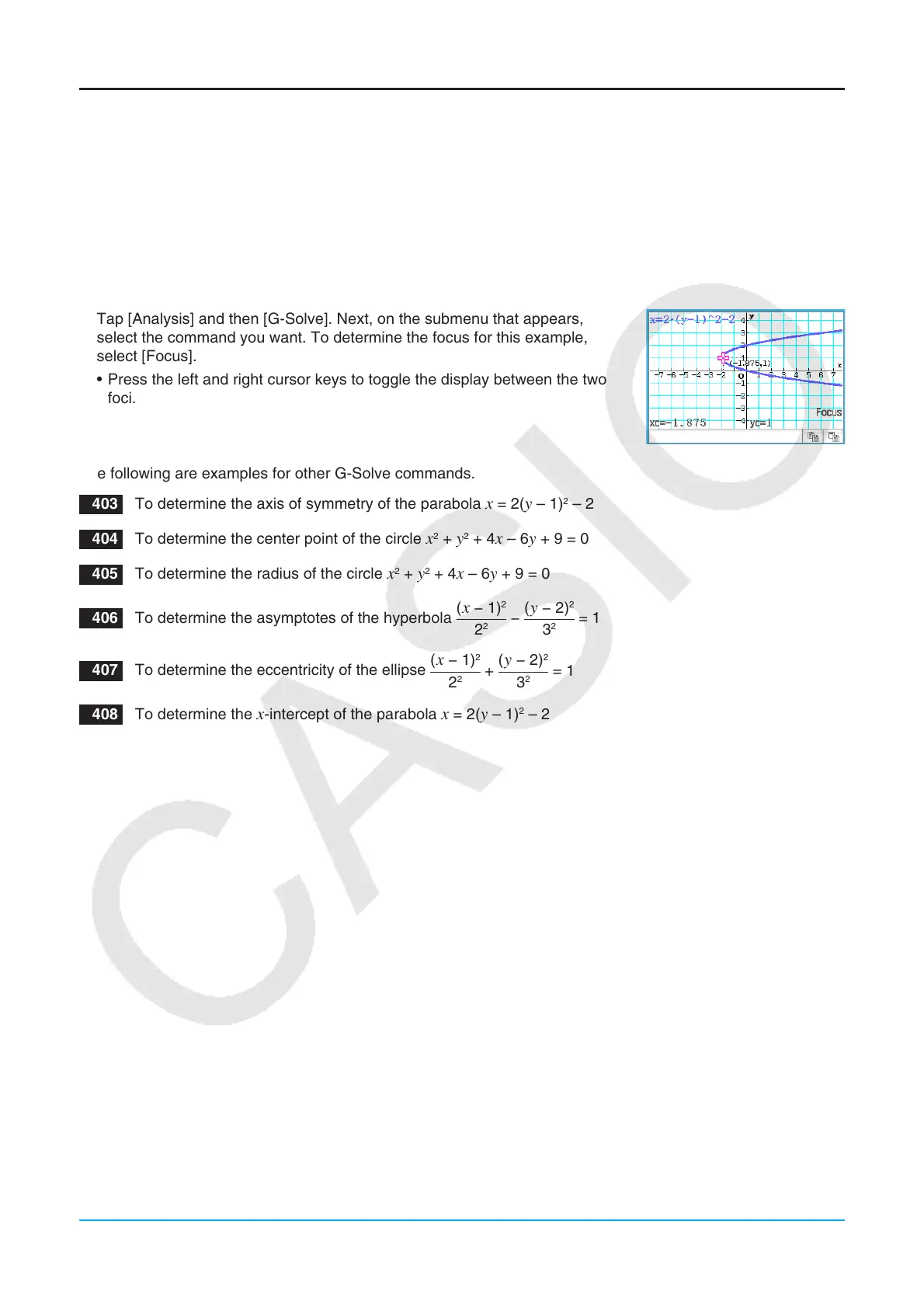
2. Tap [Analysis] and then [G-Solve]. Next, on the submenu that appears,
select the command you want. To determine the focus for this example,
select [Focus].
• Press the left and right cursor keys to toggle the display between the two
foci.
The following are examples for other G-Solve commands.
0403 To determine the axis of symmetry of the parabola x = 2(y – 1)
2
– 2
0404 To determine the center point of the circle x
2
+ y
2
+ 4x – 6y + 9 = 0
0405 To determine the radius of the circle x
2
+ y
2
+ 4x – 6y + 9 = 0
0406 To determine the asymptotes of the hyperbola
− = 1
(
− 1)
2
2
2
(
− 2)
2
3
2
0407 To determine the eccentricity of the ellipse
+ = 1
(
− 1)
2
2
2
(
− 2)
2
3
2
0408 To determine the x-intercept of the parabola x = 2(y – 1)
2
– 2















 To Next Page