Chapter 2: Main Application 69
Using the List-Create Submenu
The [List][Create] submenu contains commands that are related to creating lists.
u seq [Action][List][Create][seq]
Function: Generates a list in accordance with a numeric sequence expression.
Syntax: seq (Exp, variable, start value, end value [,step size] [ ) ]
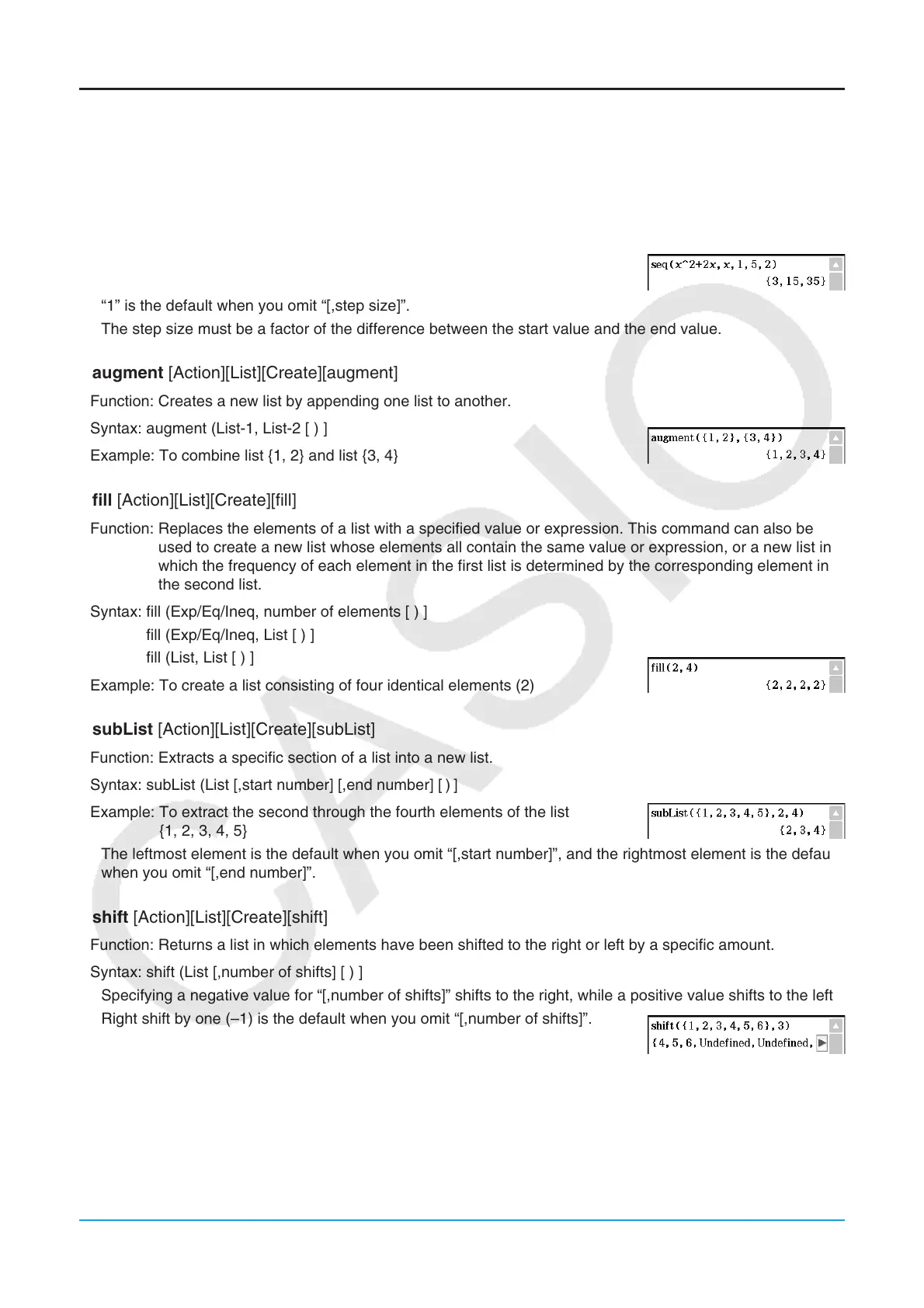
Example: To generate a list in accordance with the expression
x
2
+ 2x
when the start value is 1, the end value is 5, and the step size is 2
• “1” is the default when you omit “[,step size]”.
• The step size must be a factor of the difference between the start value and the end value.
u augment [Action][List][Create][augment]
Function: Creates a new list by appending one list to another.
Syntax: augment (List-1, List-2 [ ) ]
Example: To combine list {1, 2} and list {3, 4}
u fill [Action][List][Create][fill]
Function: Replaces the elements of a list with a specified value or expression. This command can also be
used to create a new list whose elements all contain the same value or expression, or a new list in
which the frequency of each element in the first list is determined by the corresponding element in
the second list.
Syntax: fill (Exp/Eq/Ineq, number of elements [ ) ]
fill (Exp/Eq/Ineq, List [ ) ]
fill (List, List [ ) ]
Example: To create a list consisting of four identical elements (2)
u subList [Action][List][Create][subList]
Function: Extracts a specific section of a list into a new list.
Syntax: subList (List [,start number] [,end number] [
)
]
Example: To extract the second through the fourth elements of the list
{1, 2, 3, 4, 5}
• The leftmost element is the default when you omit “[,start number]”, and the rightmost element is the default
when you omit “[,end number]”.
u shift [Action][List][Create][shift]
Function: Returns a list in which elements have been shifted to the right or left by a specific amount.
Syntax: shift (List [,number of shifts] [ ) ]
• Specifying a negative value for “[,number of shifts]” shifts to the right, while a positive value shifts to the left.
• Right shift by one (–1) is the default when you omit “[,number of shifts]”.
Example: To shift the elements of the list {1, 2, 3, 4, 5, 6} to the left by three







 To Next Page