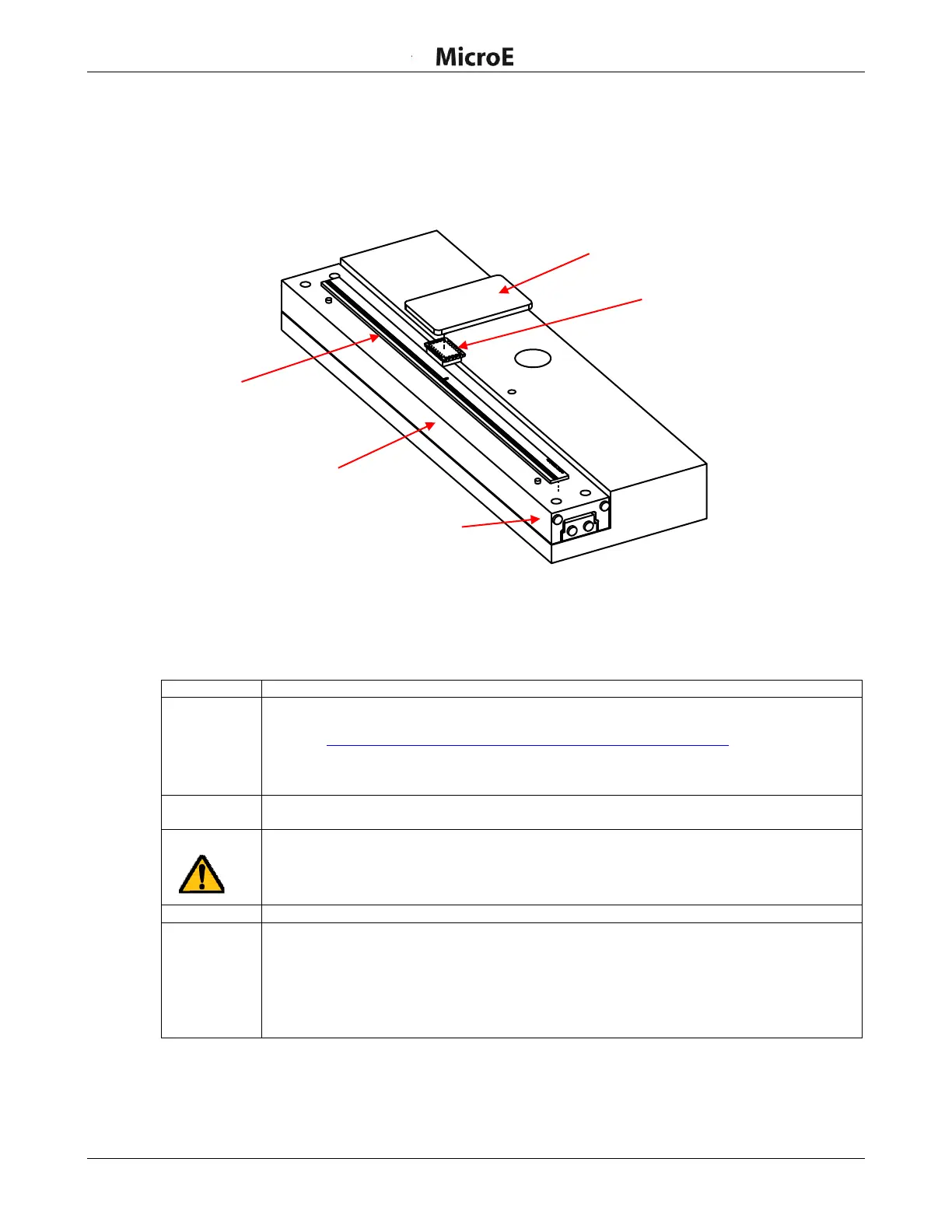
ChipEncoder Installation
IM-ChipEncoder-Series-Rev. 2 Page 11 ©2022 Celera Motion
ChipEncoder Series
Installation Manual and Reference Guide
4.2 Mounting the ChipEncoder
Refer to the ChipEncoder interface drawings for more details for installation.
4.2.1 Linear Scale Installation
Note: The linear glass scale must be installed before installing the ChipEncoder.
Note: The encoder may be powered during this procedure.
Perform the following steps to install the ChipEncoder.
Install the ChipEncoder on a printed circuit board (PCB) to the electrical and mechanical
specifications listed in the ChipEncoder interface drawings, which are available on the MicroE
website: http://www.microesystems.com/resource/product-documentation.
Refer to Section 4.1 Mounting Orientation and Tolerances when installing the encoder to
the PCB.
Attach the scale to the linear stage. Refer to the datum on the interface drawings for either
end or center index orientation.
Attach the scale to the slide using adhesive. Follow the steps in Section 5.0 Linear Glass
Scale Installation for alternative methods. Be sure that the grating surface of the scale faces
the sensor.
Caution: Damage can result from the ChipEncoder contacting the grating.
Apply power to encoder if not already powered on.
ChipEncoder outputs can be viewed using a digital oscilloscope. See Section 7.2 Output
Signals Descriptions for the A, B, and Index Window signals. The ChipEncoder should not
require additional alignment as long as the PCB and mechanical components have been
fabricated and assembled according to the mechanical dimensions and tolerance specified in
the applicable interface drawings.
Go to Section 4.3 Encoder Alignment for additional details for alignment.



 To Next Page