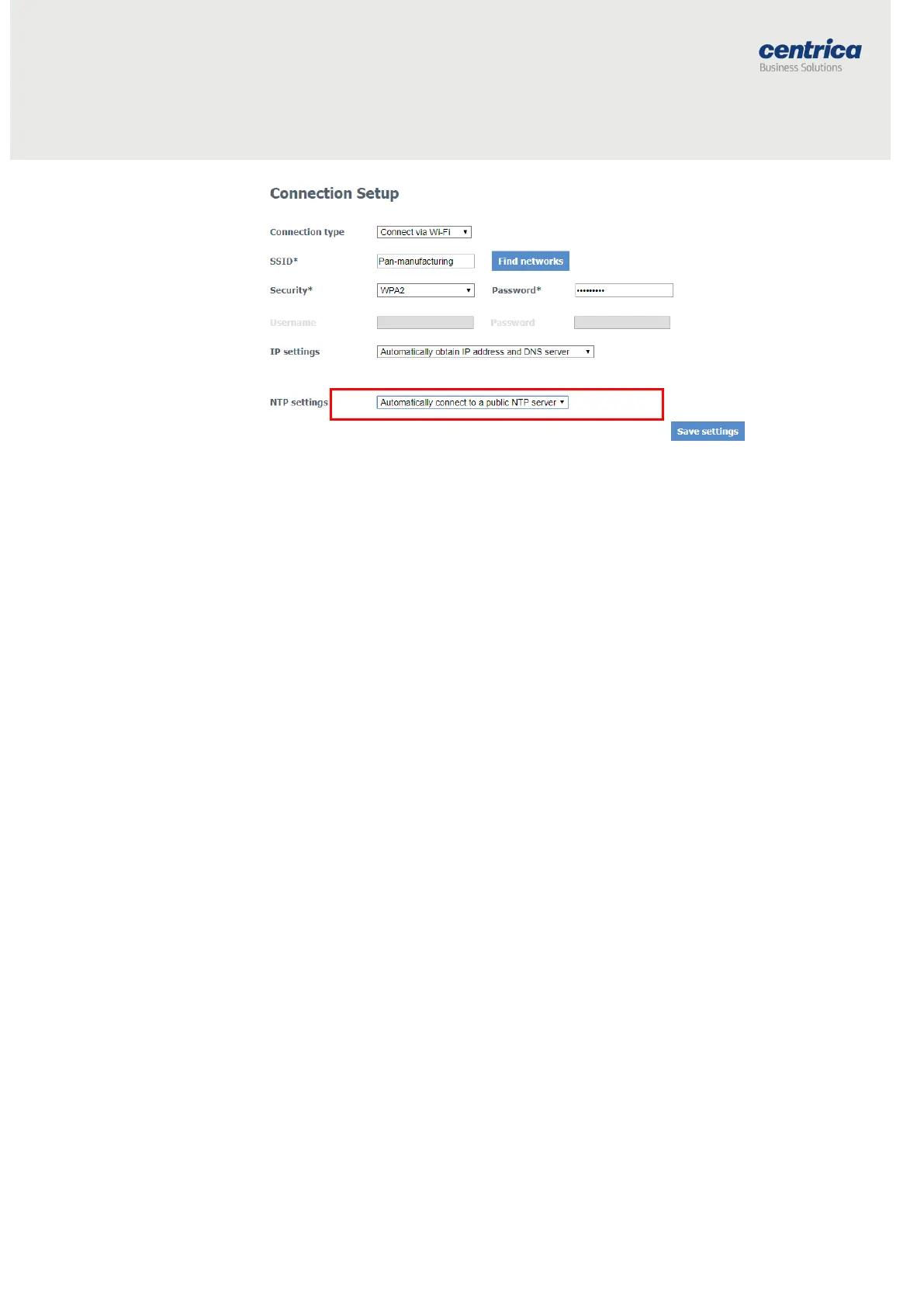
The list of predefined publicly accessible NTP servers that the bridge uses is:
time.nist.gov
time2.google.com
europe.pool.ntp.org
0.europe.pool.ntp.org
1.europe.pool.ntp.org
asia.pool.ntp.org
north-america.pool.ntp.org
south-america.pool.ntp.org
africa.pool.ntp.org
nist.netservicesgroup.com
Configuring the Pulse Inputs
If you connect the bridge to a meter’s pulse output, you will need to enable the
pulse inputs in the bridge configuration.
Prerequisites
Have the pulse outputs connected to the pulse input connectors on the side of
the bridge.
How to Proceed
1. In the Pulse Input tab, select the checkbox next to the pulse input
you want to enable
2. Make sure the measurement frequency in the Send Interval field is
set to 1 or 5 minutes – this interval is the sending time to the server
based on the time the meter sent its data.
3. The bridge counts the pulses automatically. The counters update
every 10 seconds.



 To Next Page