Notes
• With the latest firmware versions (411 and above), users can choose
the connection mode and the URL is automatically configured.
• For older firmware versions, the DNS should be provided manually,
please make sure to type the address correctly and avoid spaces.
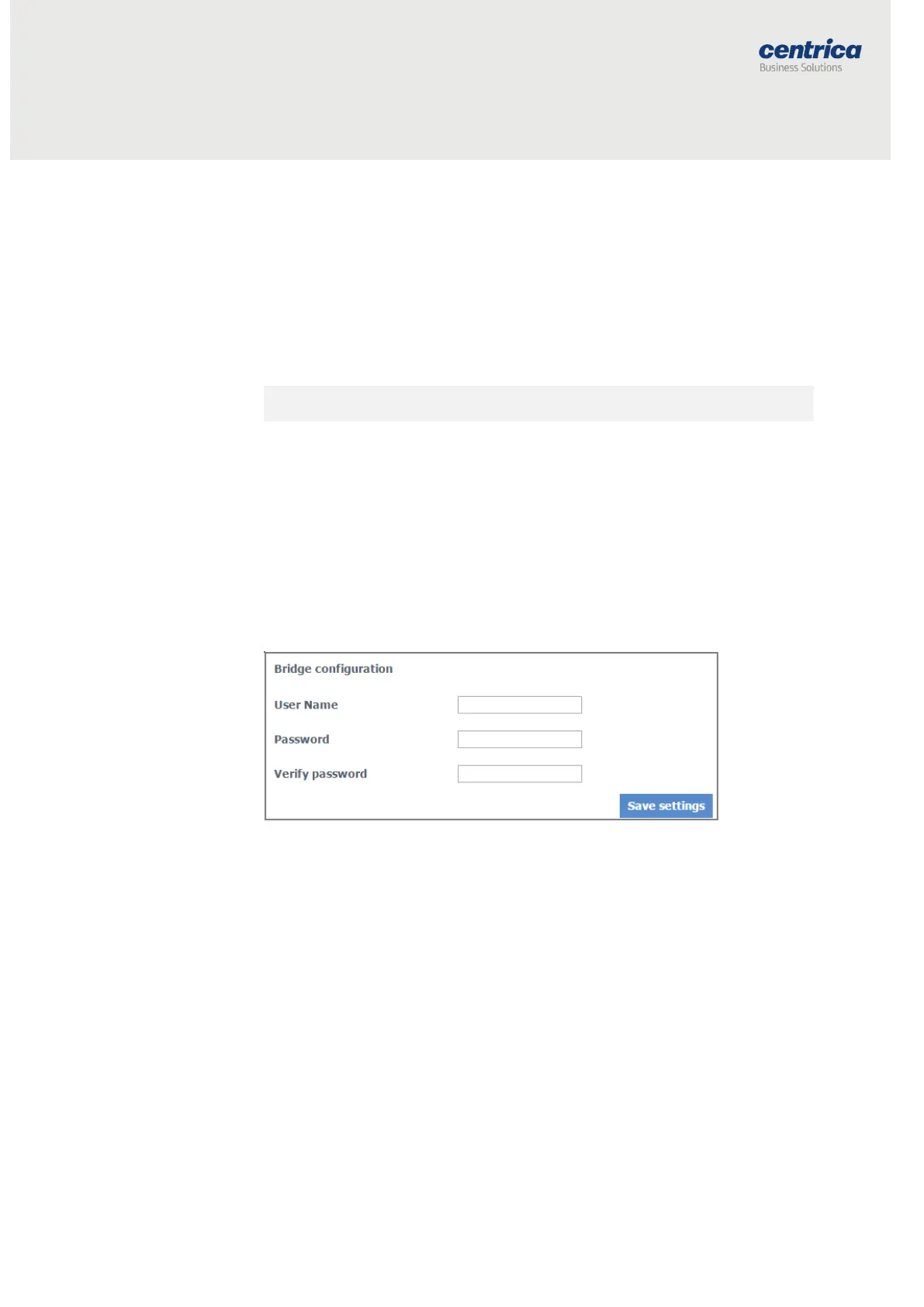
Modifying the Default Credentials for the Bridge Web Interface
You can change the default username and password required to access the
bridge configuration and Diagnostics pages.
How to Proceed
1. Access the bridge web interface.
2. Select Administration.
3. Enter the new User Name and Password (up to 15 characters for
each).
4. In the Verify password field, enter the new password again.
5. Select Save settings.
Resetting the Bridge Configuration to Factory Defaults
Important Restoring to factory defaults will erase all of your connection
settings!
How to Proceed
1. Access the bridge web interface.
2. Select Administration.
3. Click Reset to factory default at the bottom of the page.
4. At the prompt, click OK.



 To Next Page