4. Type: ipconfig.
5. If the default gateway is 10.0.0.13, you can connect the computer to
the bridge. If not, type ipconfig /release.
6. After the operation is done, type: ipconfig/renew. Then type: telnet
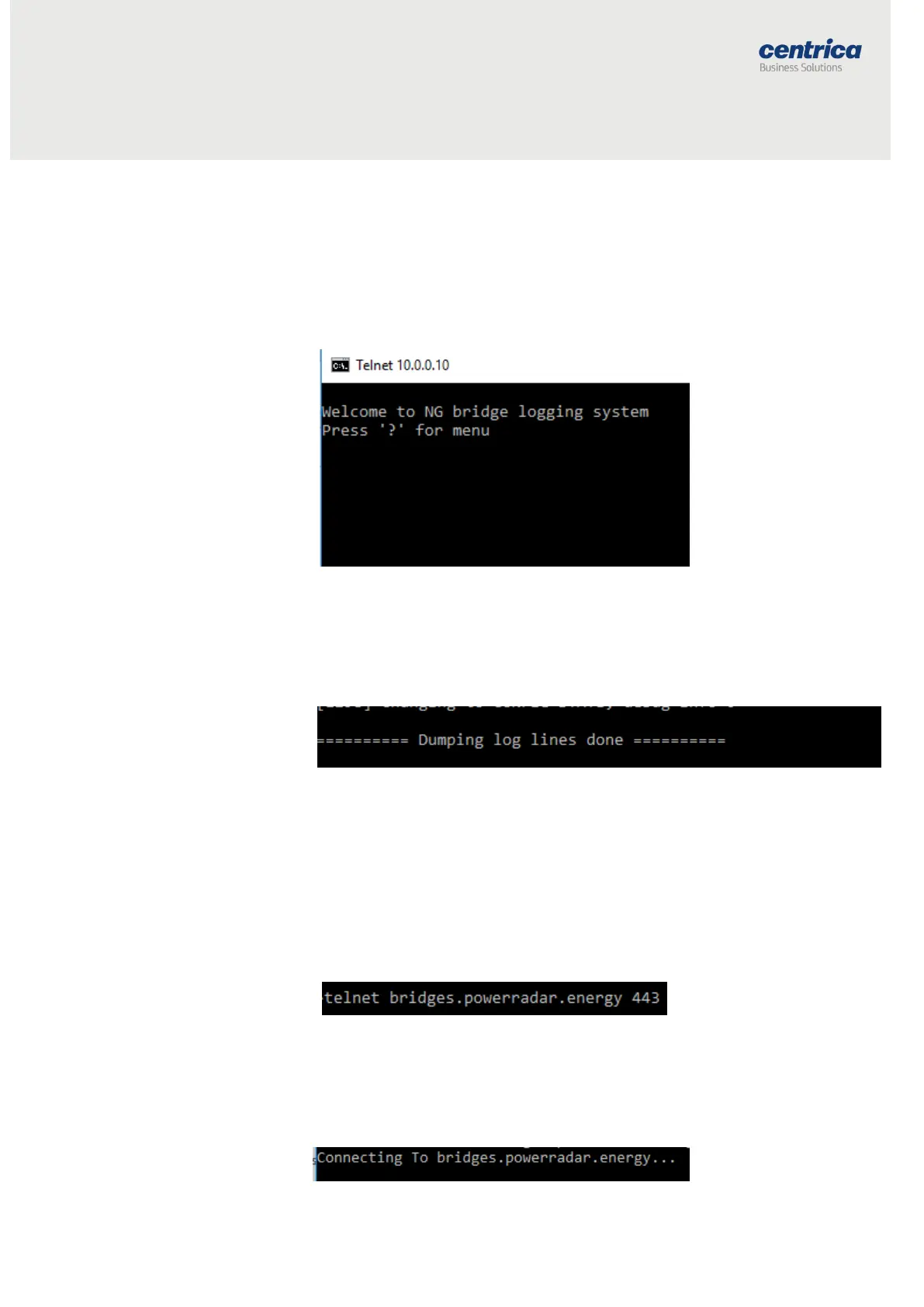
10.0.0.10.
7. You will see the following screen:
8. Click ‘d’ (lowercase only as this is case-sensitive).
9. The log history will be printed on the terminal until this row appears:
10. Copy the log by right-clicking on the CMD, and then Edit → Select
All → Ctrl C, and copy the information to a Notepad or Word file
and send the file to PowerRadar Support.
Frequently Asked Questions
How can I check if the bridge can connect to the Panoramic server?
1. Take a laptop and connect it to the same network as the bridge.
2. Open the cmd terminal and type:
3. If you enter a black empty screen, this means you can reach this URL
from this network.
4. If you do not enter a black empty screen and instead you see , it
means there is likely a problem in the firewall.



 To Next Page