26
Vu :
Your Smart Linux TV Player
+
Vu User Manual
+
� Channel Scanning
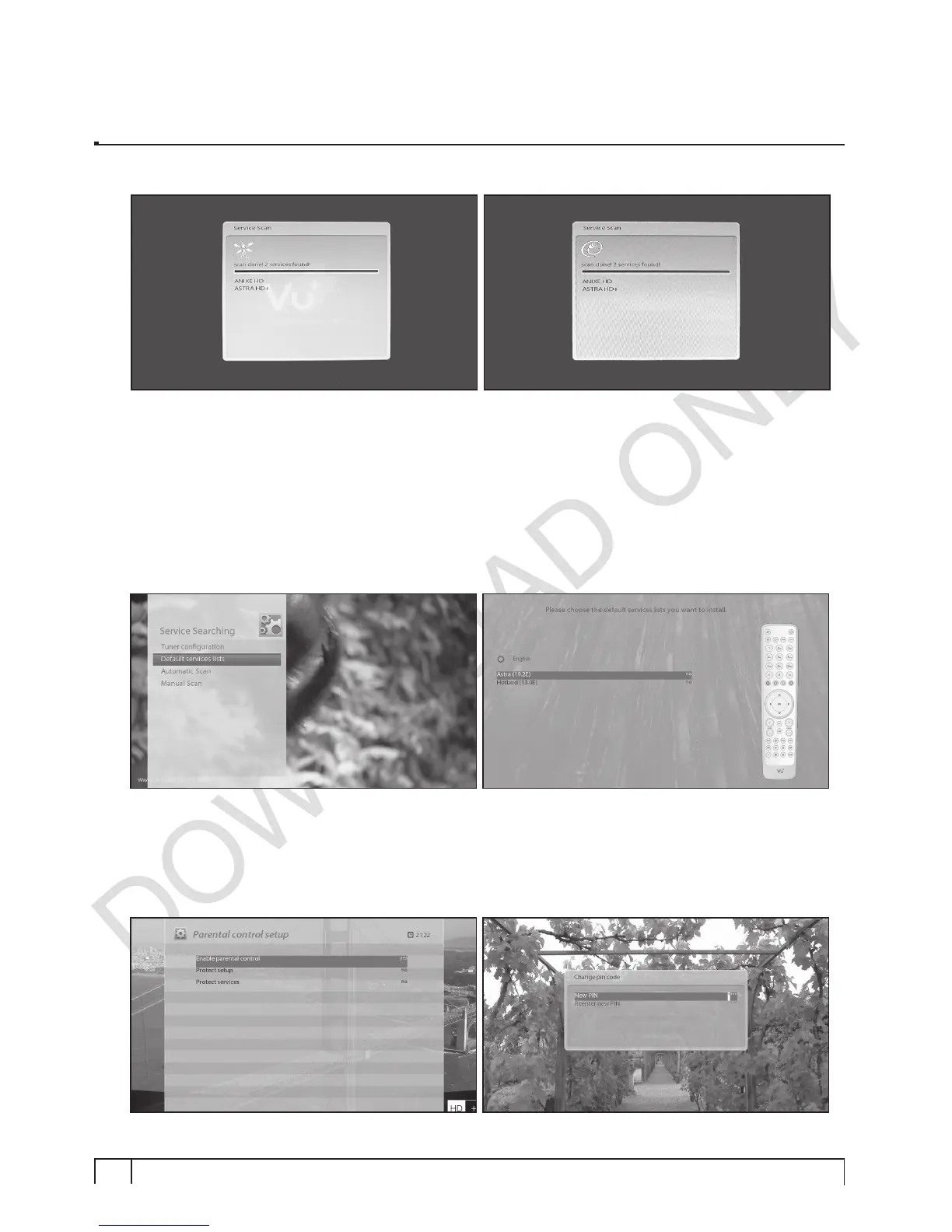
The scanned channels will be displayed if the previous configurations have been done correctly.
Step 3. Installing Default Satellite List
Here you will be asked whether you want to install the default satellite lists. Press
OK
and the following
image appears:
Step 4. Parental Control Option
Here you can choose whether to enable the parental control option. If you press
OK
, you will be asked to
enter PIN number


 To Next Page