31
Vu User Manual
+
9
SNR
(Signal to Noise Ratio) : Signal Level
10
AGC
(Automatic Gain Control) : Signal Strength
11
GREEN
: to call up Subservices, if available
12
Audio
: to display available audio tracks.
13
Extensions
: to call up a Picture in Picutre.
14
A
: The tuner being used for the current channel.
7. Channel List (Channel Selection Menu)
[
i
: Press
/ , CHANNEL / key]
If press
UP/DOWN
key, this will activate
Channel Selection
Menu as below.
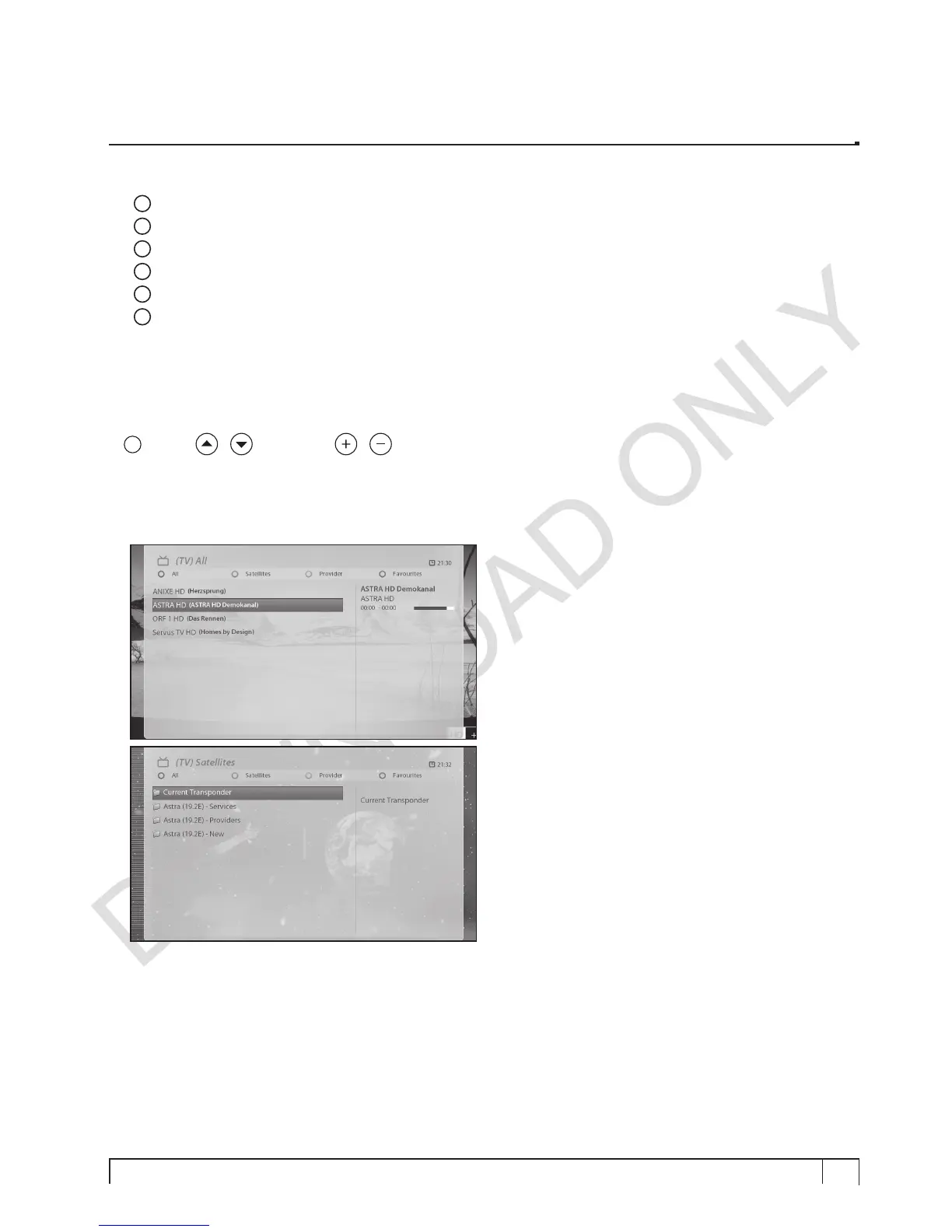
Four types of the channel lists are available to help you manage your channel selection.
•
RED
displays the list of all scanned channels.
•
GREEN
displays the list of all scanned satellites.
Per each satellite, channels are arranged according
to
Services
,
Provider
, and
New
.


 To Next Page