61
Vu User Manual
+
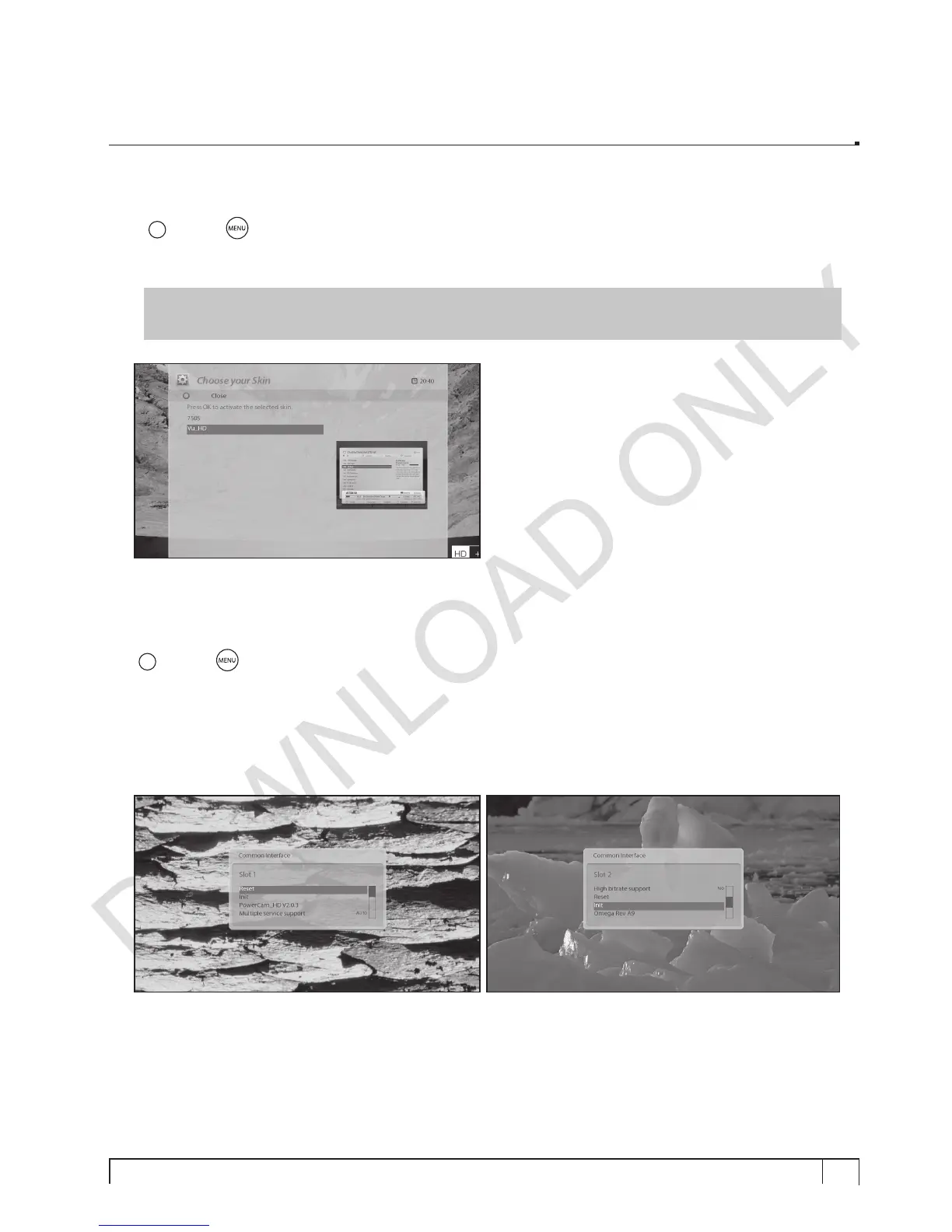
H. Skin Change
[
i
: MENU
> Setup > System > Skin]
Vu+ is a Linux based set top box and there are a lot of Skins available for Linux set top box. Using this
menu, you can use a different Skin other than the default one.
NOTE :
It takes some minutes since the change of Skin requires a complete system shutdown.
Please wait patiently until the system reboots with a newly selected Skin.
2-3. Checking CAM
[
i
: MENU
> Setup > Common Interface]
To be able to watch CAS channels, you need to have a proper CAM and a Smartcard. Vu+ is integrated
with two Common Interface slots. If you have two CAM modules and keep them inserted in your Vu+, it
will reduce the trouble of changing CAM.
If you have inserted one or two CAMs, you can check the information of the inserted CAMs, through this
menu as below:


 To Next Page