62
Vu :
Your Smart Linux TV Player
+
Vu User Manual
+
2-4. Parental Control
[
i
: MENU
> Setup > Parental Control]
If you want to prevent certain channels from being accessed by others, you can do so using this menu.
1
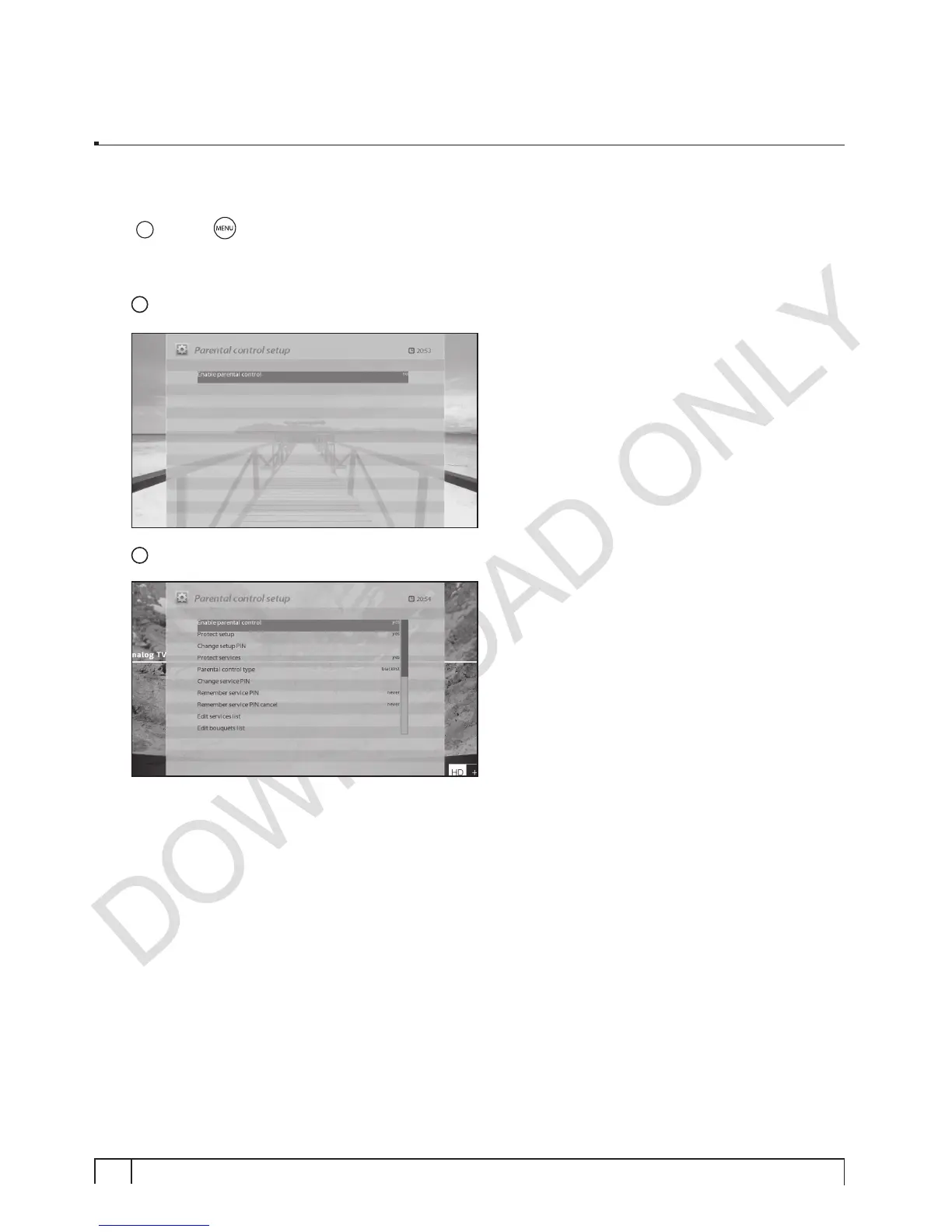
Go to Parental Control menu by pressing MENU > Setup > Parental Control.
2
Set the parental control option at
YES
using
LEFT/RIGHT
key. The menu will change as below.


 To Next Page