29
Vu User Manual
+
5. Teletext
[
i
: Press TELETEXT key]
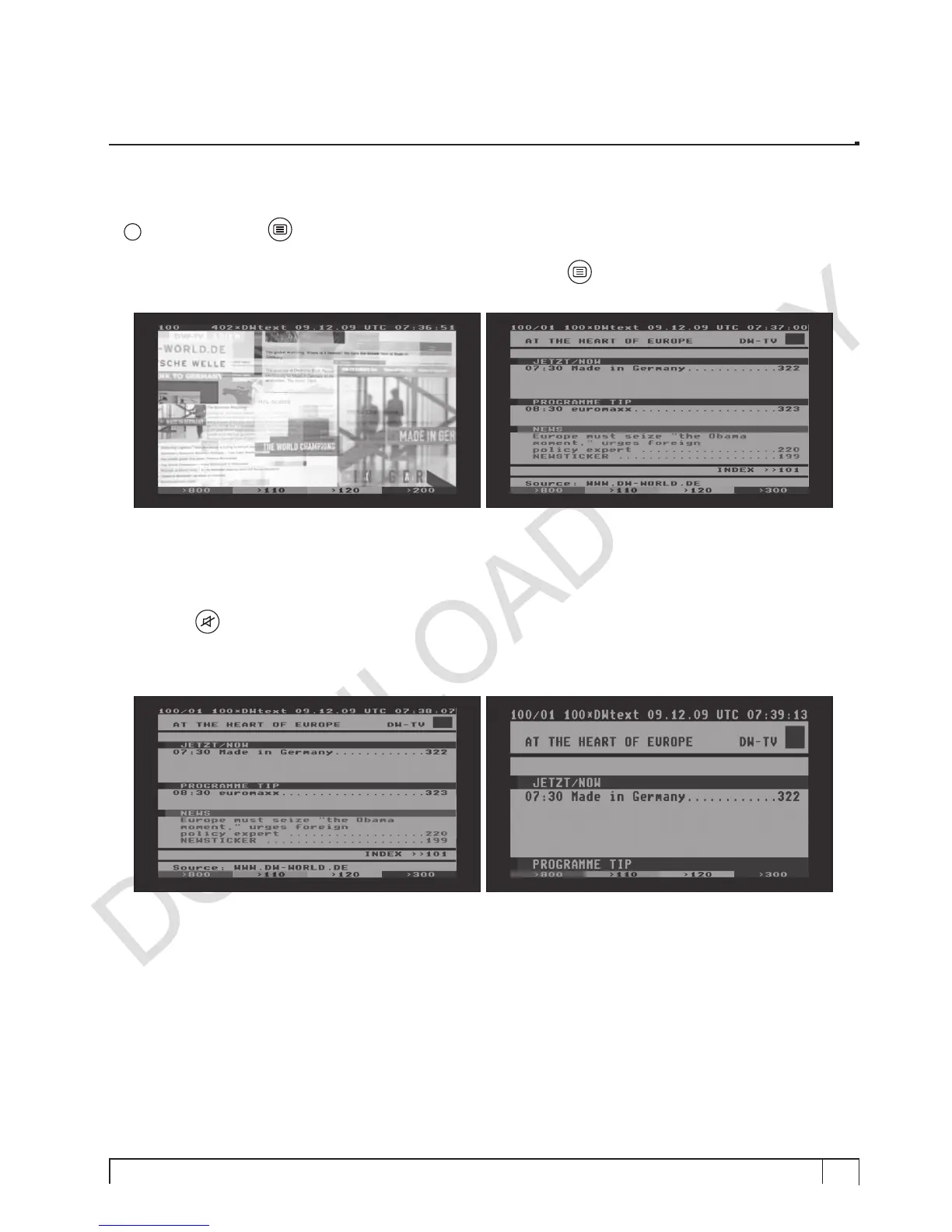
You can call up Teletext information by pressing
TELETEXT
key (
). It will take some time to load all the
information.
You can navigate through the Teletext page by using
UP/DOWN
key to select a text page. Also, just simply
enter the page number that you want to read.
•
MUTE
key
Once you activated Teletext, you can toggle between the live mode and the Teletext page by pressing
MUTE (
) key instantly. In this case, loading of the Teletext page takes place instantly.
•
VOLUME +
If you want to enlarge the page, press
VOLUME +
key.


 To Next Page