39
Vu User Manual
+
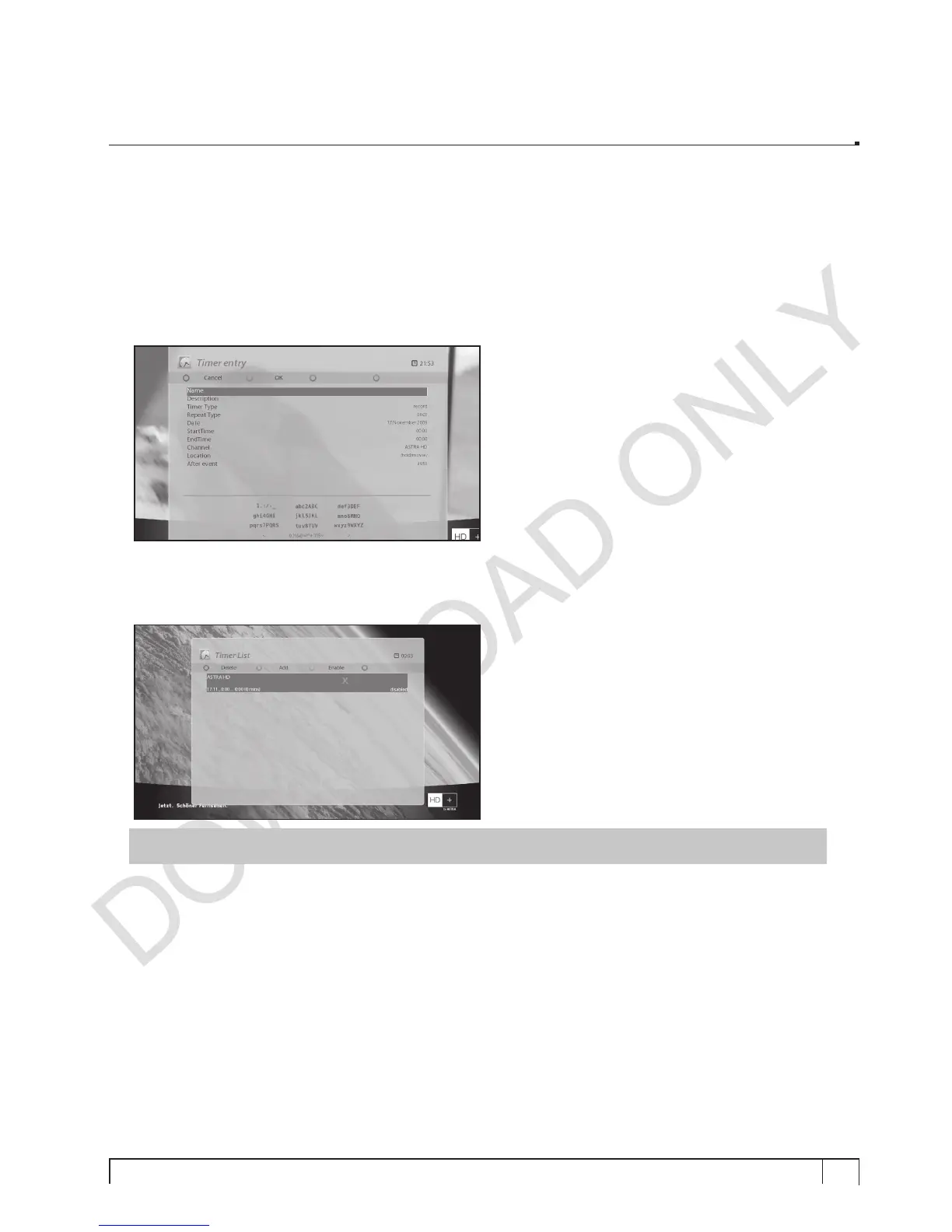
In this menu, color keys are assigned for each different function.
- RED (Delete)
This option is used to delete a timer.
- GREEN (Add)
This option is used to add a timer.
- YELLOW (Disable)
This option is used to disable the timer and X mark will appear.
NOTE :
if you want to enable the disabled timer, press
YELLOW
again.



 To Next Page