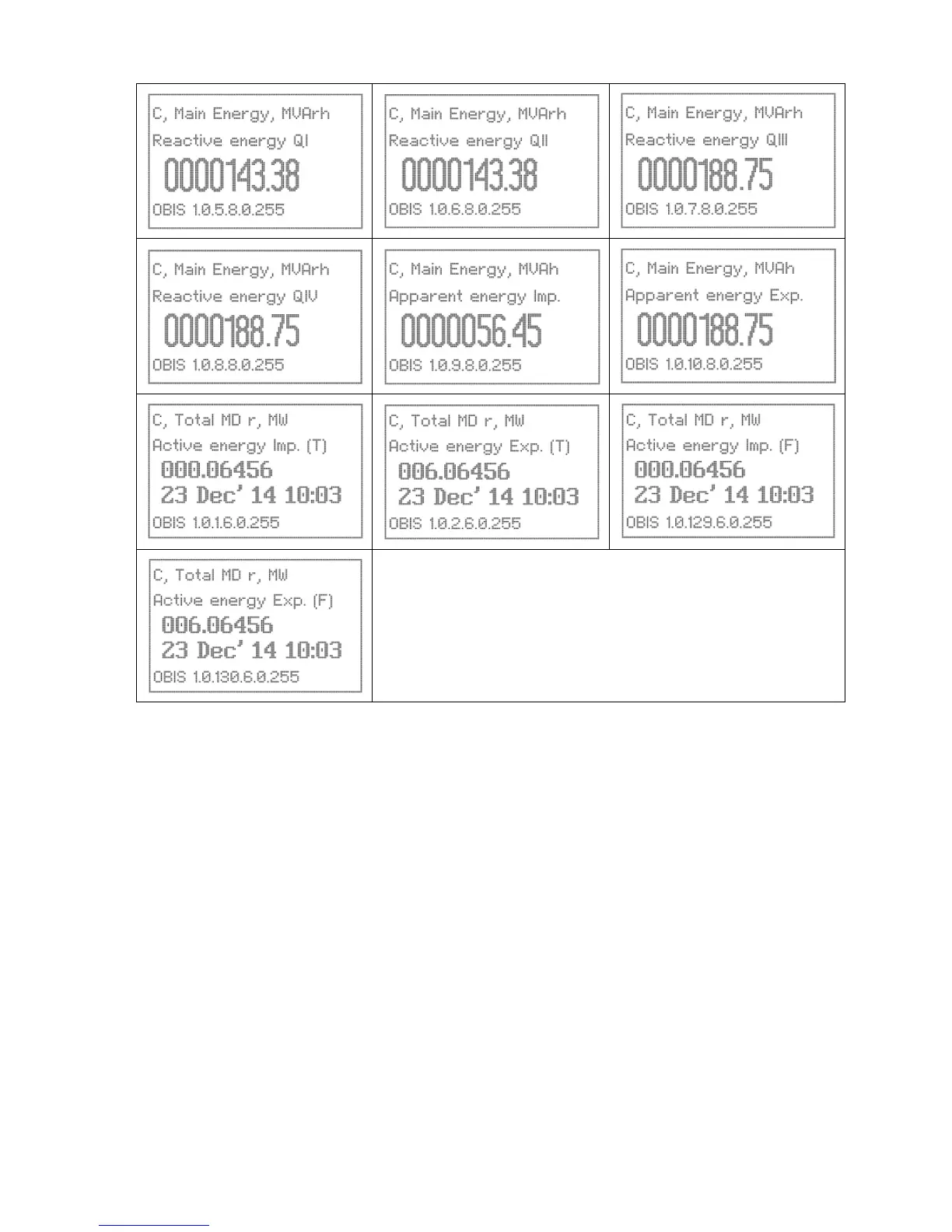
Note:
‘T’ stands for Total (Fundamental with harmonics)
‘F’ stands for Fundamental
‘C’ stands for Current
‘MD’ stands for Maximum Demand
6.2 Manual
Display parameters are grouped in to a number of pages. Each page parameters can be individually selected. A
considerable number of parameters can be assigned in manual mode.
Display Groups
The display is arranged into groups for easier navigation.
• Fixed Display Page: Fixed default displays (not configured by tariff)
• User Configurable Pages: User selected parameters. Page name can also be configured. Up to 7 pages
can be configured.
• Favourite: These are selected from the user configurable pages and up to 20 parameters can be
selected in the field.
• Configuration: Configuration page for Metrological LED, Display time out, Delete Favourite page
displays, Reset Battery time, Meter Constant, MODBUS and language configuration.


 To Next Page