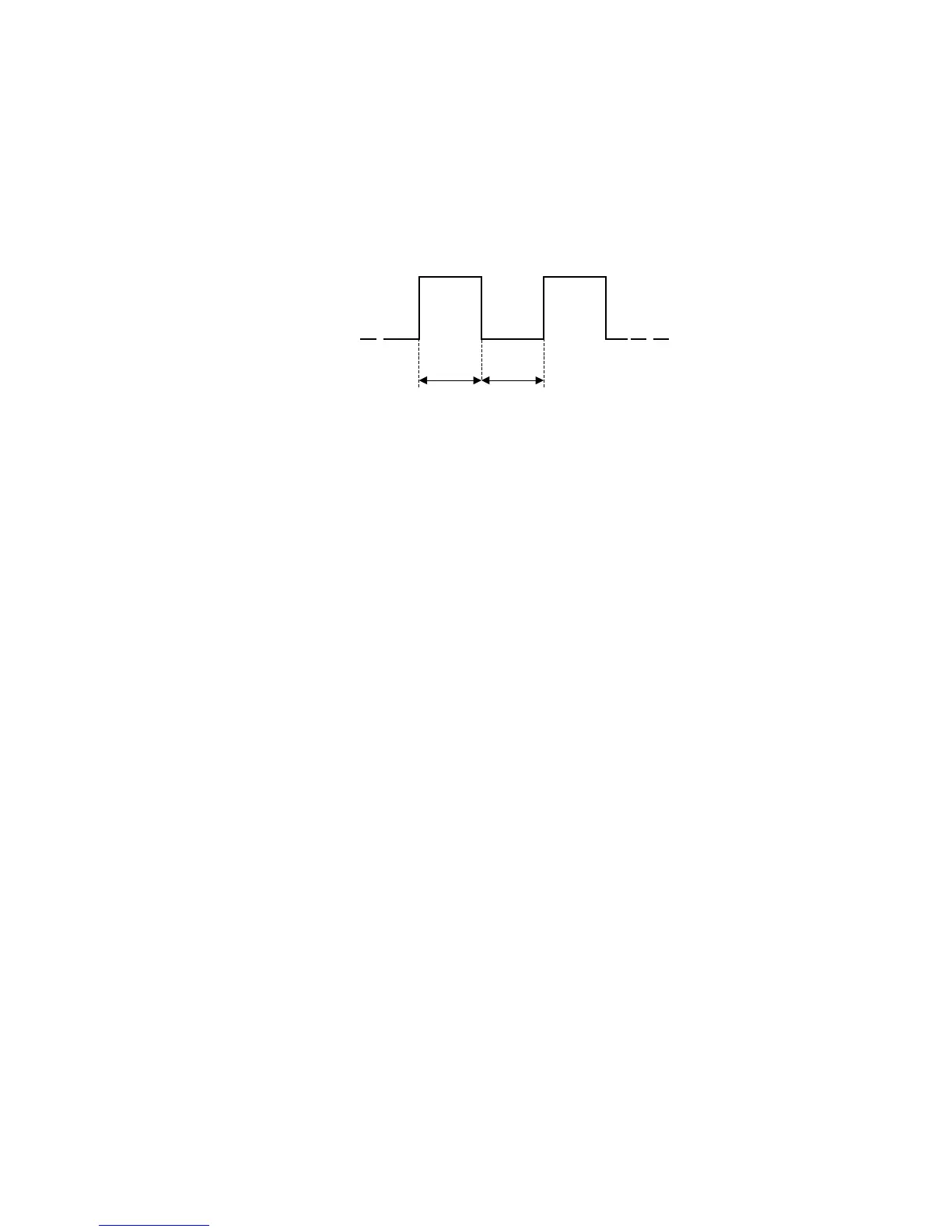
Maximum pulse frequency at outputs is limited so that the gap is at least as long as the pulse length.
• Long Pulse output
The output is used to generate long pulse whose length is between 2 to 15 seconds. By default, the
pulse length is set as 10 seconds. The long pulse output is used for the following functions:
o MD Register Change
On switching the MD registers, the output generates a long pulse.
o Rate Register Change
On switching the Rate registers, the output generates a long pulse.
o Billing Action
On performing billing action, the output generates a long pulse.
o DIP Start
At the start of a set demand integration period, the output will go active for the configured pulse
length before returning to the inactive state. See the section Maximum demand (pg. 47).
• Remote control
With this function, the output can be made active or inactive by sending commands to the meter via the
DLMS/PACT protocol. This function can be used to control anything that can be controlled with a digital
relay output. For this, it is also necessary that the Data communication be configured to enable remote
control.
• State Output
o MD Register
With this function, the output remains active or inactive for the time zones during which the
selected MD registers are activated.
o Rate Register
With this function, the output remains active or inactive for the time zones during which the
selected Rate registers are activated.
o Alarm output
When an output is set to function as an alarm output, one of the user-defined alarms can be
chosen to indicate at the output. When an alarm occurs, the output switches to active, and
when the alarm state ceases, the output returns to inactive. In the section Alarms (pg. 45), user-
defined alarms are described and how they can be configured.
Note that the outputs are inverted via firmware. If the meter loses its auxiliary power, the relay will open,
regardless of it is inverted or not.


 To Next Page