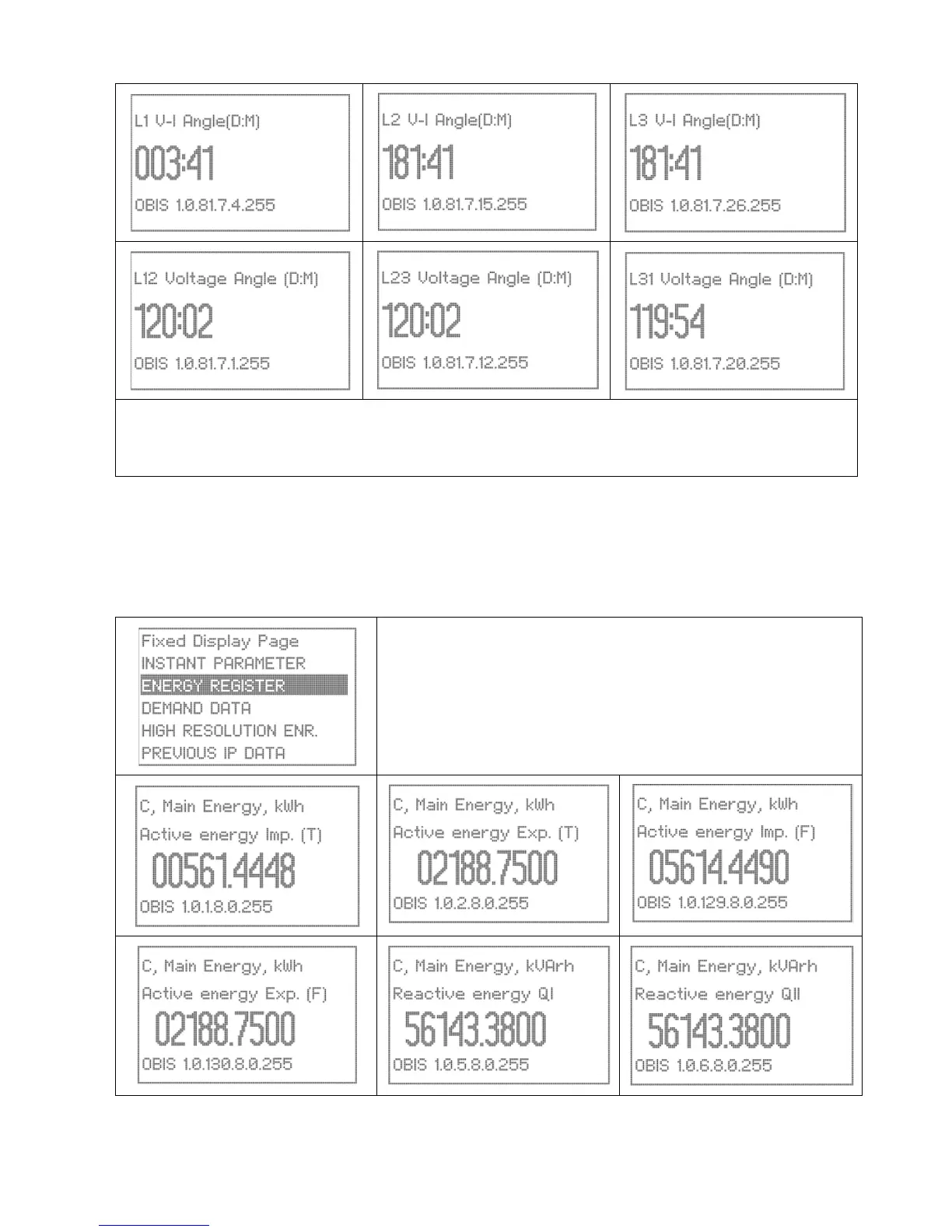
Energy Registers
In this example the user defined page has been configured to view the energy registers and an appropriate
page title has been chosen for easy identification. Always choose a user friendly and self-explanatory name for
your titles. We have used “Energy Register” for our title example.
Use the Up/Down buttons to scroll to the Energy Registers page. The
selection will be highlighted.
Press the Enter button to open the page.
Use the Up/Down buttons to scroll within the page and view the various
screens.


 To Next Page