EasyManua.ls Logo

Chamberlain CSL24U - User Manual

Chamberlain CSL24U
56 pages
Print Icon
To Next Page IconTo Next Page
Loading...
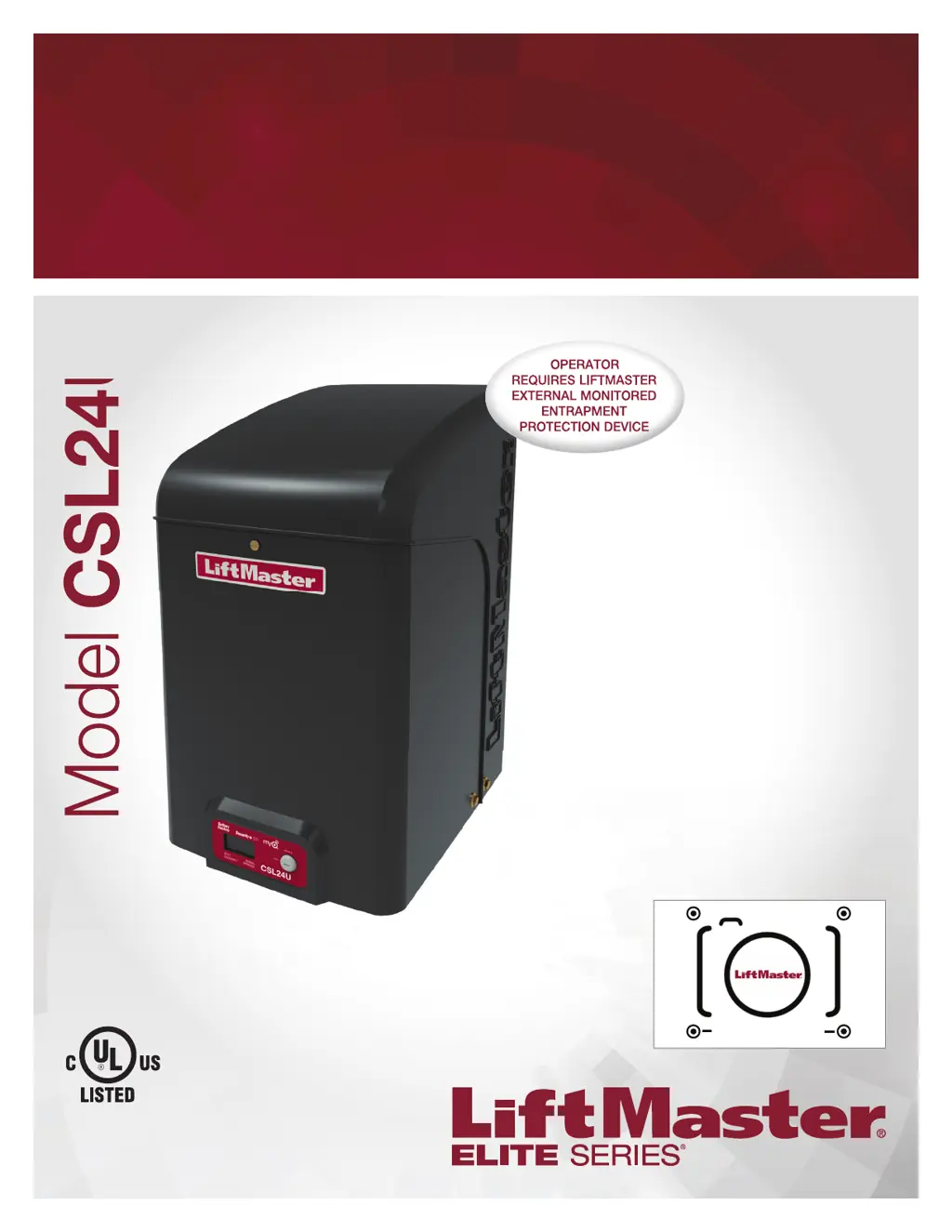
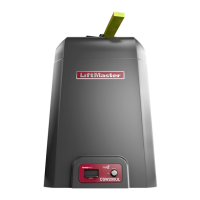
COMMERCIAL DC
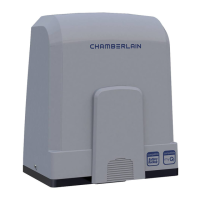
VEHICULAR SLIDE GATE OPERATOR
Model CSL24U
INSTALLATION MANUAL
THIS PRODUCT IS TO BE INSTALLED
AND SERVICED BY A TRAINED GATE
SYSTEMS TECHNICIAN ONLY.
This model is for use on vehicular
passage gates ONLY and not intended for
use on pedestrian passage gates.
This model is intended for use in Class I,
II, III and IV vehicular slide gate
applications.
Visit LiftMaster.com to locate a
professional installing dealer in your area.
This gate operator is compatible with
MyQ
®
and Security+ 2.0
®
accessories.
LiftMaster
300 Windsor Drive
Oakbrook, IL 60523
PHOTOREGISTER
SM
CSL24UTECH

Questions and Answers

  • T
    tiffany31Aug 30, 2025
    How to resolve a constantly flashing battery status LED on a Chamberlain Garage Door Opener?
    • A
      Amanda MercerAug 30, 2025
      A constantly flashing battery status LED on your Chamberlain Garage Door Opener indicates a battery backup charging circuit error. To resolve this, replace the logic board.
  • L
    lwilkinsAug 25, 2025
    What to do if my Chamberlain Garage Door Opener won't close and the light bulbs are flashing?
    • G
      Gregory BestAug 25, 2025
      If your Chamberlain Garage Door Opener won't close and the light bulbs flash, it typically indicates an issue with the safety sensors. Here's what to check: * Ensure the safety sensors are installed and properly connected. * Inspect the sensor wires for any cuts or damage. * Look for shorts or reversed wiring at all staple and connection points, and replace or correct as needed. * Realign the sensors to ensure both LEDs are steady and not flickering. Also, confirm that nothing is obstructing the sensor's path.
  • D
    Dakota SanchezAug 31, 2025
    What to do if I need to scroll through saved codes on my Chamberlain CSL24U Gate Opener?
    • N
      Natalie JosephAug 31, 2025
      To scroll through the saved codes on your Chamberlain Gate Opener, press the OPEN button to cycle to the most recent code, which will be labeled as "01".
  • M
    Megan MendozaSep 1, 2025
    What to do if Chamberlain Gate Opener stops during travel and reverses immediately?
    • C
      Cheryl HawkinsSep 1, 2025
      If your Chamberlain Gate Opener stops and reverses immediately, consider these potential solutions: * Use the Diagnostic code to identify the issue. * Inspect the gate's path for obstructions. Remove the arm and move the gate manually to ensure it moves freely. Remove any obstructions or repair the gate if needed. * Check all Entrapment Protection Device inputs for an active sensor. * Check all Open and Close inputs for an active input. * Check all vehicle detector inputs for an active detector. * Ensure the battery voltage is 22.0 Vdc or higher by charging the batteries via AC or solar power, or replace them if necessary.
  • D
    dhuynhSep 2, 2025
    Why Chamberlain CSL24U opens, but will not close?
    • K
      Kara GreenSep 2, 2025
      If your Chamberlain Gate Opener opens but won't close, here's what you can check: * Check the DIAGNOSTIC LEDs. * Ensure the Open control is not active. * See if the Close Entrapment Protection Device is active. * Check for an active Vehicle loop detector. * Consider a Loss of AC power with AC FAIL set to OPEN. * Check for a Low battery with LOW BATT set to OPEN. * Verify that the Fire Dept input is not active.
  • B
    Brian SchneiderSep 3, 2025
    What to do if Chamberlain Gate Opener does not respond to a wired control/command?
    • C
      Christopher HuntSep 3, 2025
      If your Chamberlain Gate Opener isn't responding to a wired control or command, consider the following: * Check the DIAGNOSTIC LEDs. * Check the Open and Close command input LEDs. * Ensure the Stop button is not active. * Make sure the Reset button is not stuck. * If running on battery power only, check for low or dead batteries. * Verify that the Entrapment Protection Device is not active. * Check if the Vehicle loop detector or vehicle probe is active. * A defective control board could also be the cause.
  • J
    Jamie WatsonSep 3, 2025
    Why Chamberlain CSL24U Gate Opener relay clicks with command, but motor does not turn on?
    • A
      Allison RichardsSep 3, 2025
      If the relay clicks when you send a command but the motor doesn't turn on for your Chamberlain Gate Opener, check these potential causes: * Check the DIAGNOSTIC LEDs. * Ensure the Reset button is not stuck. * Verify that the Stop button is not active. * If on battery power only, check for low or dead batteries. * Ensure the Open or Close input is not active. * Verify the Entrapment Protection Device is not active. * Check if the Vehicle loop detector or probe is active. * A defective control board could also be the reason.
  • M
    Mary RuizSep 4, 2025
    Why Chamberlain CSL24U does not fully open or fully close when setting limits?
    • W
      William ReevesSep 4, 2025
      If your Chamberlain Gate Opener doesn't fully open or close when setting limits, it could be due to the following: * The arm may not extend or retract enough during travel. * The arm might be interfering with the mounting bracket. * The gate might be too difficult to move.
  • D
    Daniel HansenSep 5, 2025
    Why Chamberlain CSL24U Gate Opener arm moves, but cannot set correct limits?
    • C
      Corey RiosSep 5, 2025
      If the arm of your Chamberlain Gate Opener moves, but you can't set the correct limits, consider these possibilities: * The arm may be jammed or not connected. * There might be a defective motor or motor wires. * The control board could be defective.
  • K
    Kelsey MarshallSep 6, 2025
    What to do if Chamberlain CSL24U Gate Opener alarm sounds for 5 minutes or with a command?
    • T
      Timothy BishopSep 6, 2025
      If the alarm sounds for 5 minutes or with a command on your Chamberlain Gate Opener, check for a cause of entrapment (obstruction) detection and correct it. Press the reset button to shut off the alarm and reset the operator.

Chamberlain CSL24U Specifications

General IconGeneral
Drive TypeChain Drive
Horsepower1/2 HP
Voltage120V AC
Safety FeaturesObstruction Sensing
Remote ControlYes, included

Related product manuals