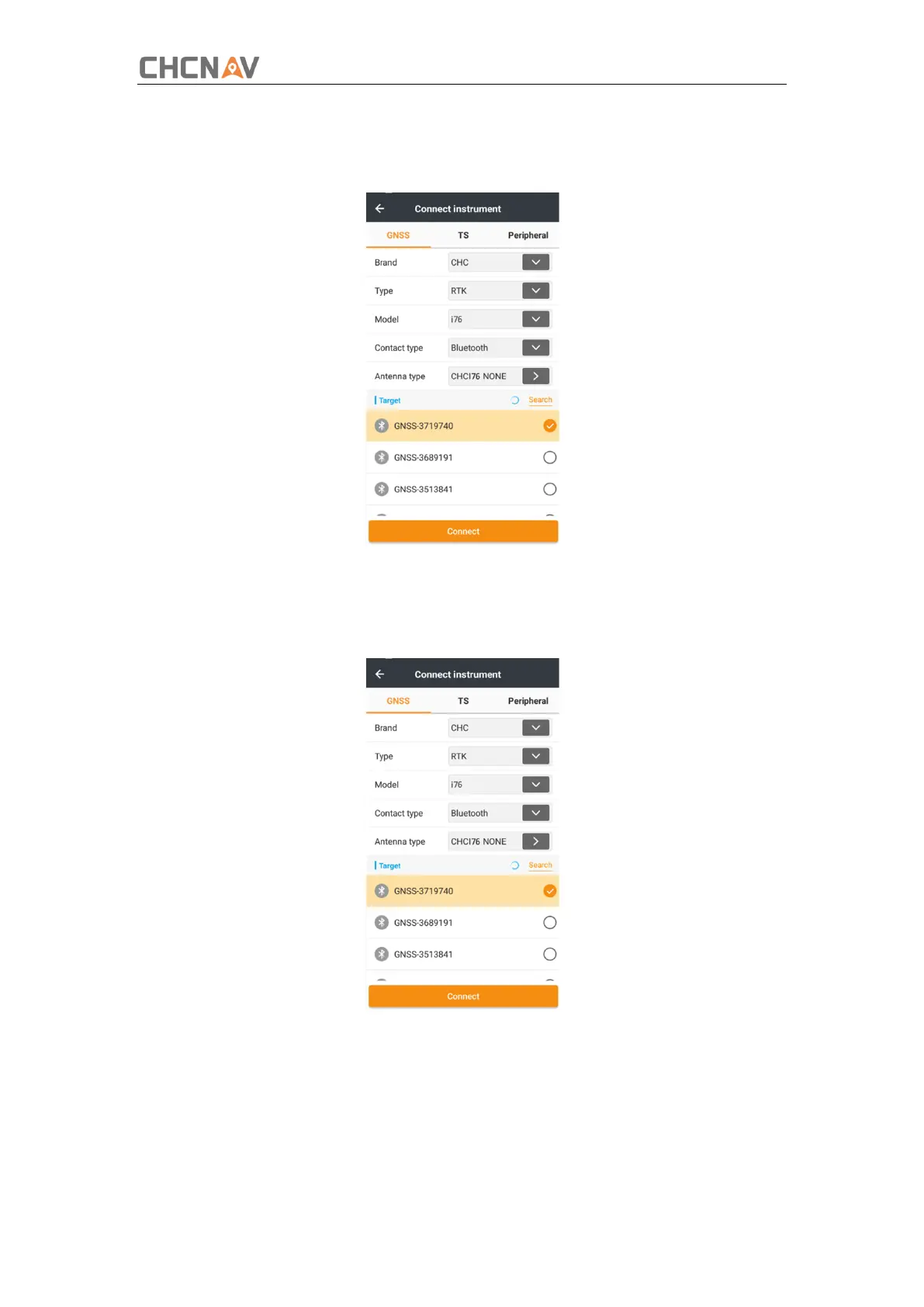
In the Connect screen, select CHC for the Manufacture field, i76 for Device Type field,
Bluetooth for Connection Type field.
Tap the Bluetooth Manager and turn on the Bluetooth function to search Bluetooth
device around → select the target device in the list → Tap back button → select the target
device in the Bluetooth manager list.
Tap the Connect button to build the connection.



 To Next Page