2.6 Downloading Logged Data
Data logging involves the collection of GNSS measurement data over a period at a static
point or points, and subsequent post-processing of the information to accurately compute
baseline information. Data logging using receivers requires access to suitable GNSS post-
processing software such as the CHC Geomatics Office (CGO) Software.
2.6.1 USB Download
The procedures of downloading logged data in the receiver are as follows:
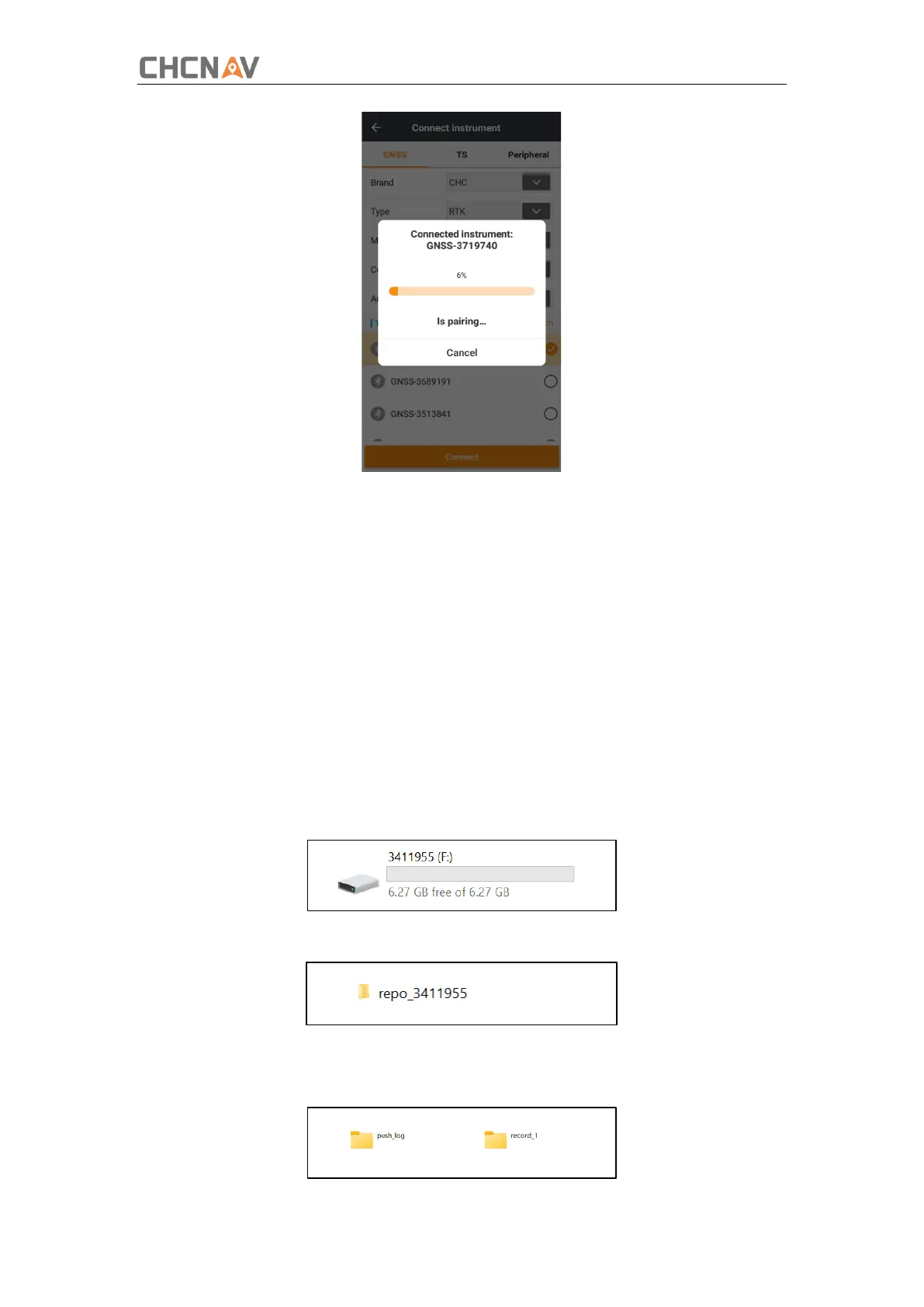
1.Switch on the receiver and connect it with a computer by HCE600 Type-C. After the
successful connection, a removable disk named as the Serial Number (SN) of the receiver will
appear on the computer.
2.Double click the removable disk and you will see the folder named as “repo”.
3.Double click this folder, you will see 2 folders. The “push_log” folder is used to save the
log files, and the "record_1" folders are used for store static data.



 To Next Page