5.Connect the receiver to external storage disk by using USB cable if necessary.
6.Turn on the receiver by pressing the power button for 3 s.
7.Measure the antenna height by using H.I. tape and auxiliary H.I. tool.
To set up the i76 receiver for static recording, we must set up on the controller or a
computer:
(1) Connect the receiver using the controller and then configure the receiver as static
mode in the software
(2) Or connect the receiver with Wi-Fi on the computer and open the 192.168.1.1 URL
for static Settings.
3.2 Real-Time Rover Station Setup
For good performance, the following rover station setup guidelines are recommended:
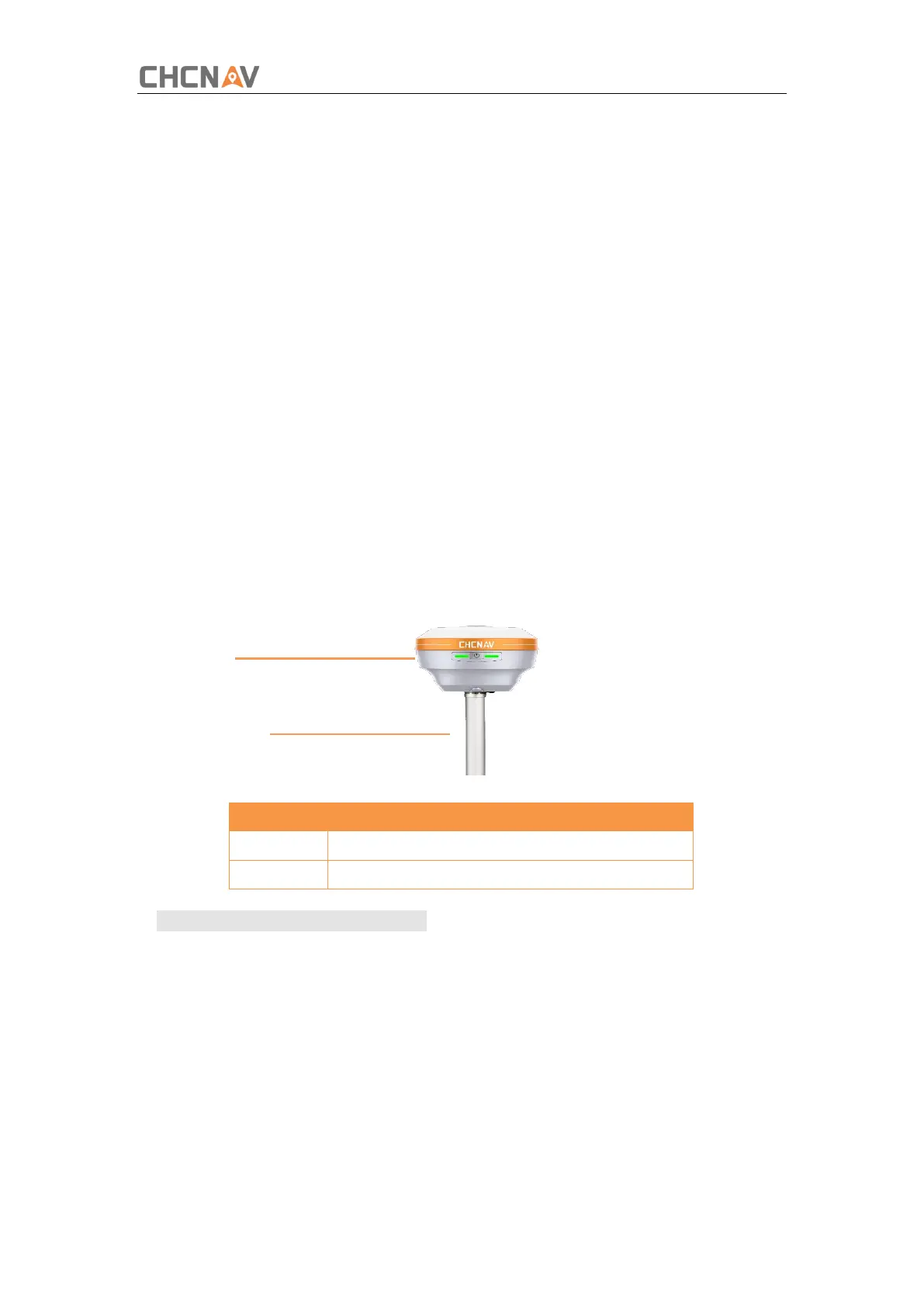
Components:
Note –Keep the receiver fully charged.
If work as a UHF rover station, the UHF whip antenna need to be connected to the
receiver.
1.Turn on the receiver by pressing the power button for 3 s.
2.Switch on the data controller and connect it to the receiver.
3.Use software to configure the receiver as cellular rover or UHF rover mode.
4.Use software to start survey.



 To Next Page