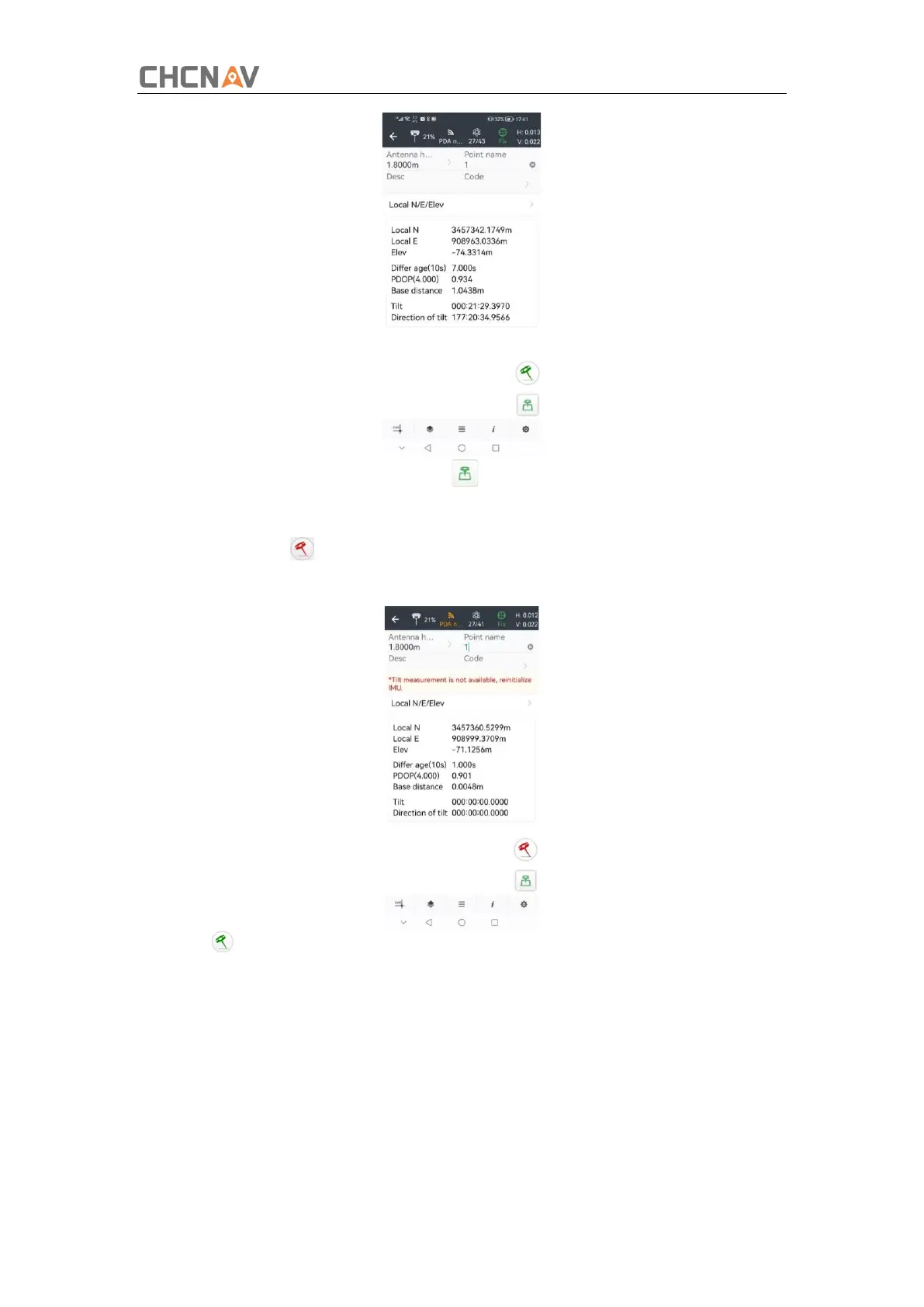
4.Enter the Name and Antenna, then tap , point will be collected and store to Points
automatically.
5.When this icon appears, the text will show “Tilt is not available, please measure in
alignment” at the bottom of interface.
6.Tap to close tilt compensation.
3.3.2 Notes of using tilt measurement
1.At the beginning of initialization, the pole height of the instrument should be the same
as that antenna height in the software.
2.In the process of tilt measurement, if the controller shows that “Tilt is not available,
please measure in alignment” (red), please shake RTK slightly from left to right or back to
front until the reminder disappears.
3.The controller will prompt “Tilt is not available, please measure in alignment” when



 To Next Page