Getting Started with iBase
CHCNAV iBase GNSS USER GUIDE | 2023-2 P a g e | 10
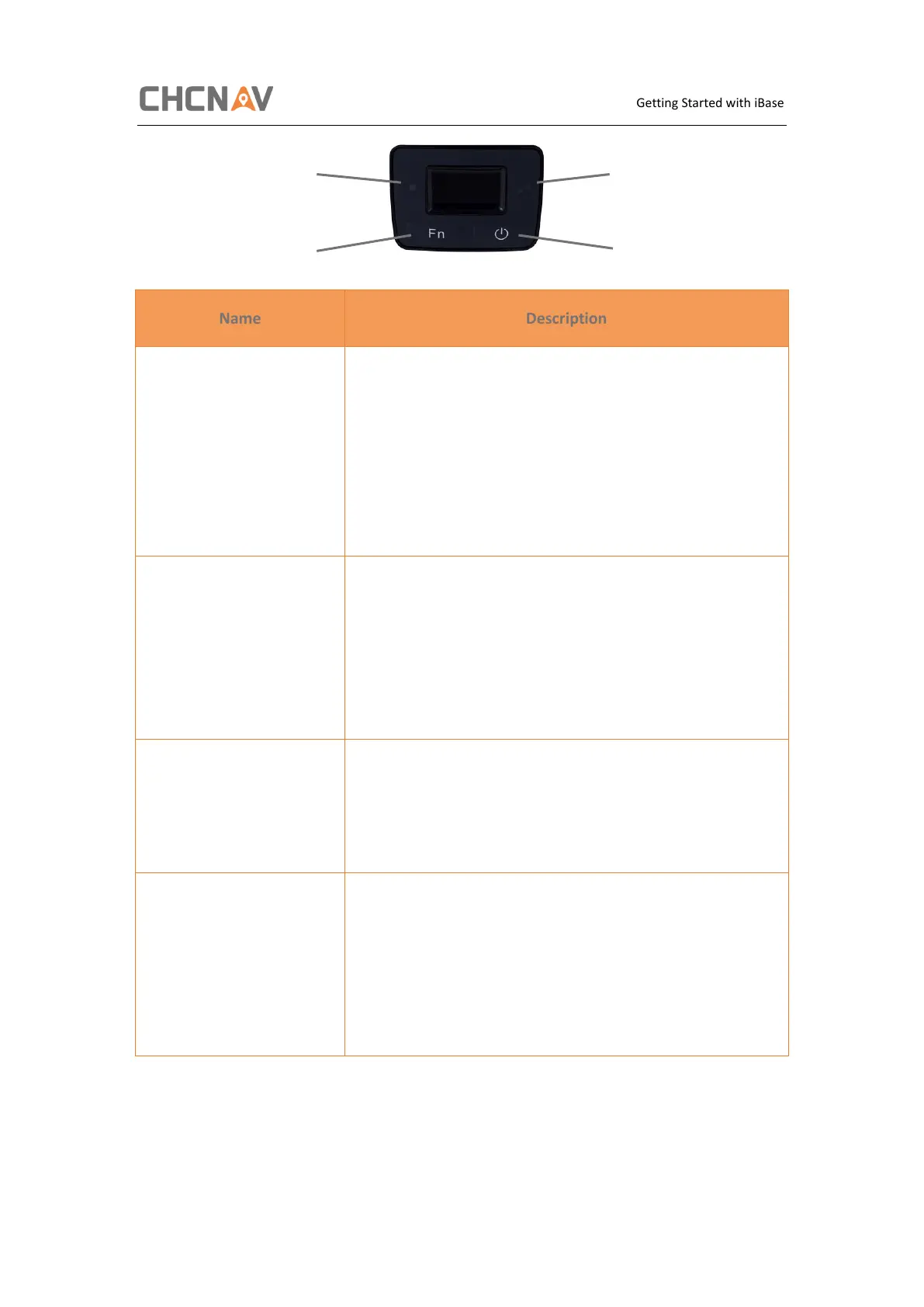
• Indicates whether the receiver is transmitting
differential data.
• The green LED flashes once per second when
As a Base station: successfully transmitting
differential data.
As a Rover station: successfully receiving
differential data from Base station.
• Shows the number of satellites that the receiver
has tracked.
• When the receiver is searching satellites, the blue
LED flashes once every 5 seconds.
• When the receiver has tracked N satellites, the
blue LED will flash N times every 5 seconds.
• Move to next line of the menus or options.
• Move to next character of the value that you
want to make change.
• Cancel the change you make on a function.
• Works as a Power button:
• Press and hold this button for 3 seconds to turn
on or turn off the receiver.
• Works as a Confirm button
• Hold Fn button and press this button for 5 times
continuously to reset the mainboard.



 To Next Page