• This port is a 7-pin LEMO connector that
supports RS-232 communications and
external power input.
• Users can use a 7-pin cable to transmit
differential data to an external radio.
• Connect a radio antenna to internal radio of
the receiver. And this connector is not used if
you are using an external radio.
2.3 Batteries and Power
2.3.1 Internal Batteries
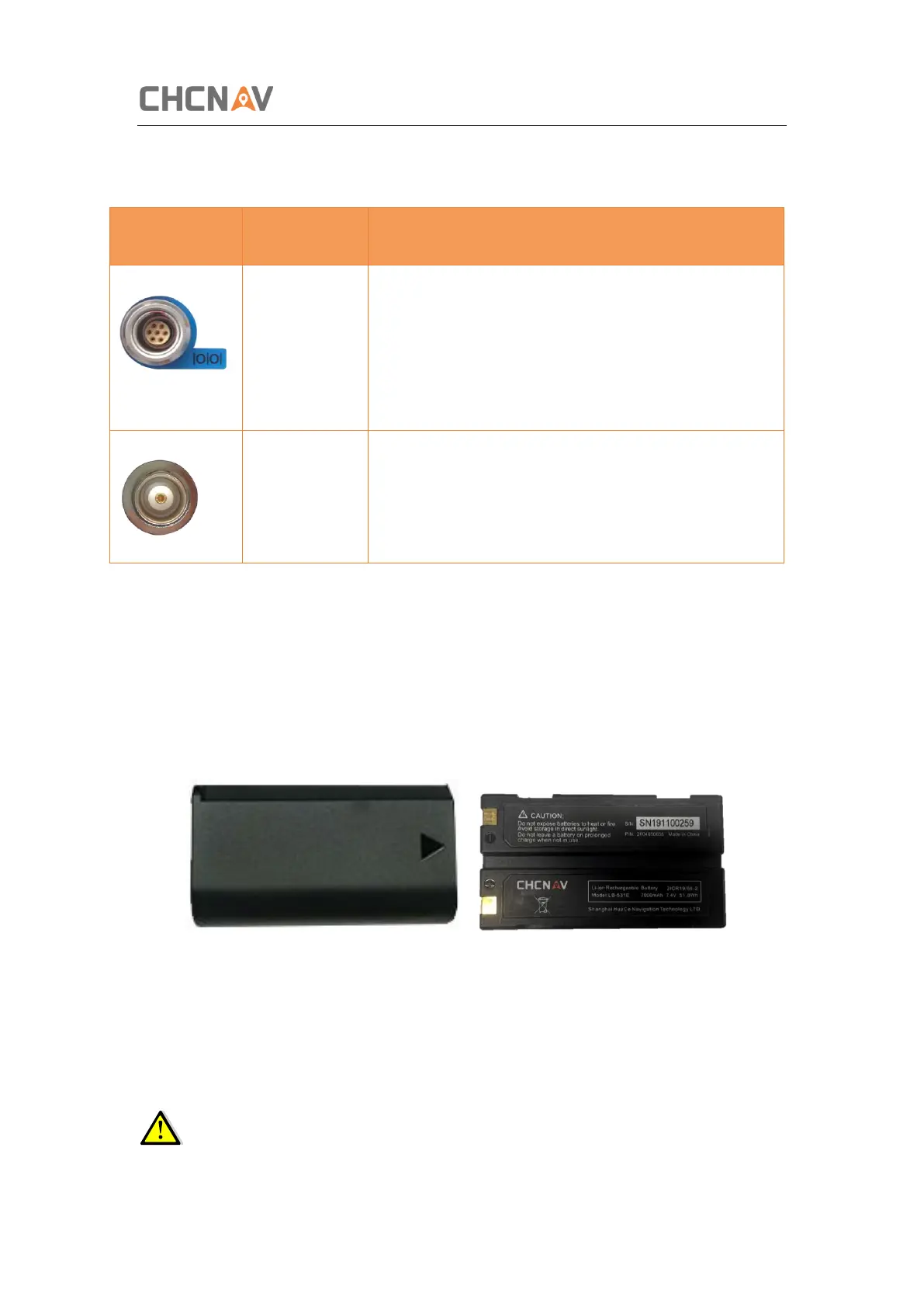
The receiver has two rechargeable Lithium-ion batteries, which can be removed for charging.
2.3.2 Charging the Battery
The rechargeable Lithium-ion battery is supplied partially charged. Charge the battery
completely before using it for the first time. To charge the battery, first remove the battery
from the receiver, and then place it in the battery charger which is connected to AC power.
WARNING – Charge and use the rechargeable Lithium-ion battery only in strict
accordance with the instructions. Charging or using the battery in unauthorized equipment



 To Next Page