Configuring Through a Web Browser
CHCNAV iBase GNSS USER GUIDE | 2023-2 P a g e | 56
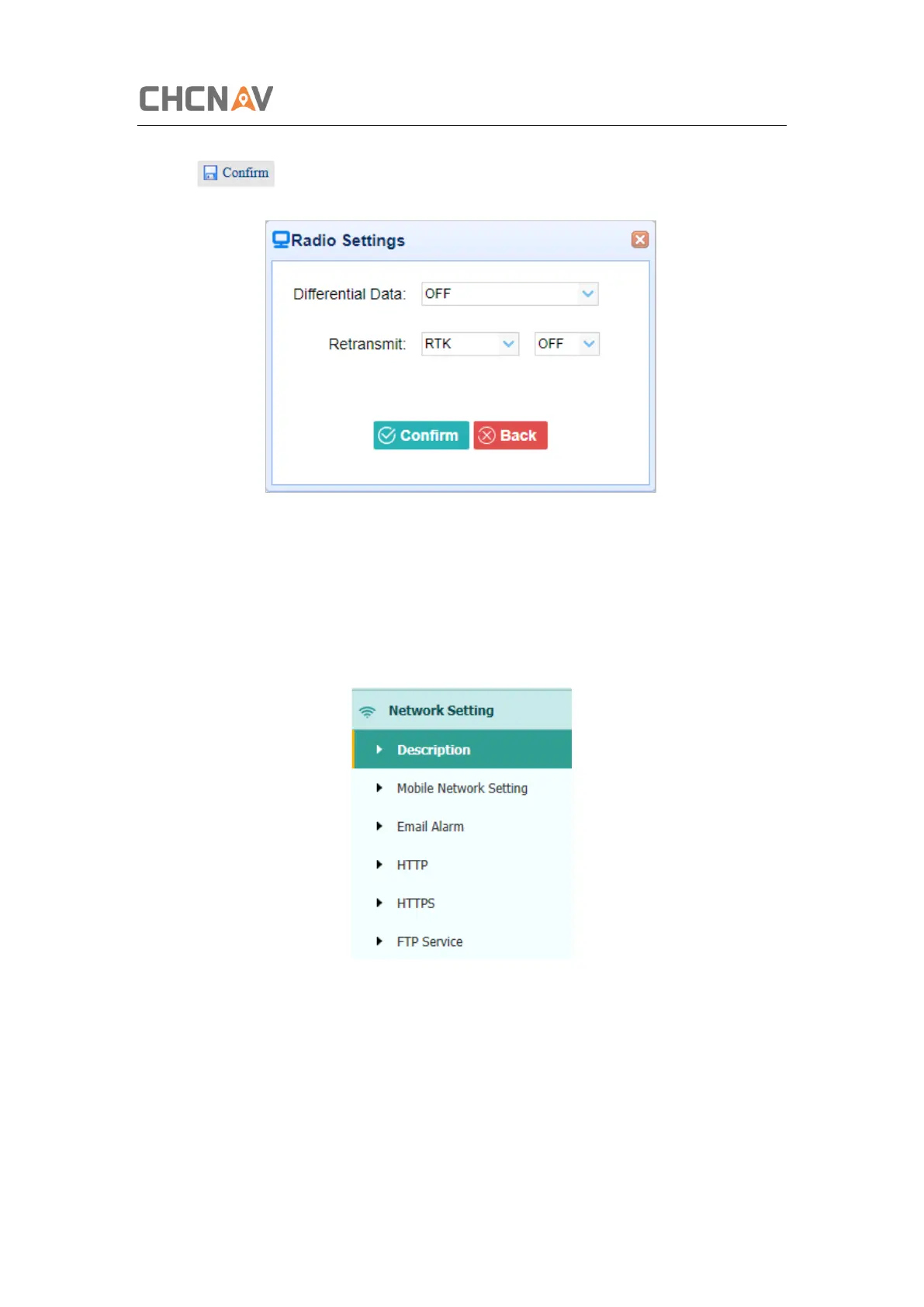
the format of differential data that you want to transmit through radio from the dropdown list
→ click to save the settings and start to transmit.
5.6 Network Setting Menu
Use this menu to view network information, configure the receiver’s mobile network, set email
alert for specific situation, configure HTTP or HTTPS port, and the user name and password of
internal FTP site:
5.6.1 Description Submenu
Use this submenu to check the information of network setting.



 To Next Page