Configuring Through a Web Browser
CHCNAV iBase GNSS USER GUIDE | 2023-2 P a g e | 43
Users can determine the positioning limit and sampling amount. The positioning limit falls into
two types:
a) Single Solution Coordinates: Collect the coordinates of receiver obtained through
autonomous positioning.
b) Fixed Solution Coordinates: Only collect coordinates of receiver with a fixed solution.
After the configuration of positioning limit and sampling amount, click to carry out
sampling and averaging → the progress bar will show the progress → the result will be served
as the coordinate of current position.
If users need to save the changes, please tap button.
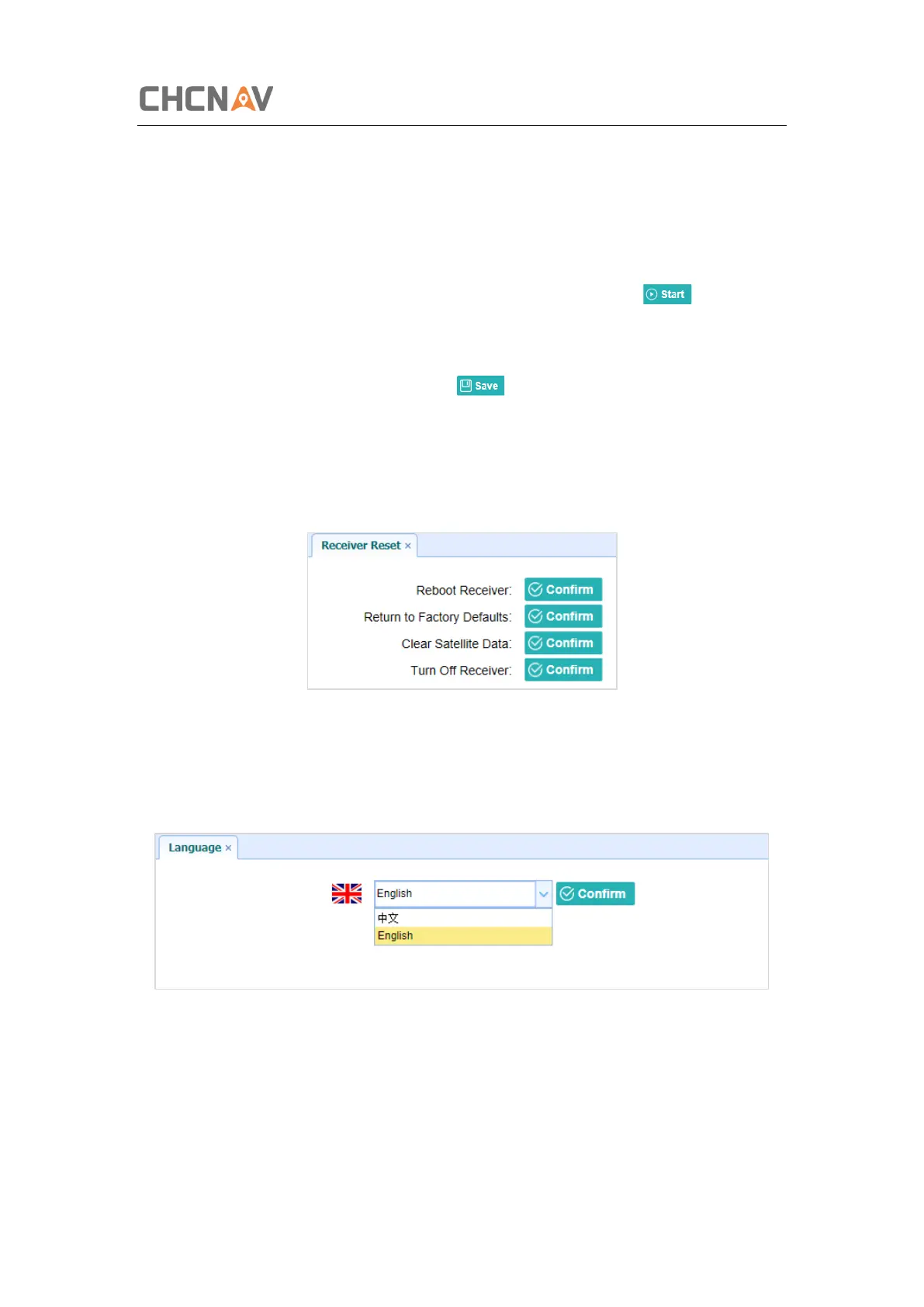
5.3.4 Receiver Reset Submenu
Use this screen to completely or partially reset the receiver:
5.3.5 Languages Submenu
Use this screen to select the web interface language:
5.3.6 User Management Submenu
Use this menu to add, delete and modify the login user name and password.



 To Next Page