Configuring Through a Web Browser
CHCNAV iBase GNSS USER GUIDE | 2023-2 P a g e | 37
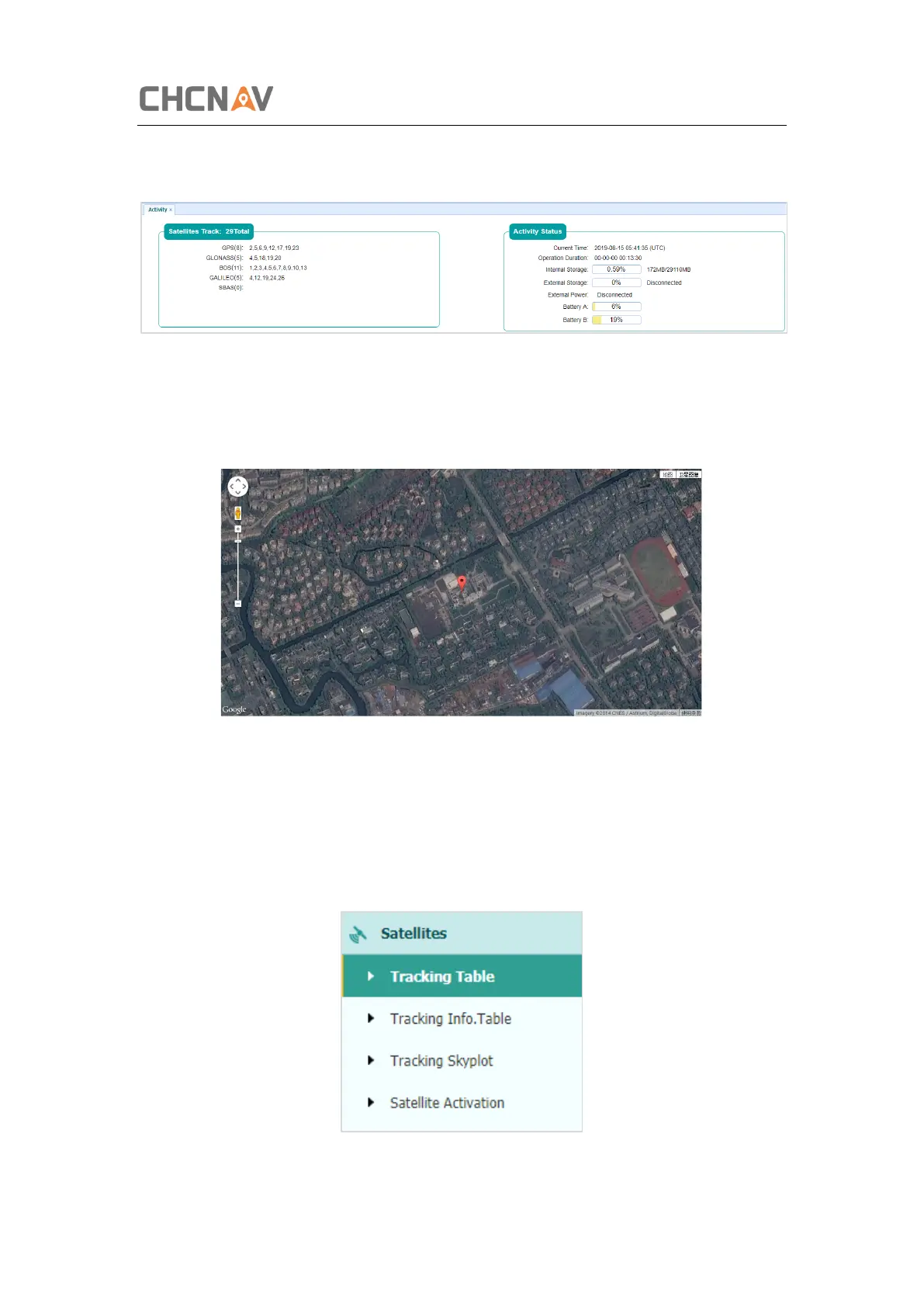
internal battery, power source state. With this information, it is easy to tell exactly what
functions the receiver is performing:
5.1.3 Google Map Submenu
Tap this submenu to show the location of the receiver on Google map.
5.2 Satellites Menu
Use the Satellites menu to view satellite tracking details and enable/disable GPS, GLONASS,
BDS and Galileo constellations. These menus include tabular and graphical displays to provide
all required information on satellite tracking status.



 To Next Page