EasyManua.ls Logo

CHCNAV iBase GNSS - Connecting to a Controller

CHCNAV iBase GNSS
68 pages
Print Icon
To Next Page IconTo Next Page
To Previous Page IconTo Previous Page
Loading...
Getting Started with iBase
CHCNAV iBase GNSS USER GUIDE | 2023-2 P a g e | 16
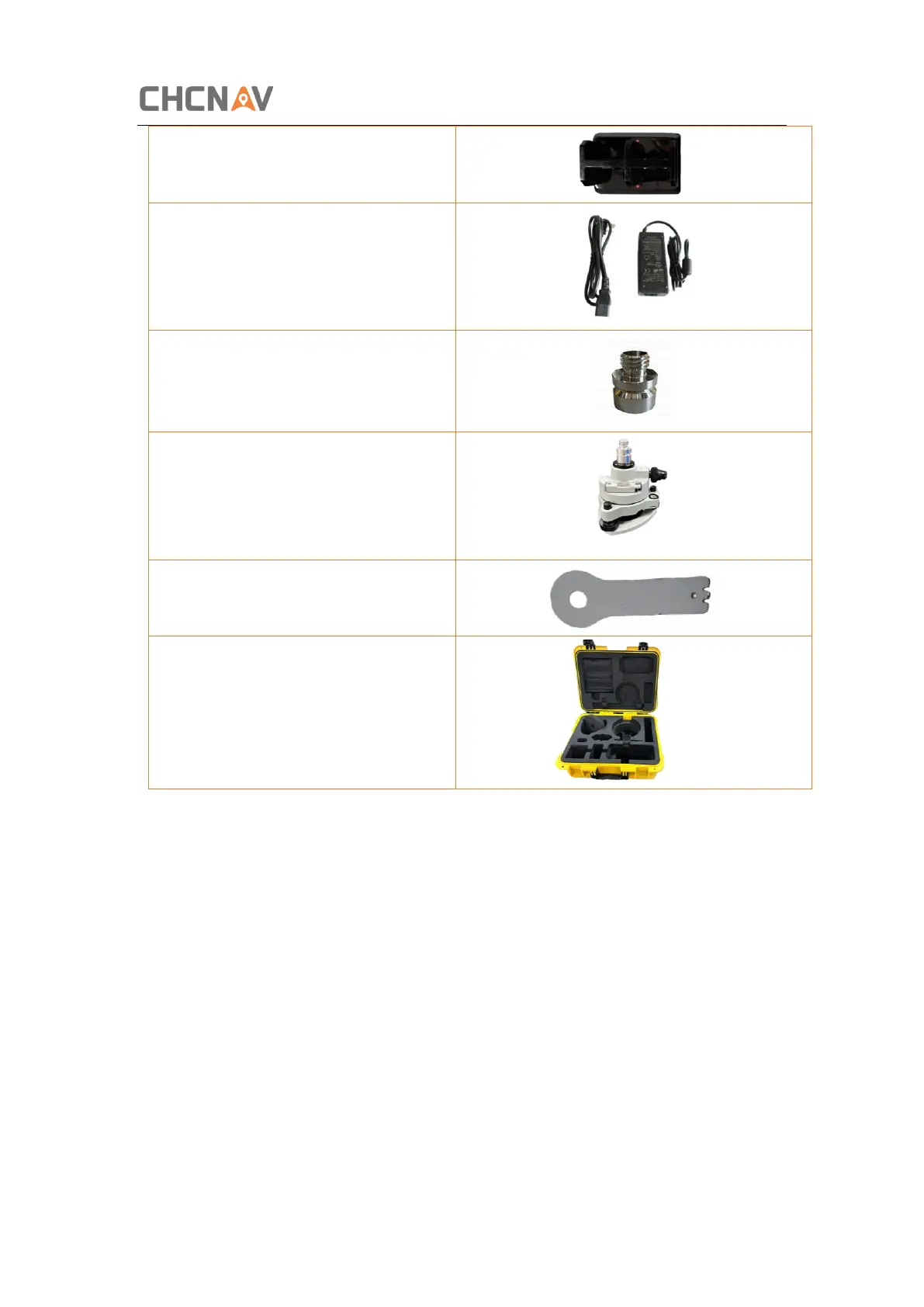
C300 Pedestal charger
C300 Power Adapter with Cord
Tribrach adaptor
Tribrach with optical plummet
Auxiliary H.I. Tool
Transport Hard Case
2.6 Connecting to a Controller
2.6.1 Connecting via Wi-Fi with LandStar 7 Software
Turn on the controller → run LandStar 7 go to Config main menu → tap Connect.
In the Connect screen, select CHC for the Manufacture field, iBase for Device Type field, WIFI
for Connection Type field.


Table of Contents

Related product manuals