Getting Started with iBase
CHCNAV iBase GNSS USER GUIDE | 2023-2 P a g e | 17
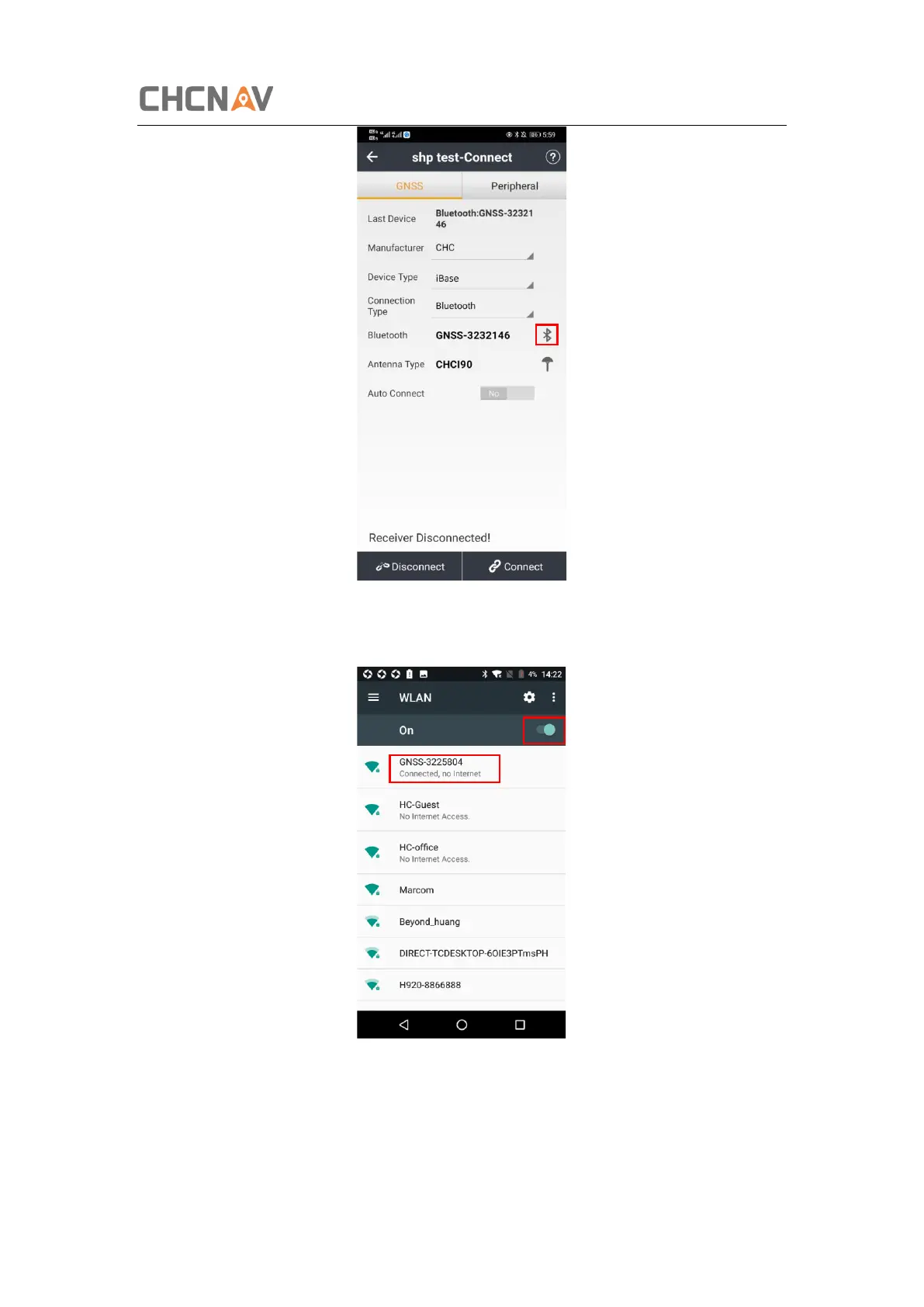
Tap the Wireless Lan icon on the right side to select the hot spot → Switch on the WiFi module
by the top switch → select the target device in the list.
Tap Connect to link to the hot spot. If the first-time connection to this hot spot, user may type
in the password.



 To Next Page