Configuring Through a Web Browser
CHCNAV iBase GNSS USER GUIDE | 2023-2 P a g e | 42
broadcast correction data based on coordinate inputted by user or obtained through
autonomous positioning automatically.
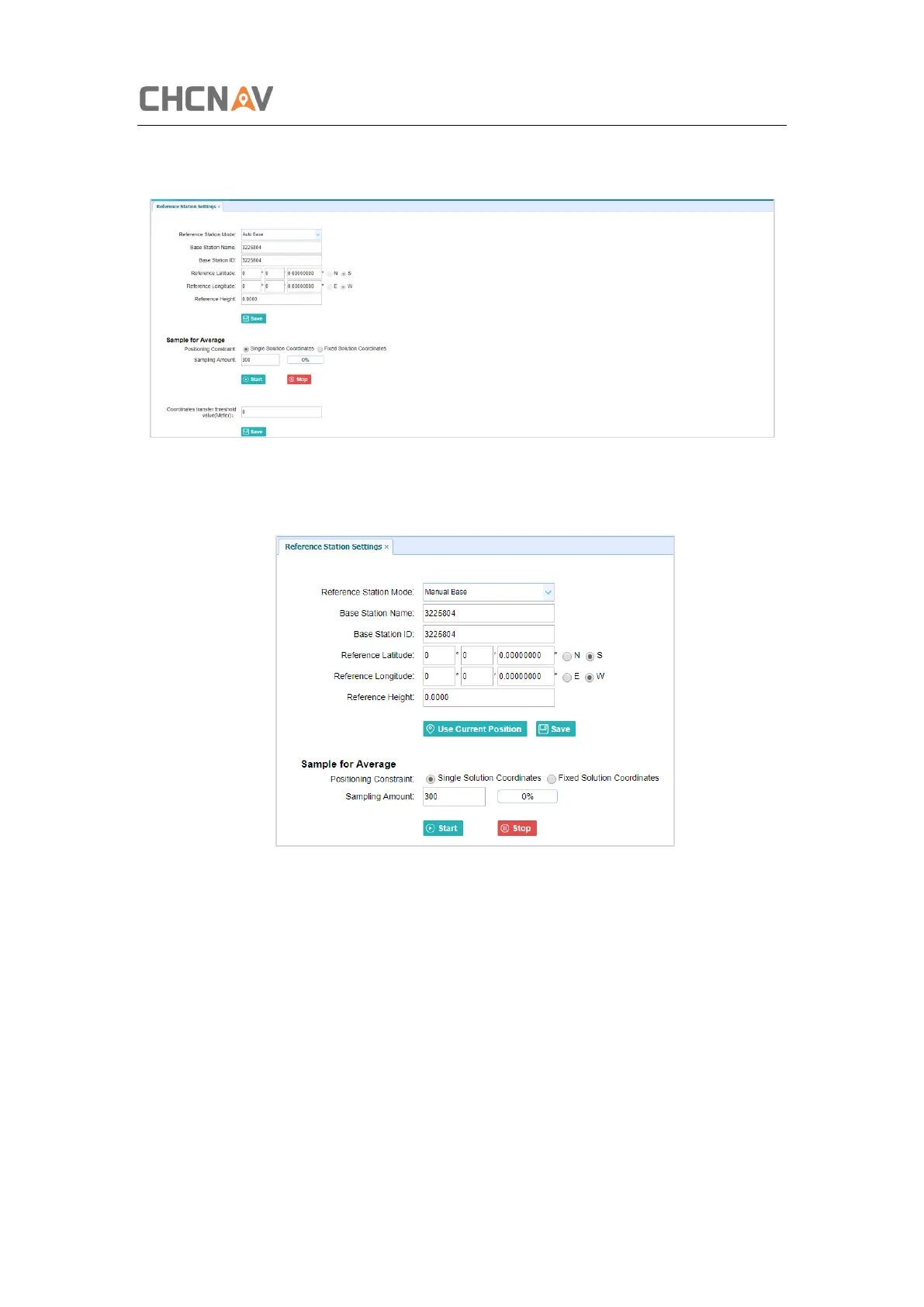
c) Manual Base: The receiver will serve neither as a base nor a rover after this mode is
enabled. Users need to configure the receiver manually.
For Reference Latitude and Reference Longitude:
There are mainly three methods to enter the reference coordinates and shown as follows:
a) Acquire Current Position: Click this button to acquire current position obtained
through autonomous positioning automatically.
b) Manual Input: Manually input the coordinate of a control point.
c) From CORS: After the receiver logging in CORS, the software can record the coordinate
of current position based on fix solution.
For Sample for Average:



 To Next Page