Configuring 5000 Appliances
30 | Check Point 5000 Appliances Getting Started Guide
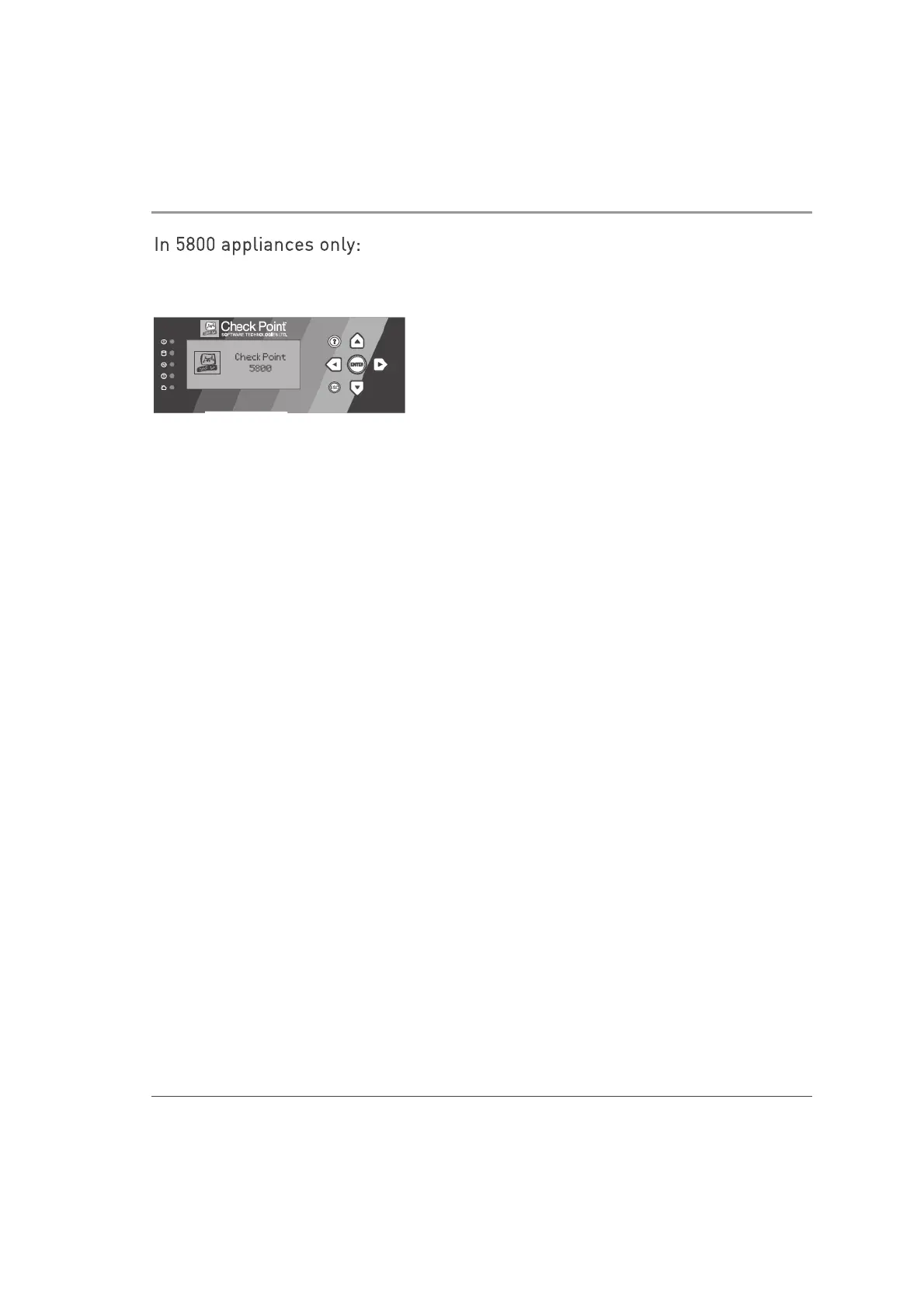
In 5800 appliances only:
The status of the appliance shows on the LCD screen as it initializes and boots up. The
appliance is ready for use when the LCD screen shows the model number.
Available Software Images
The 5000 Appliances comes with different software images. Select the software image
you want to use.
Reverting to a software image takes a few minutes. To follow progress and see when
the appliance is ready, connect to the appliance using a serial console.
For more about software images, see the 5000 Appliances home page
http://supportcontent.checkpoint.com/solutions?id=sk110053.
Initial Configuration
Configure the appliance with the First Time Configuration Wizard. See the
Installation
and Upgrade Guide
for Gaia Platforms
related to the software version.
Note: The Installation and Upgrade Guides are released only for major versions. For
example, for the Gaia platform R77.30 version, see the R77 Versions
Installation and
Upgrade Guide
for Gaia Platforms
.
Go to the Installing Security Gateways on Appliances section, and see the instructions
to use the First Time Configuration Wizard.













 To Next Page