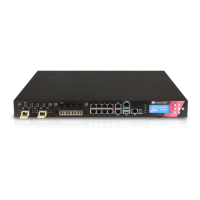
5000 Appliances Hardware
38 | Check Point 5000 Appliances Getting Started Guide
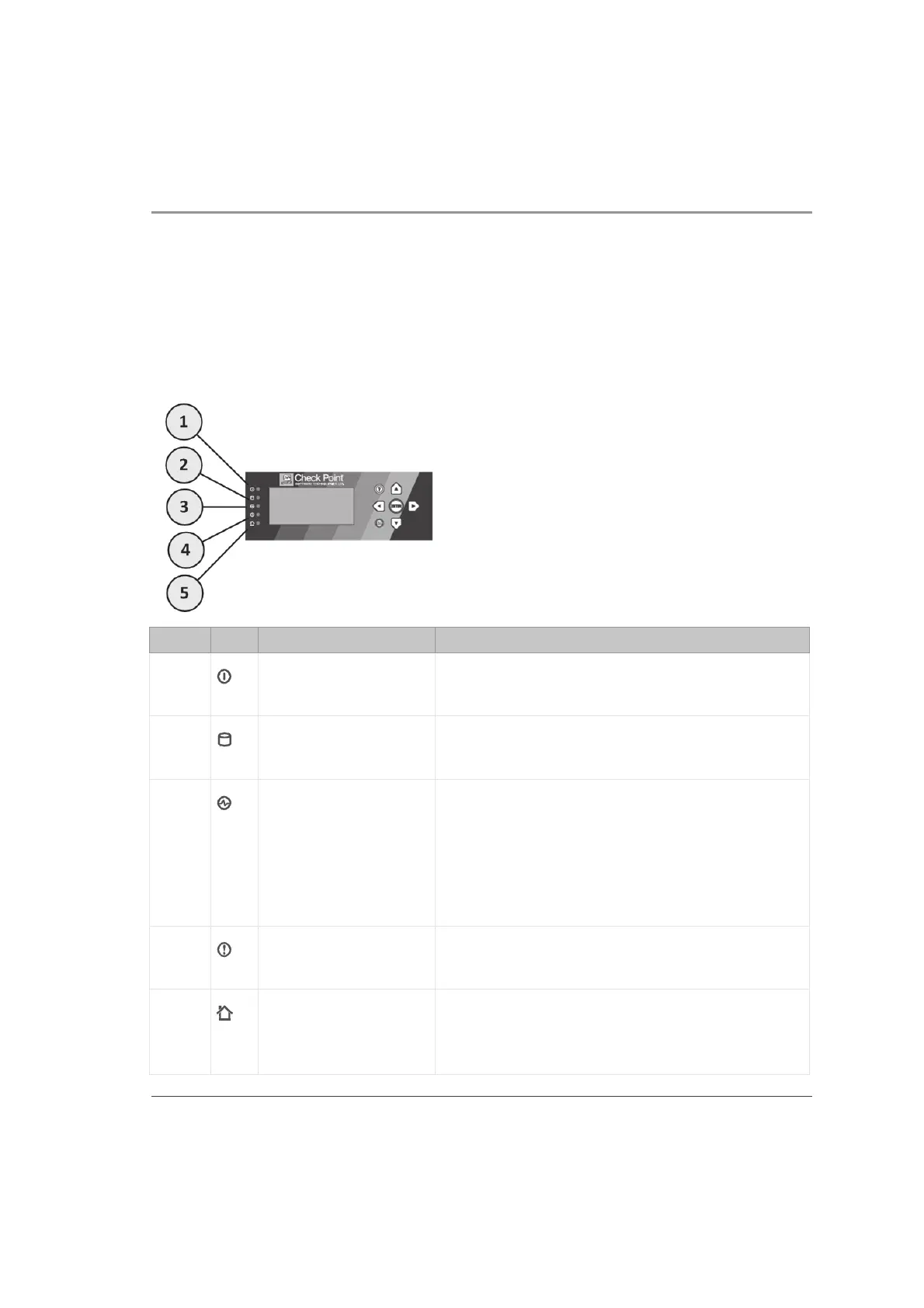
Front Panel System LEDs and LCD Screen
The 5000 appliance appliance series includes front panel LEDs to monitor system
status.
In addition, the 5800 appliance includes an LCD screen for enhanced system
monitoring and configuration.
Item Icon Component Description
1
System power x Off - System power off
x On (Green) - System power on
2
Hard disk drive (HDD)
activity
x Off - No HDD activity
x On (Amber) - Read/write activity
3
Power supply status 5600 and 5800 only
x Off - No power/no status
x Amber - Power supply fault detected
x Green - Both power supplies are functioning
correctly
4
Alert x Off - No faults detected
x Blinking red - System fault detected
5
Location x Off - Location beacon is turned off
x Blinking blue - Location beacon is turned on
through the Gaia WebUI software













 To Next Page