5000 Appliances Hardware
Check Point 5000 Appliances Getting Started Guide | 37
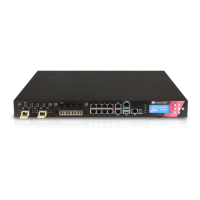
Item Component Description
6 USB ports 2 USB ports.
7 LOM port LOM (Lights Out Management) port to connect to the
LOM card. Optional for 5200 and 5400 appliances.
8 MiniUSB console
port
For a serial connection to the appliance.
See Connecting to the 5000 Appliances CLI (on page
31).













 To Next Page