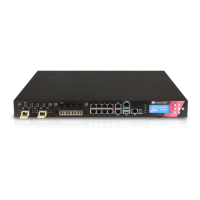
5000 Appliances Hardware
Check Point 5000 Appliances Getting Started Guide | 39
Using the LCD Panel
The 5800 appliance has an LCD panel that you can use to do these basic management
operations:
x Configure the management IP address, netmask, and default gateway of the
appliance
x Reboot the appliance
x Enter the boot menu for additional management options such as HW Diagnostics,
revert to snapshot, and reset factory defaults
For more information, see the
Gaia Administration Guide
for your version.
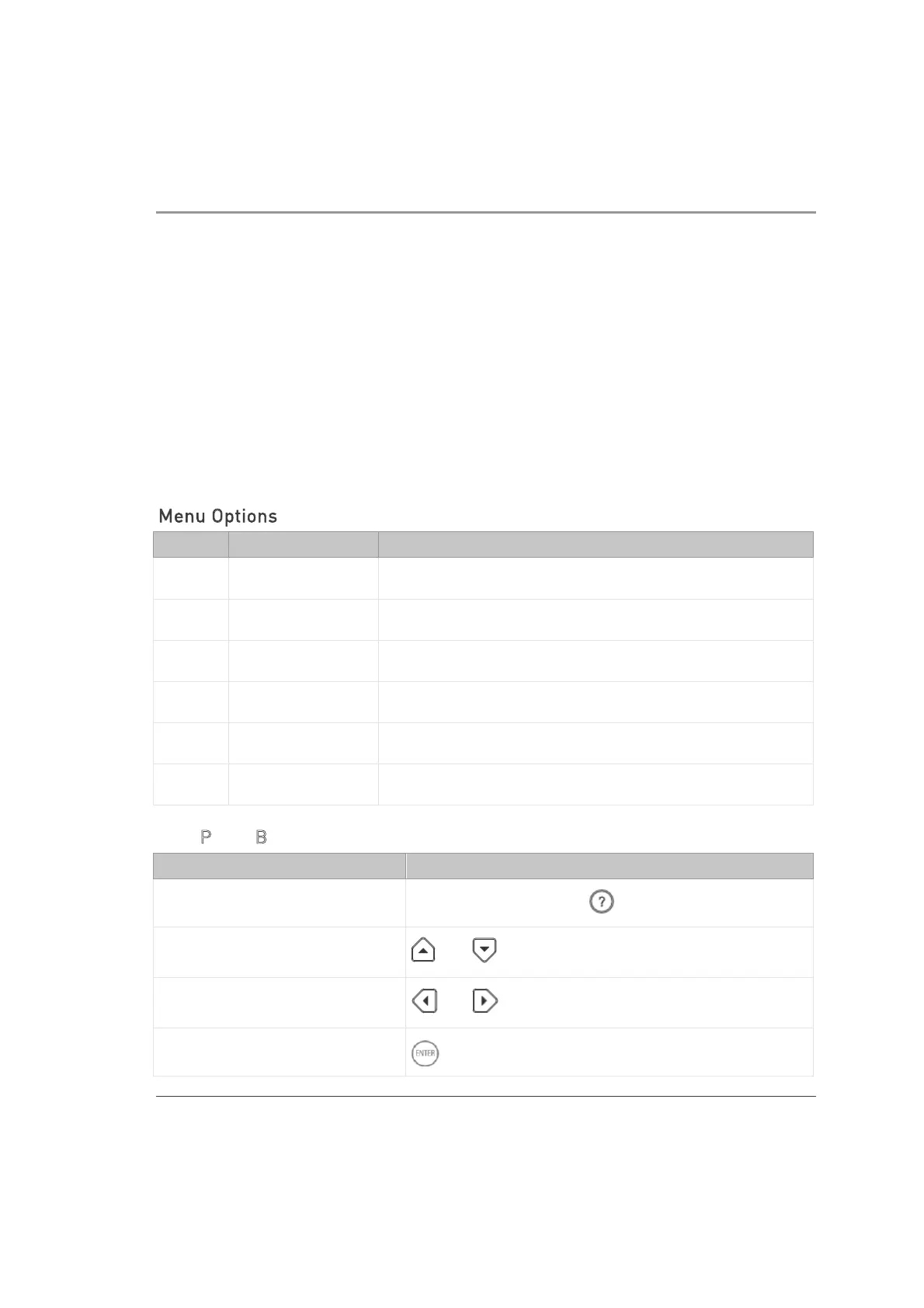
Menu Options
Menu Sub-menu Purpose
Network
Set Mgmt IP Set the management interface IP address.
Set Netmask Set the management interface Netmask.
Set Default GW Set the management interface default gateway.
System
Reboot Reboot the appliance.
LCD Panel Buttons
To Press
Enter the main menu
Any button, other than
Navigate the menu
or
Change a number
or
Select a menu option













 To Next Page