Restoring Factory Defaults
Check Point 5000 Appliances Getting Started Guide | 47
Restoring Using the LCD Panel
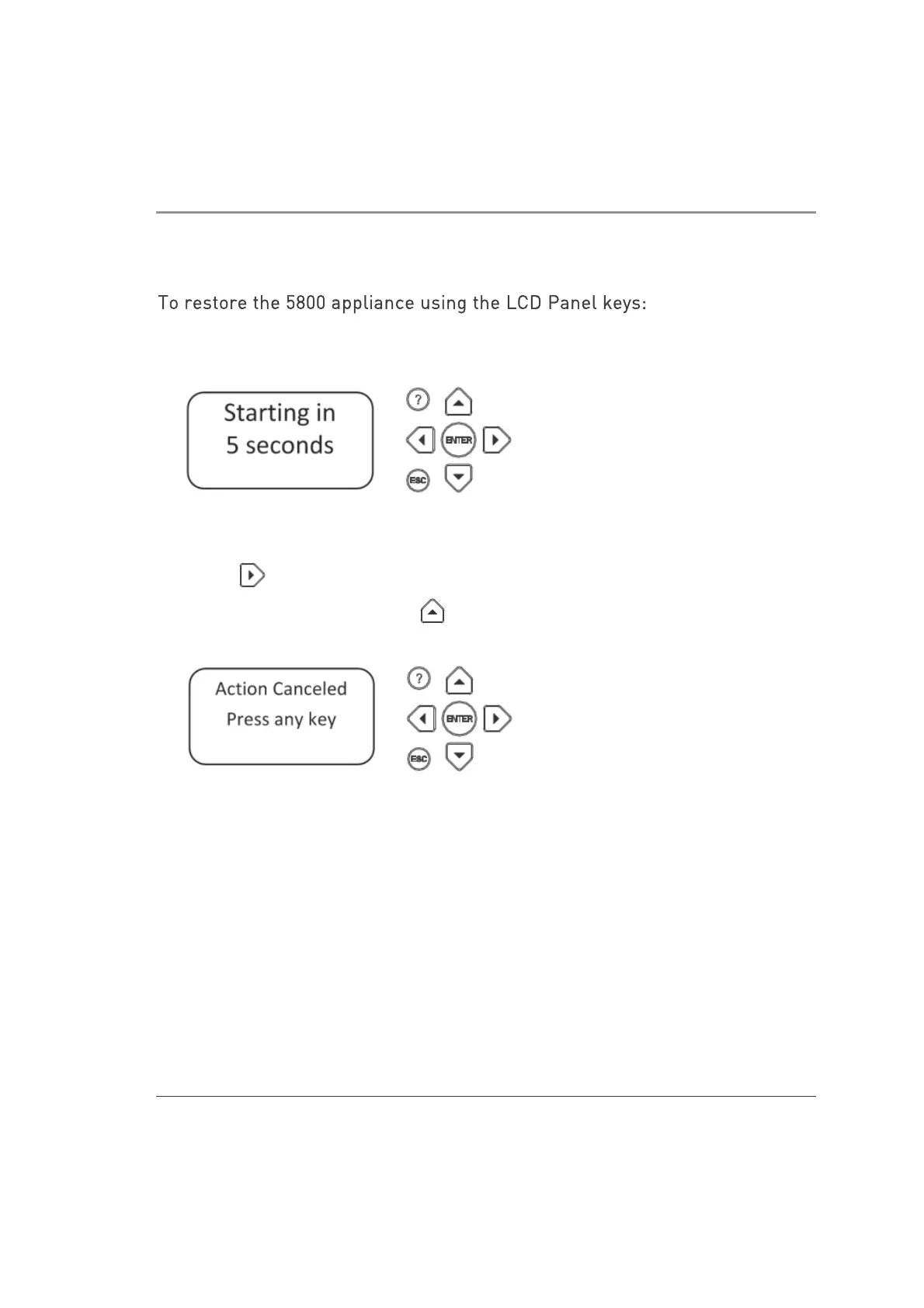
To restore the 5800 appliance using the LCD Panel keys:
1. Reboot or turn on the appliance.
2. When the countdown begins, press any of the arrow keys.
The Boot menu appears.
3
. Using the arrow buttons, scroll to the relevant default factory image.
4. Press .
5. Confirm the reset by pressing .
Pressing any other button causes the Action Canceled message to display:
At this point, pressing any key returns you to the boot menu.
6
. After you confirm the reset, wait for the appliance to restore the factory image.
During the restore, a message shows continuously: Reverting image. Do not
turn off.
When the appliance is restored to its default factory configuration, it reboots. On
Gaia the Reverting message shows.













 To Next Page