Restoring Factory Defaults
48 | Check Point 5000 Appliances Getting Started Guide
Restoring Using the CLI
To restore the appliance through the CLI:
1. Log in to the appliance.
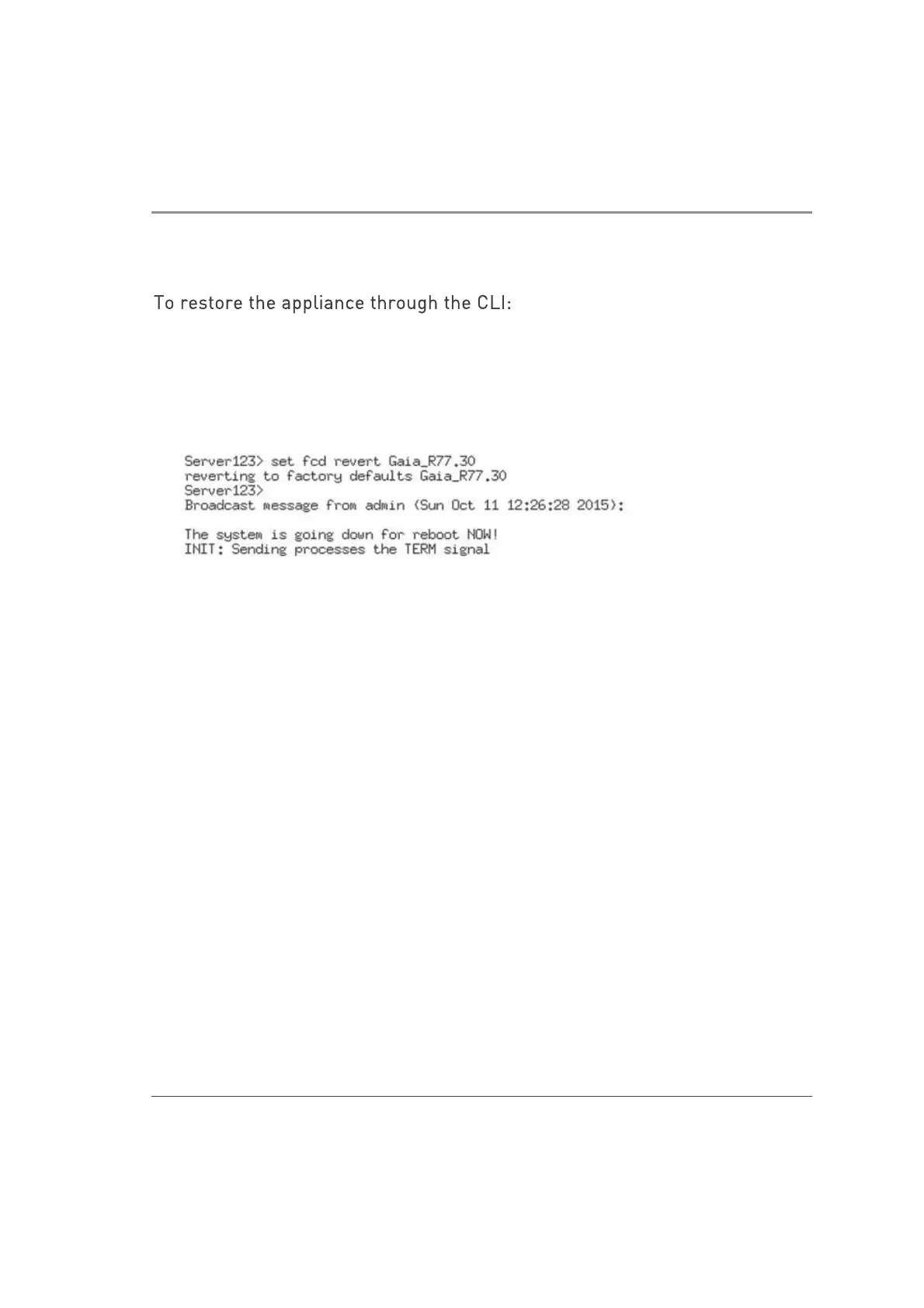
2. Run this command from clish:
set fcd revert <image_name>
For example: set fcd revert Gaia_R77.30
A reverting to factory defaults message is shown.













 To Next Page