Touch-it XELO
Operating Instructions
Copyright / © Christ Electronic Systems GmbH 20 / 47 March 2017, Revision 17
a member of the Christ Company Group Document No.: E461201
3.2 Redo Backup and Recovery
3.2.1 Generate bootable Redo Backup and Recovery USB stick
There are two ways to create a Redo USB Drive with VMWare or directly booting a LiveCD.
VMWare:
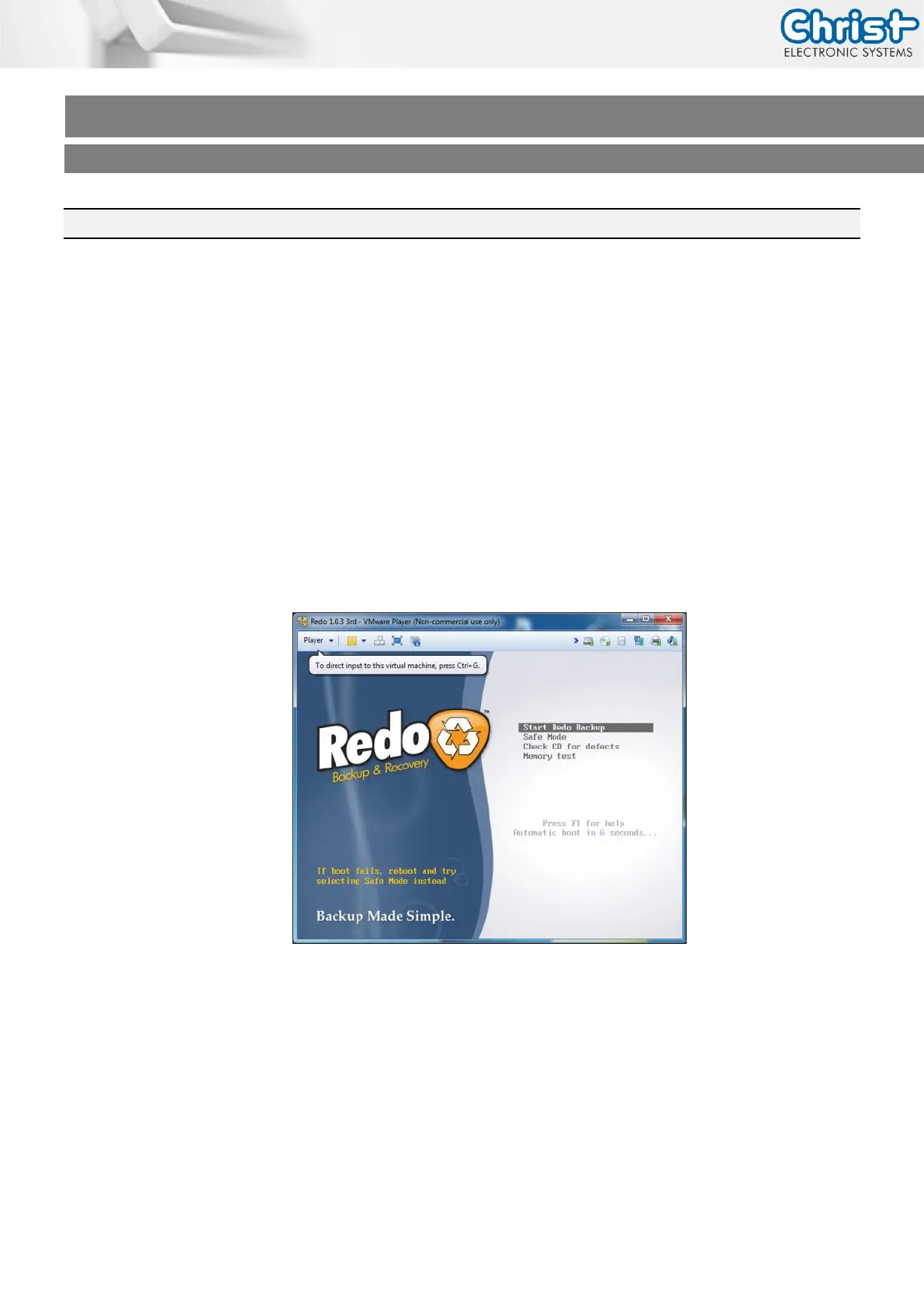
Christ Electronic Systems GmbH created a complete VMWare Virtual Machine running
Redo V1.0.3
Download and Install VMWare Player 5.0 or higher
Download the VMWare Image (Redo 1.0.3.zip) from our SFTP in \out\Redo Images\ (See
chapter 3.5



 To Next Page