Touch-it XELO
Operating Instructions
Copyright / © Christ Electronic Systems GmbH 25 / 47 March 2017, Revision 17
a member of the Christ Company Group Document No.: E461201
3.3.3 Copy the BIOS Update Files
Copy the BIOS Update Files to the recently created USB Drive
V00C9MXX.rom,
go.bat and AFUDOS.exe
3.3.4 Configure the BIOS settings
Plug in a USB Keyboard and the bootable USB Drive to the Touch-It XELO
Enter the BIOS Setup by pressing “Delete”
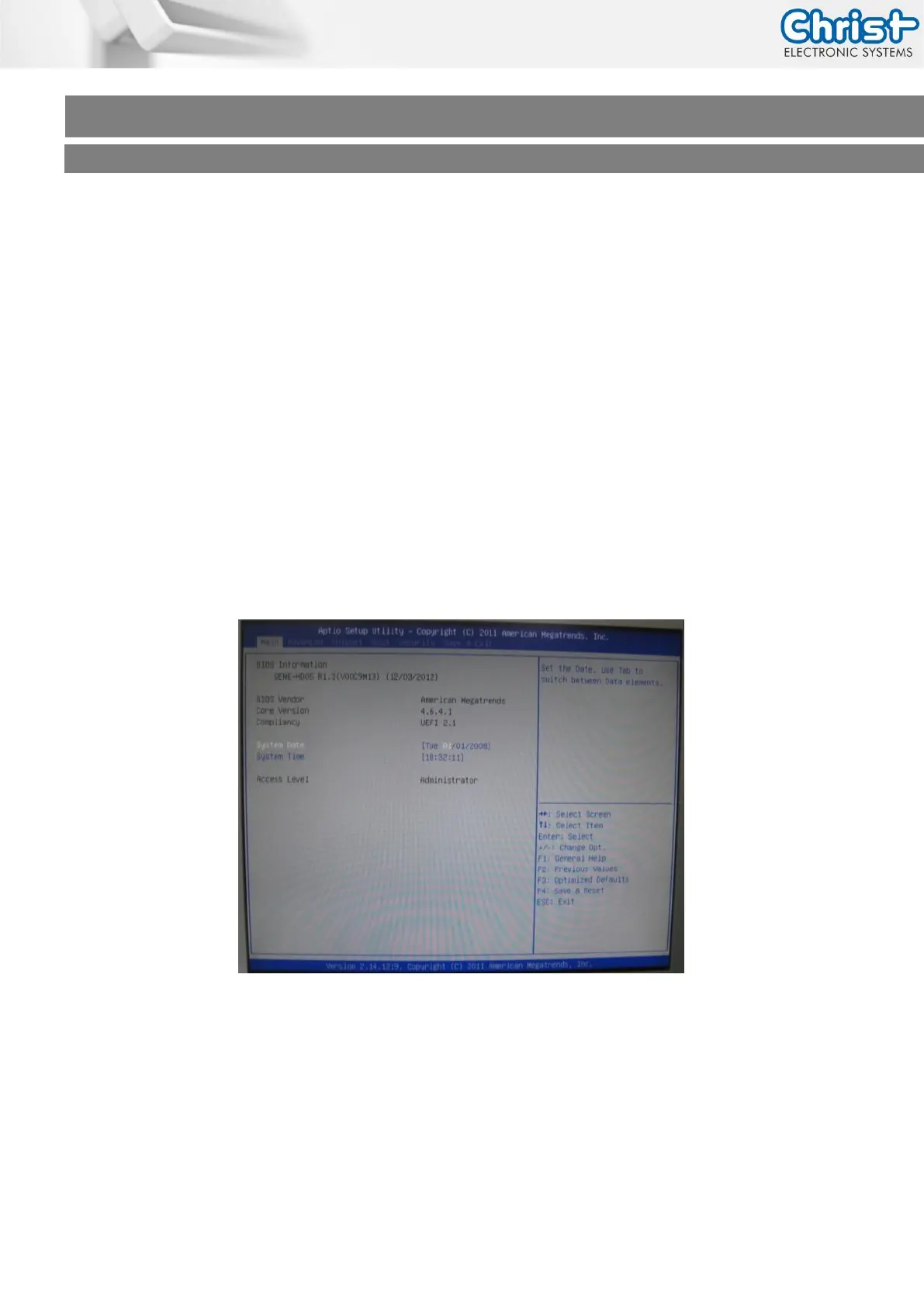
Following screen will appear on the monitor/display
Enter the Bios menu and set the Hard Disk Boot Priority to your USB connected Drive.
(See Chapter Software –> Award BIOS Setup or Software -> American Megatrends BIOS Setup)



 To Next Page