Touch-it XELO
Operating Instructions
Copyright / © Christ Electronic Systems GmbH 23 / 47 March 2017, Revision 17
a member of the Christ Company Group Document No.: E461201
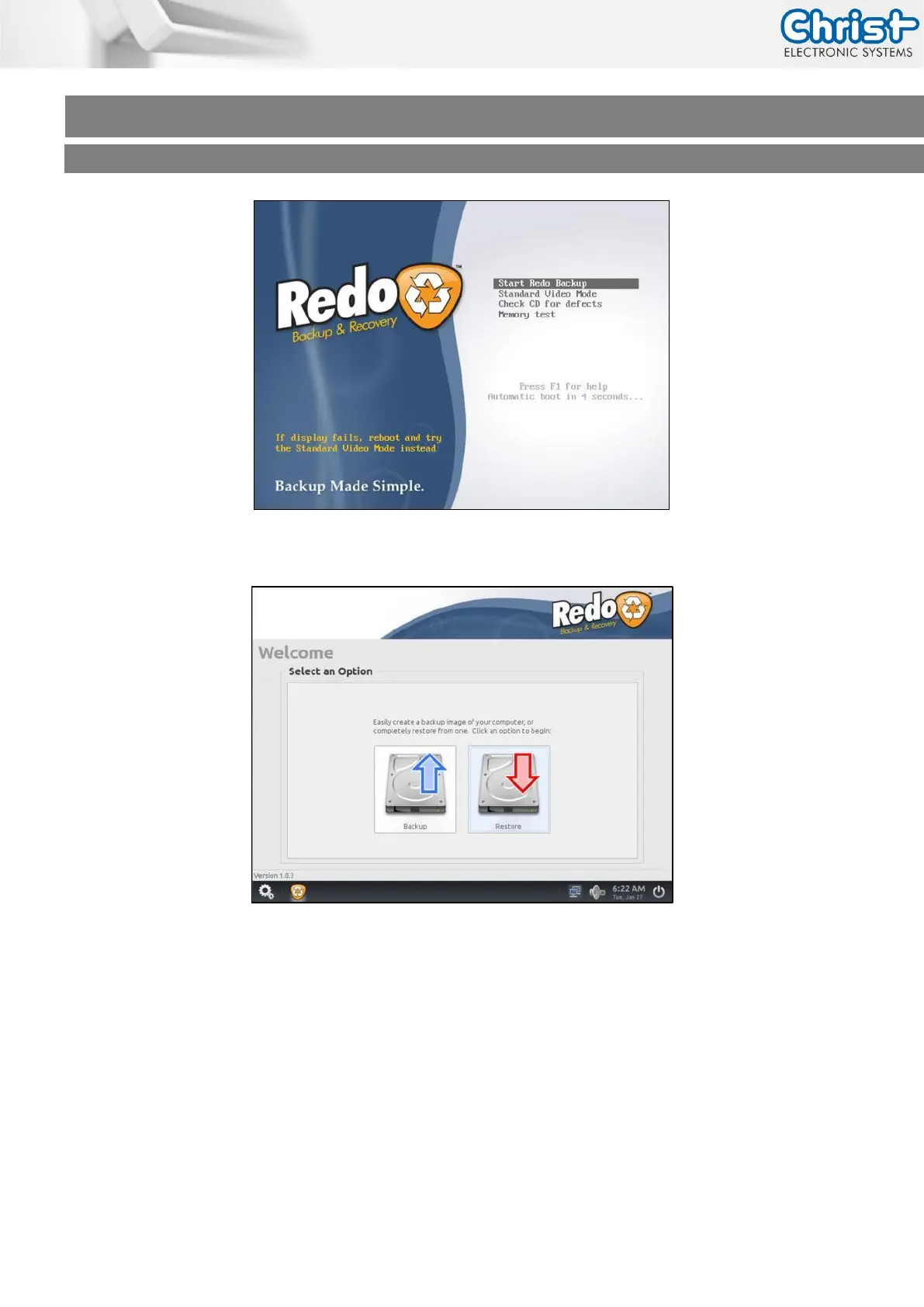
Choose the Menu Restore.
Step 1: Select the Source Drive where Redo Backup is on, normally it should be Drive 2/3
and click next.
Step 2: Select the Backup Image Directory, click Open and then Next.
Step 3: Select the Destination Drive normally it should be Drive 1, click Next and Yes to
overwrite data on this drive.
After 5-10 minutes depending on the image size the restoring should be complete.



 To Next Page