Automatic Transformer Test System 3300/3302 User’s Manual
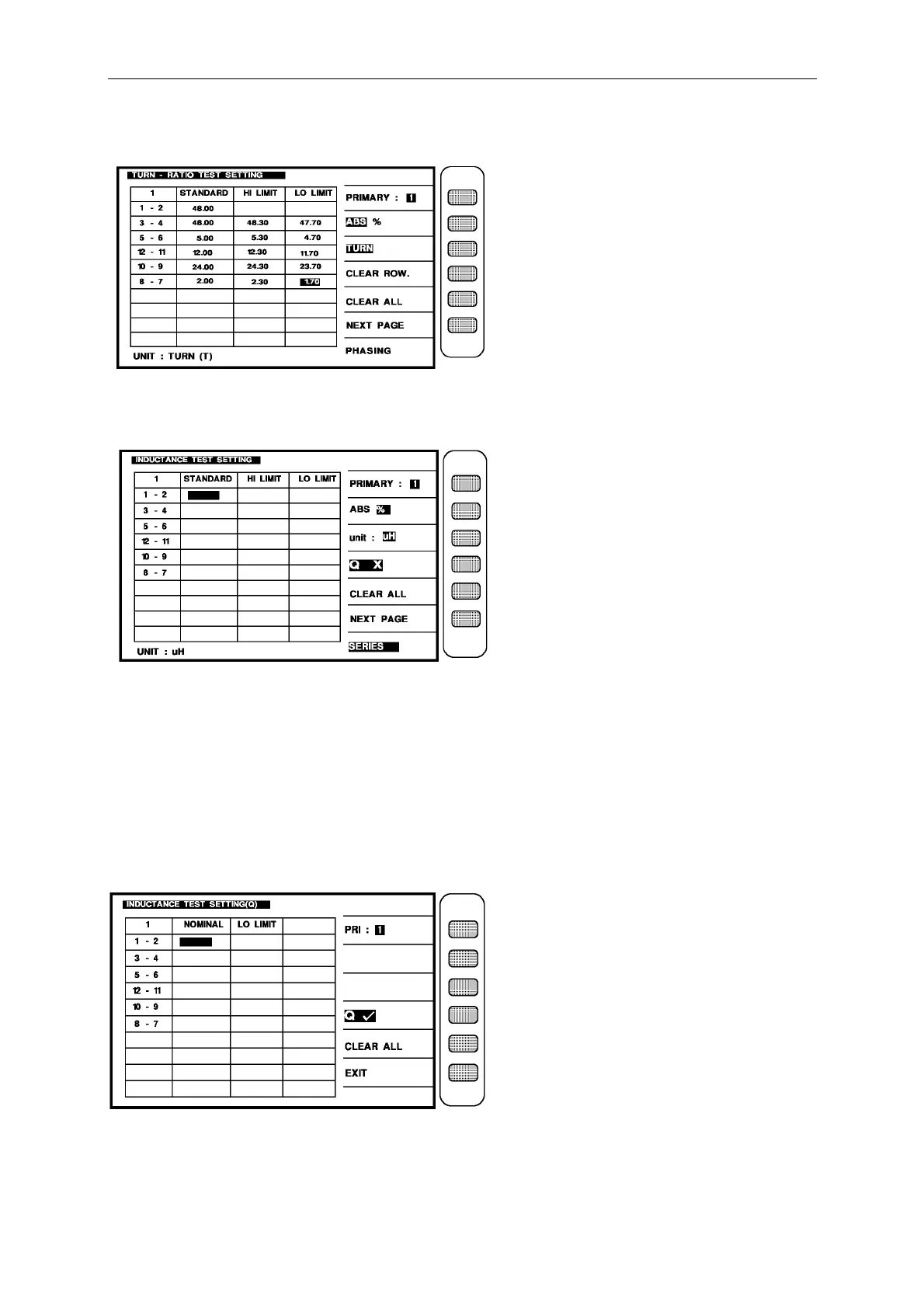
After input the turns of each winding and high/low limit, the screen is below:
Then press [Enter] then enter next setting screen as below: (INDUCTANCE)
When into this screen is entrance to the judgment setting of transformer inductance and Q
value, it is also guidable operation just according the block area on the screen and number
keys to input the pin number, press [Enter] then automatically change to next pin setting item,
use the same method till the last item of pin number on the same screen, press [Enter] then
automatically change to next the setting screen of parameter.
If want to test the Q value then in the last figure press [QX] to let the [QX] on the screen turn
into [QV] as below:



 To Next Page