High Power DC Electronic Load 63200 Series Operation & Programming Manual
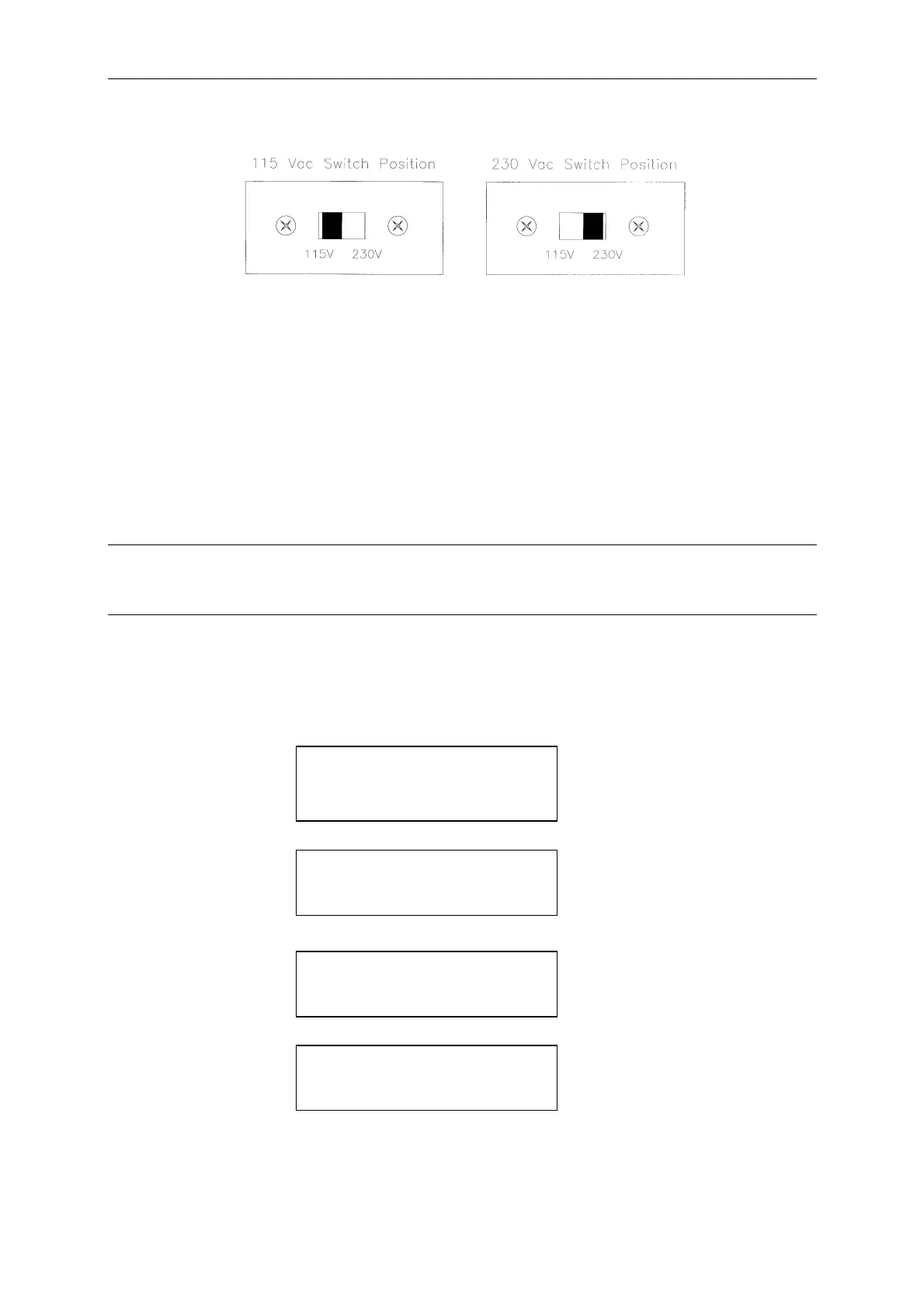
Figure 2-1 Line Voltage Switch
2.3.2 Turn-On Self-Test
Check the following before turning on the Load.
1. The unit has been set to the correct line voltage by factory. Refer to the line voltage
indicated on the left hand side of the panel.
2. The power cord is connected to the AC input socket.
WARNING
The power supplies a chassis ground through a third connector. Be sure that your outlet is of
three-conductor type with the correct pin connected to ground.
Turn on the Load by the power switch on the front panel and observe the display.
Immediately after turning on, the Electronic Load executes a self-test to check the RS232,
GPIB interface board and the system.
The LCD displays
FRONT PANEL TESTING
[ RS232 ] PASS
FRONT PANEL TESTING
CHECKSUM PASS
GPIB ADDRESS X
CHROMA ATE INC.
MODEL 632XX
and then it goes to the output mode setting display.
All of the 7-segment LEDs which display the measuring V, I, P (or R) will be activated when
2-2



 To Next Page