High Power DC Electronic Load 63200 Series Operation & Programming Manual
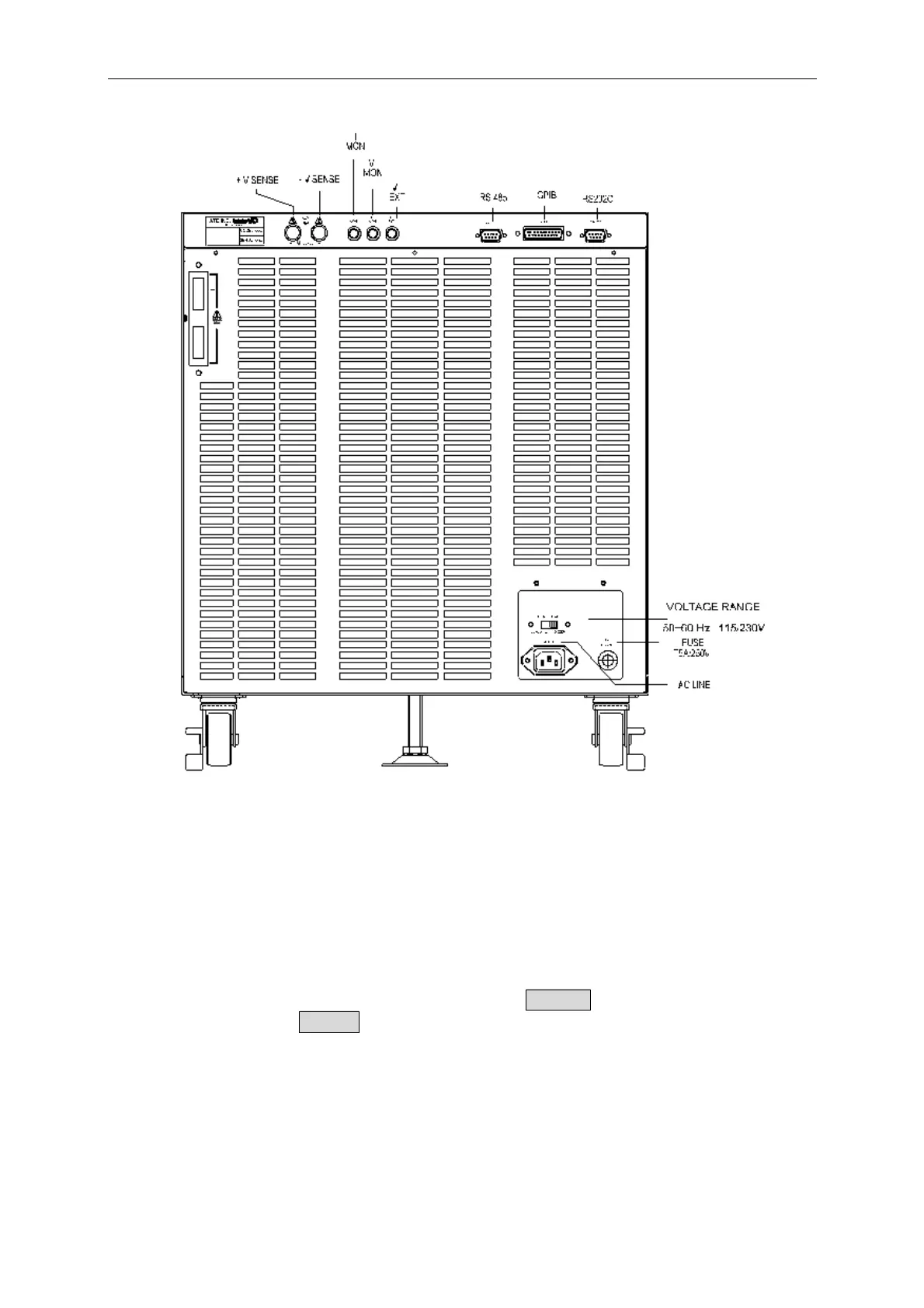
Figure 3-2B The Rear Panel of 63205/63206/63207/63208/63209/63210
3.4 Local/Remote Control
Local (front panel) control is in effect immediately after the power is applied. The front
panel keypad and display allow manual control when Load is used in bench test applications.
Remote control goes into effect as soon as the Load receives a command via GPIB, RS-232C
or remote controller. When the remote control is in effect, only the computer can control the
Load. The front panel keypad has no effect except the LOCAL key. You can return to
local control by pressing LOCAL key.
Most of the functions that perform remotely can be done locally too at the Load front panel.
Details of local operation are given in Chapter 4 Local Operation. Fundamentals of remote
programming are described in the latter part of this manual.
3-4



 To Next Page