High Power DC Electronic Load 63200 Series Operation & Programming Manual
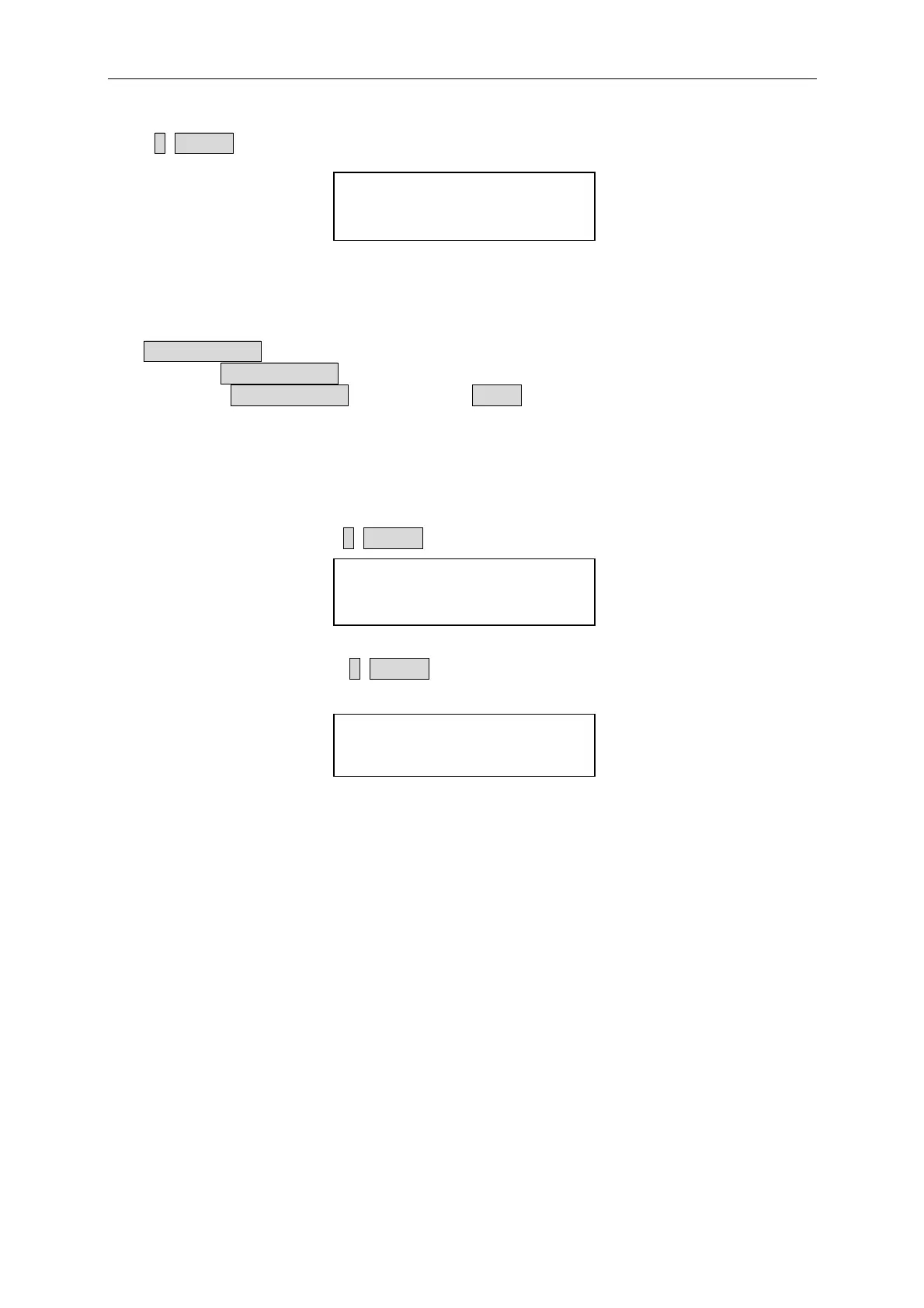
Press 1, ENTER to save program.
SAVE PROGRAM
1: YES 2: NO
4.2.8 Going To Local
The CONF./LOCAL key operates as local key when Electronic Load is in remote mode.
You can press CONF./LOCAL key to go to local operation when Load is in remote state. In
local operation, CONF./LOCAL key operates as CONF key.
4.2.9 Setting System and RS-232C Connection
GPIB Address setting. Press 8, ENTER to set the Load GPIB address to 8.
GPIB ADDRESS
8
RS485 Address setting. Press 3, ENTER to set the Load RS485 address to 3. This is for
setting the models ID when used in parallel mode.
RS485 ADDRESS
3
RS-232C parameters setting. There are four parameters for you to set: Baud Rate, Parity
Check and Data Bit number.
Baud Rate: 0:4800, 1:9600, 2:19200, 3:38400, 4:57600, 5: 115200 bits/second
Parity Check: 0: NONE, 1: EVEN, 2: ODD
Data Bit: 1: 7 bits, 2: 8 bits
Stop Bit: 1: 1 bit, 2: 2 bits
The RS-232C connector on the rear panel is a 9-pin connector (DB-9, male connector). The
RS-232C connector bus signal is defined as below.
4-18



 To Next Page