High Power DC Electronic Load 63200 Series Operation & Programming Manual
Description This command returns the status of the electronic load.
Query Syntax LOAD:PROTection:CLEar?
Return Parameters <NR1>
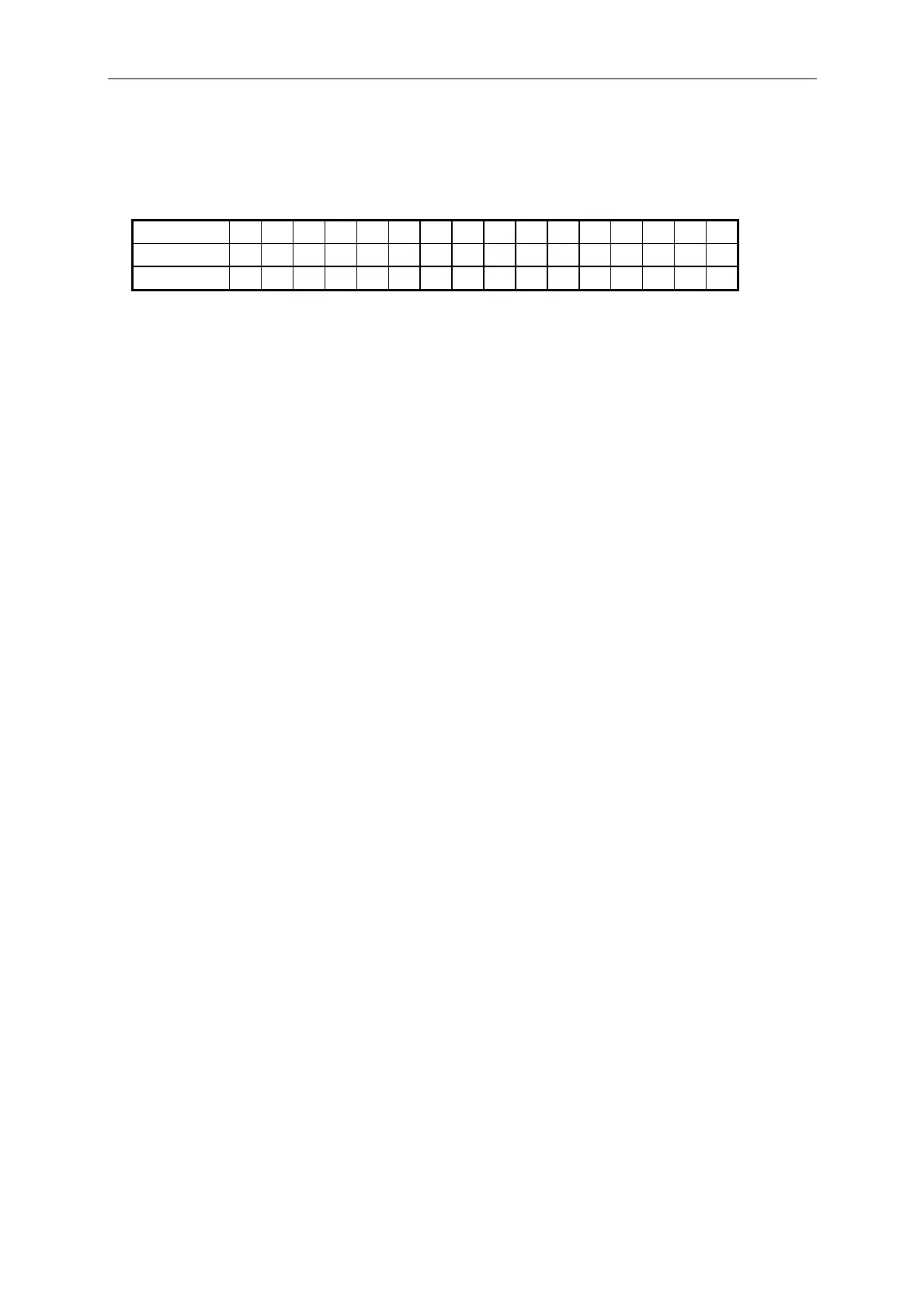
Bit Position 15 14 13 12 11 10 9 8 7 6 5 4 3 2 1 0
Condition 0 0 0 0 0 0 0 0 0 0 0 OT RV OP OV OC
Bit Weight 16 8 4 2 1
Query Example LOAD:PROT? Return the status of the electronic load.
Return Example 0
LOAD:PROTection:CLEar
Description This command resets status of the electronic load.
Syntax LOAD:PROTection:CLEar
Parameters For valid value range refer to respective specification.
Example LOAD:PROT:CLE
LOAD:SAVE
Description This command saves the present state of electronic load as default.
Syntax LOAD:SAVE
Parameters None
Example LOAD:SAVE
7-16



 To Next Page