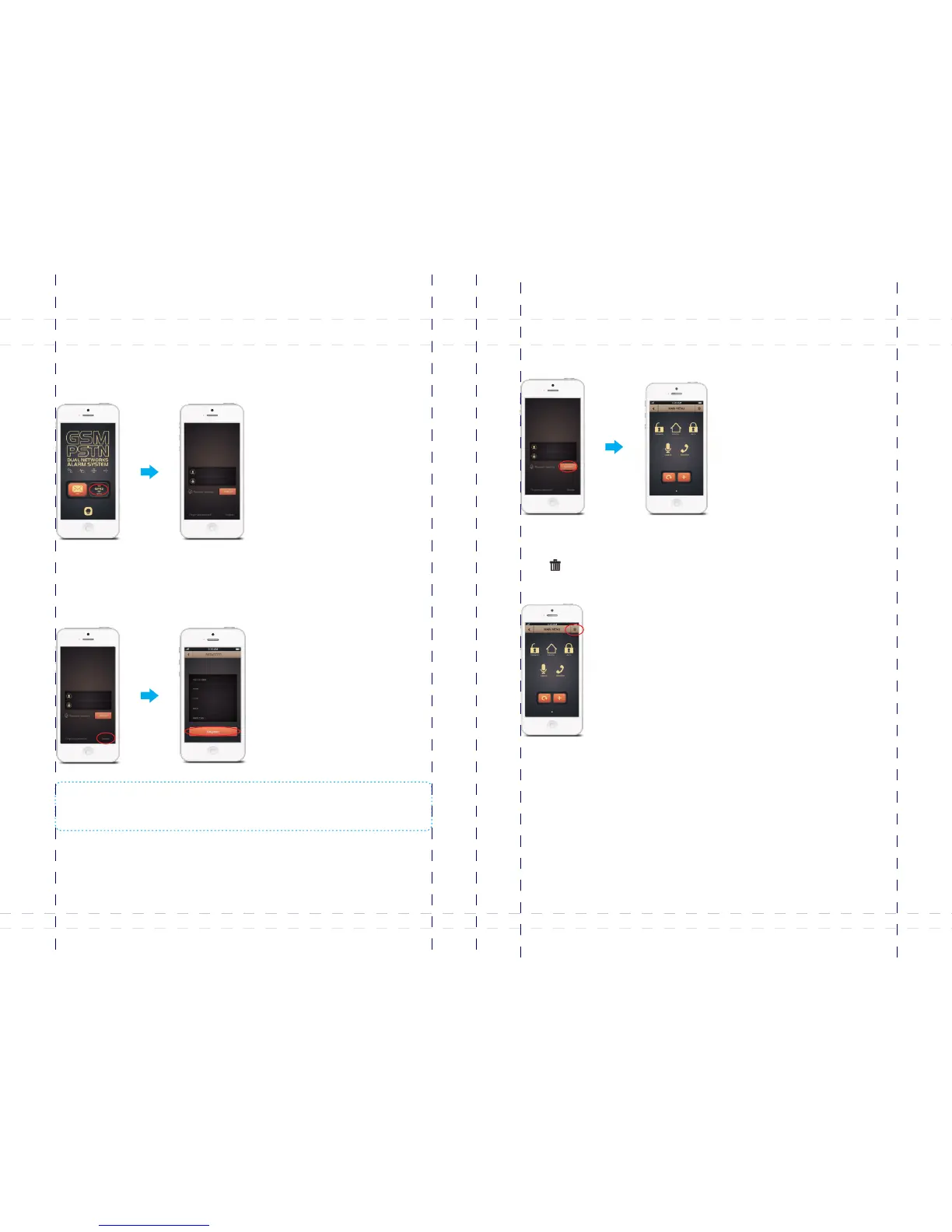
1. Register
① Enter login interface
Tap B11 APP, choose , and then the login interface appears.[GPRS]
Registering account enables you to bind the alarm systems to your smart phone.
② Register an account
Tap , input your mobile number , password, device ID, random code (SN code [Register]
on the back side of the panel), and then tap .[OK]
Note: When register, please input user ’s mobile number instead of the SIM card number of the
control panel. The device ID, random code are shown on the back side of the control panel,
please keep it properly for safety.
2. Operations on main menu
Login to enter the main menu, user can perform disarm, arm, home arm, monitor and
leave voice memo.
132 11110 000
*** ***
3. Delete accounts
Press on the main menu after login, tap on the dialog box to confirm [ ] [OK]
deletion.
49
50



 To Next Page