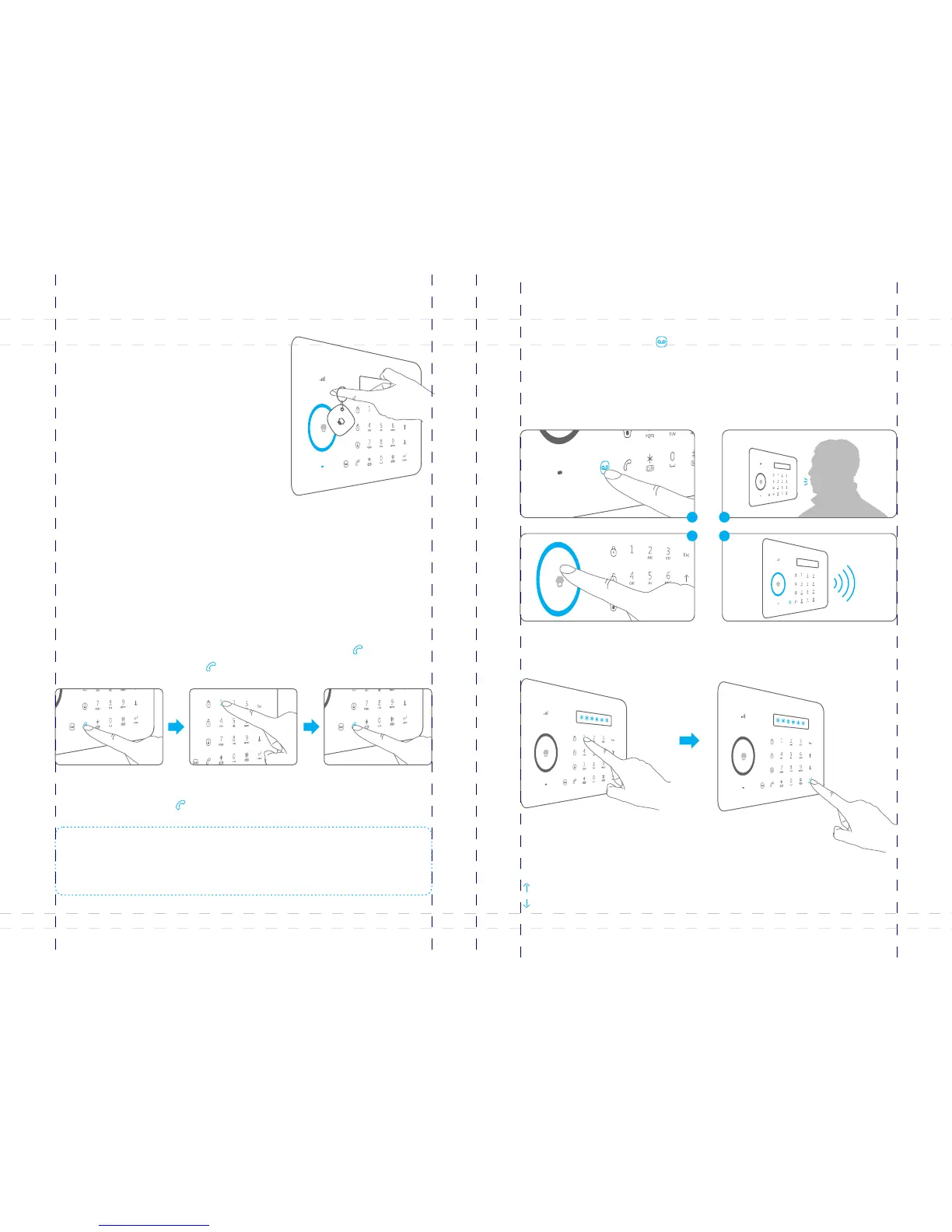
The control panel has a RFID reader for
unlocking the electronic door lock by disarming
the system. Just place the RFID tag close to the
RFID reader, the blue LED indicator flashes
once.
The system is disarmed and the electronic door
lock is opened (If connected).
Access Control System
Make Phone Calls
When the control panel is in disarm or home mode state, press button, input [Call ]
the phone number and press button again, the line will get through. [Call ]
The control panel has a built-in communication module. If the PSTN land line is
connected or SIM card is connected properly, and the credit is enough, you can use
the panel to make calls.
(System will auto dial through land line first, or dial through GSM network when land
line is unavailable ).
If you input wrong numbers, press button and input again. Press button to [Esc] [Esc]
cancel dialing or press button to end a conversation.[Call ]
Voice Memo
1
3
2
4
Function Setting
Input the admin code (Default: 123456), and then press to enter setting menu. [Enter]
Up
Down
Enter Confirm
Back to last step Esc
Press the button for 3 seconds to record 10 seconds voice [Record Voice Memo ]
message. The Play Voice Memo circle will be flashing to remind you. Users can touch
the center of circle to listen to the voice memo. The LED indicator blacks out when the
voice memo has been played. Replay by touching it again.The latest voice memo will
cover the former message.
Note: If control panel is connected with extension line, 0# or 9# need to be added in front of
the phone number when making phone calls. if the land line is unavailable, system will switch
to GSM network, user can make phone calls by inputting phone number directly without 0# or
9#.
09
10



 To Next Page