4-2 LED Overview
3902 Service Delivery Switch Hardware Installation and Start-up Manual
009-3205-001 Standard Revision D
Copyright
©
2013-2015 Ciena
®
Corporation July 2015
Unit Status LEDs
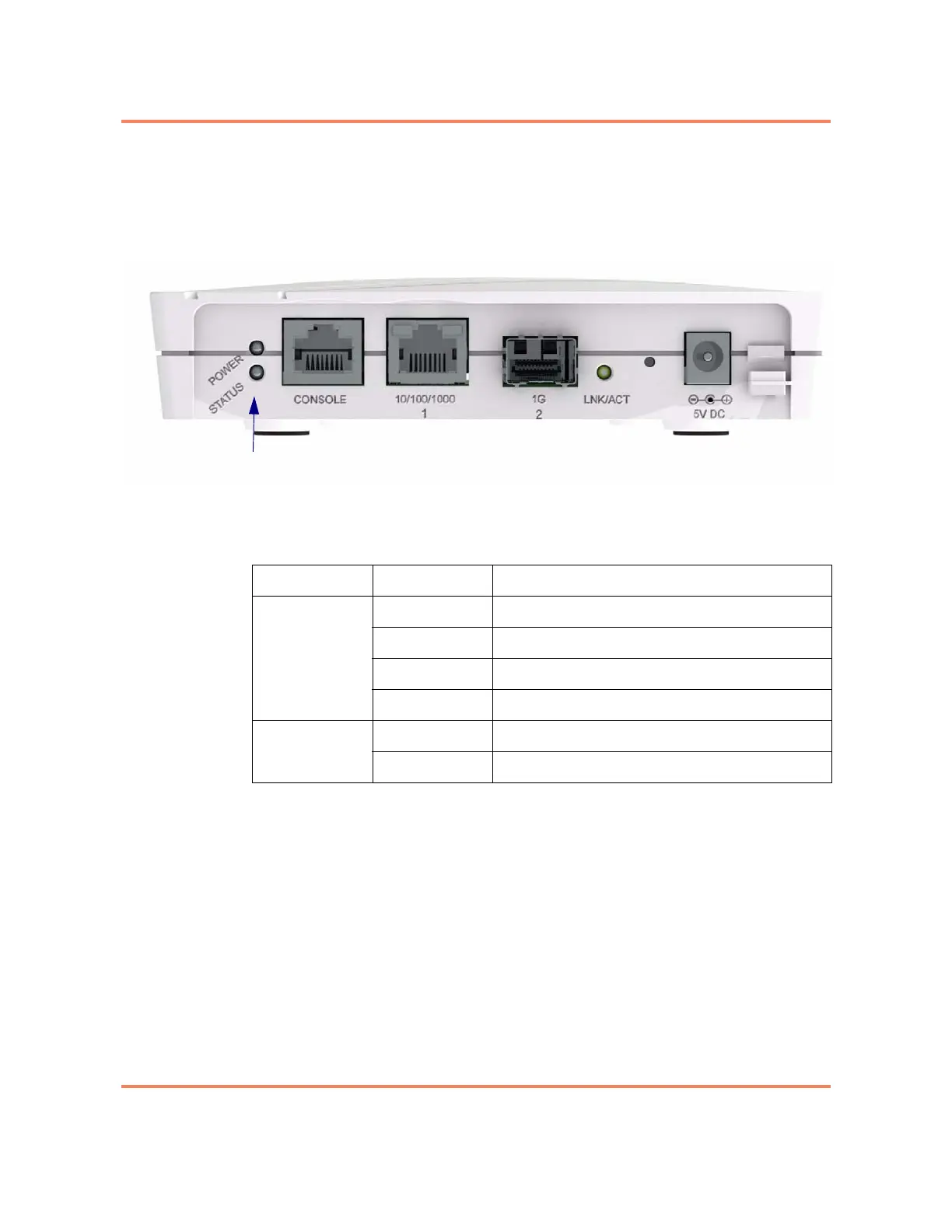
The unit status LEDs communicate system operational status. They are
located on the left of the faceplate as shown in Figure 4-1.
Figure 4-1
Unit Status LEDs
Table 4-1
Unit Status LEDs
LED Indication Description
STATUS Off System is not operating normally.
Green Indicates status normal/system ready.
Blinking Green System is initializing and performing self tests.
Red Power on self test failed. Error present.
POWER Off Input power is not present.
Green Input power is present.



 To Next Page