LED Overview 4-3
3902 Service Delivery Switch Hardware Installation and Start-up Manual
009-3205-001 Standard Revision D
Copyright
©
2013-2015 Ciena
®
Corporation July 2015
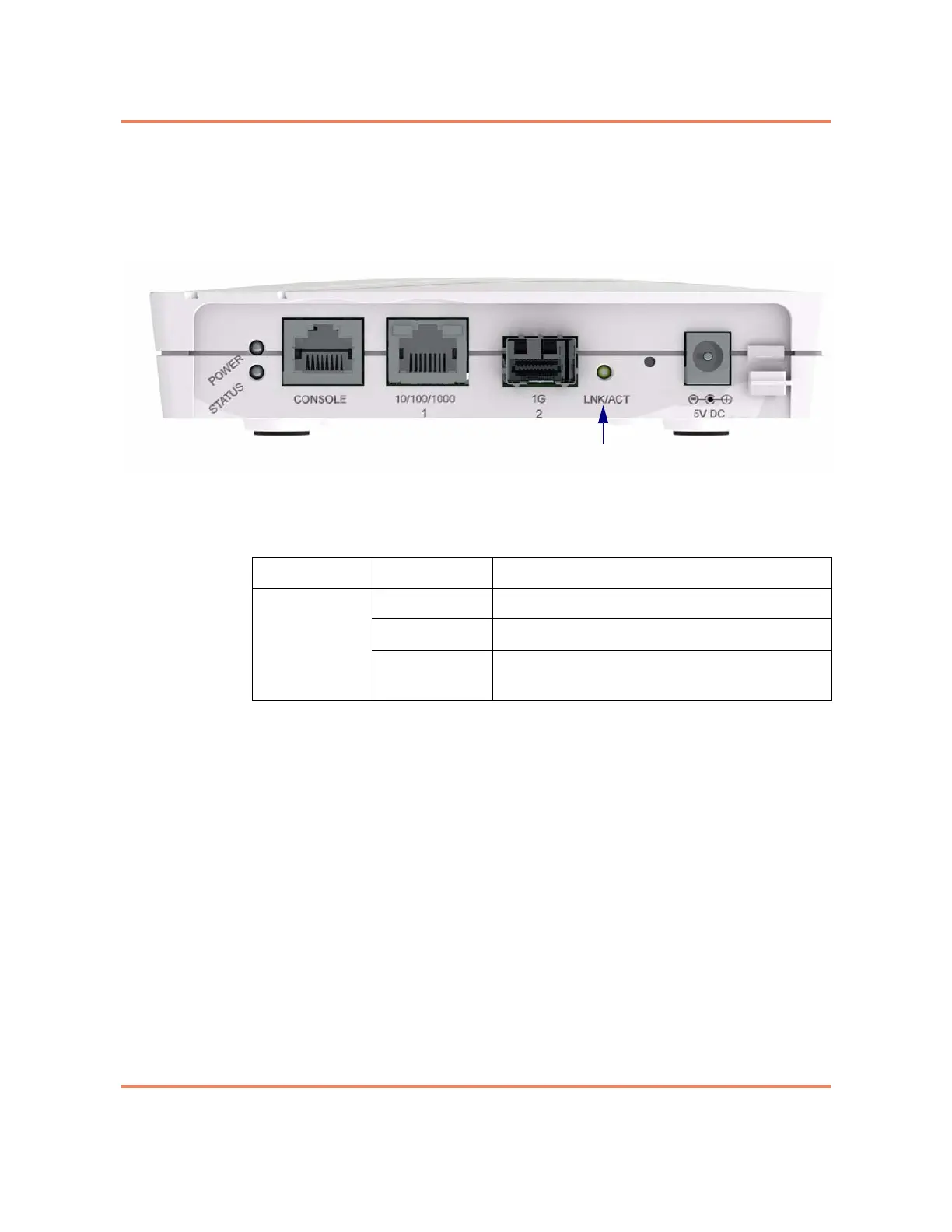
Gigabit Ethernet Port LED
The port has one LED associated with it to indicate port status. This LED is
located to the right of the SFP connector. See Figure 4-3.
Figure 4-2
1G LED
Table 4-2
1G Port LED
LED Indication Description
LNK/ACT
(Left LED)
Off The port is not operational.
Green Indicates a valid network connection.
Blinking Green The port is currently receiving or transmitting
Ethernet packets.



 To Next Page