4.3.4 Moving the patient chair
The chair movement can be controlled via the fixed keys on the dentist
element and the assistant element, or via the foot switch.
Via the dentist element
Picture of the control panel on the dentist element, see “The control
panel on the dentist element”.
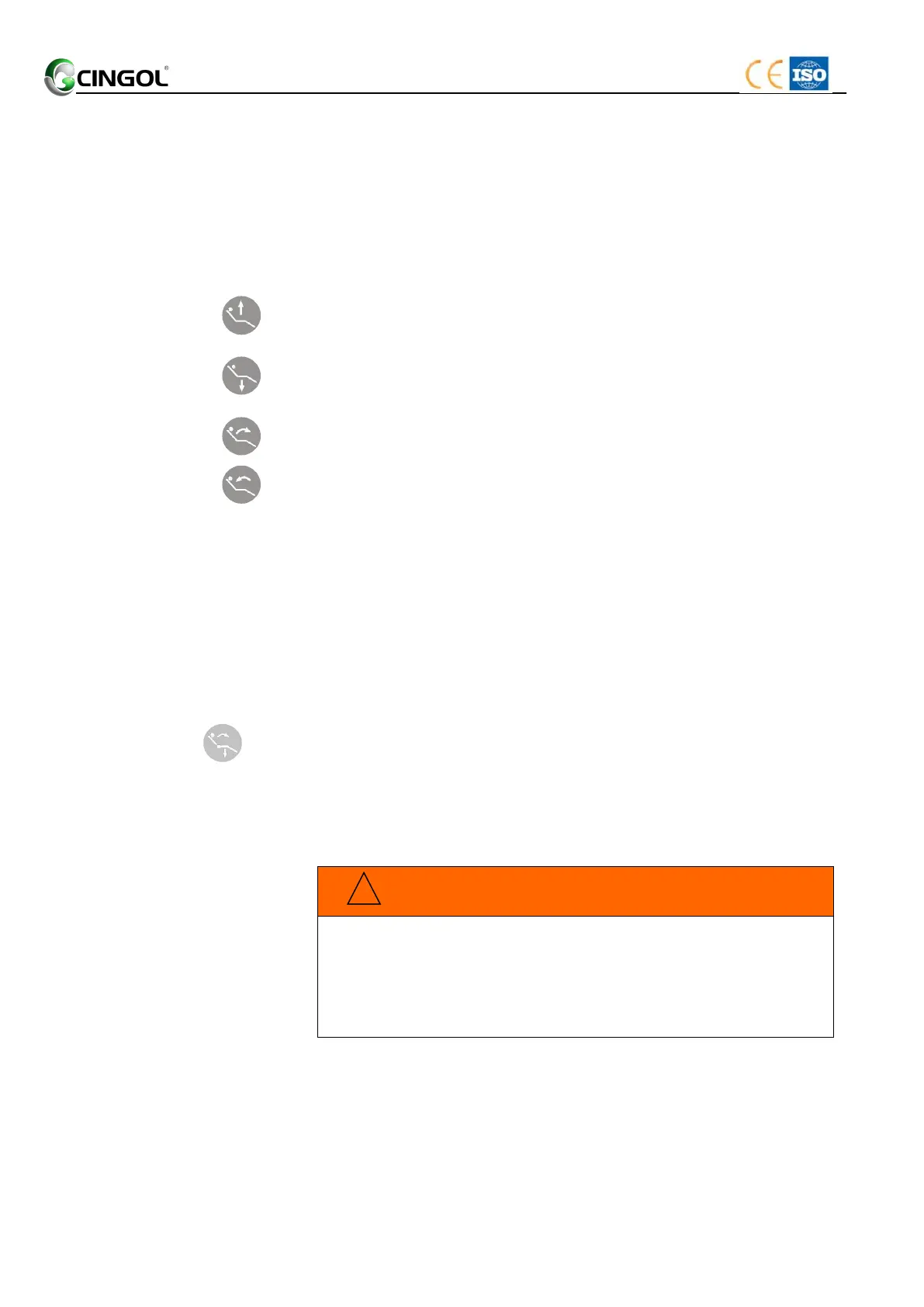
The chair couch moves up as long as the key (Chair UP) is pressed.
The chair couch moves down as long as the key (Chair Down) is
pressed.
The backrest tilts up as long as the key (Backrest UP) is pressed.
The backrest tilts down as long as the key (Backrest Down) is pressed.
Via the assistant element
See “4.3.2 Via the dentist element”.
Via the foot switch on the foot control
See “4.2 Foot control/Operation foot switch”.
4.3.5 Moving the patient chair to the entry/exit position
The following functions are triggered for simple patient entry and exit in
the entry/exit position:
The patient chair moves to the lowest position
The backrest moves to an upright position
Moving the patient chair to the entry/exit position can be implemented
by pressed the key on the dentist element.
The patient’s feet may get caught in the instrument hoses of the
dentist element when he enters of leaves the patient chair.
The patient may trip or fall.
Turn the dentist element outward before the patient enters of
leaves it.


 To Next Page