X1 Series Dental Unit -Operating Manual
Add: Building 6-1,Nansha Industrial Village Jiangli North Rd,Danzao Town, Nanhai District,Foshan ,Guangdong,China
www.cingol.com
4.3.6 Moving the patient chair to the emergency position
When the emergency position key is pressed, the patient chair
immediately moves to a position suitable for emergency position of
the patient.
The patient chair moves up to highest position.
The backrest rotates backward to -5º .
Moving the patient chair to the emergency position can be
implemented by pressed the key on the dentist element.
4.3.7 Moving the patient chair to the clean-up position
When the clean-up positioning key is pressed, the patient chair
immediately moves to a position suitable for cleaning.
The patient chair moves up to highest position.
The backrest moves to an upright position.
The operating light is shut down.
The flushing function is opened.
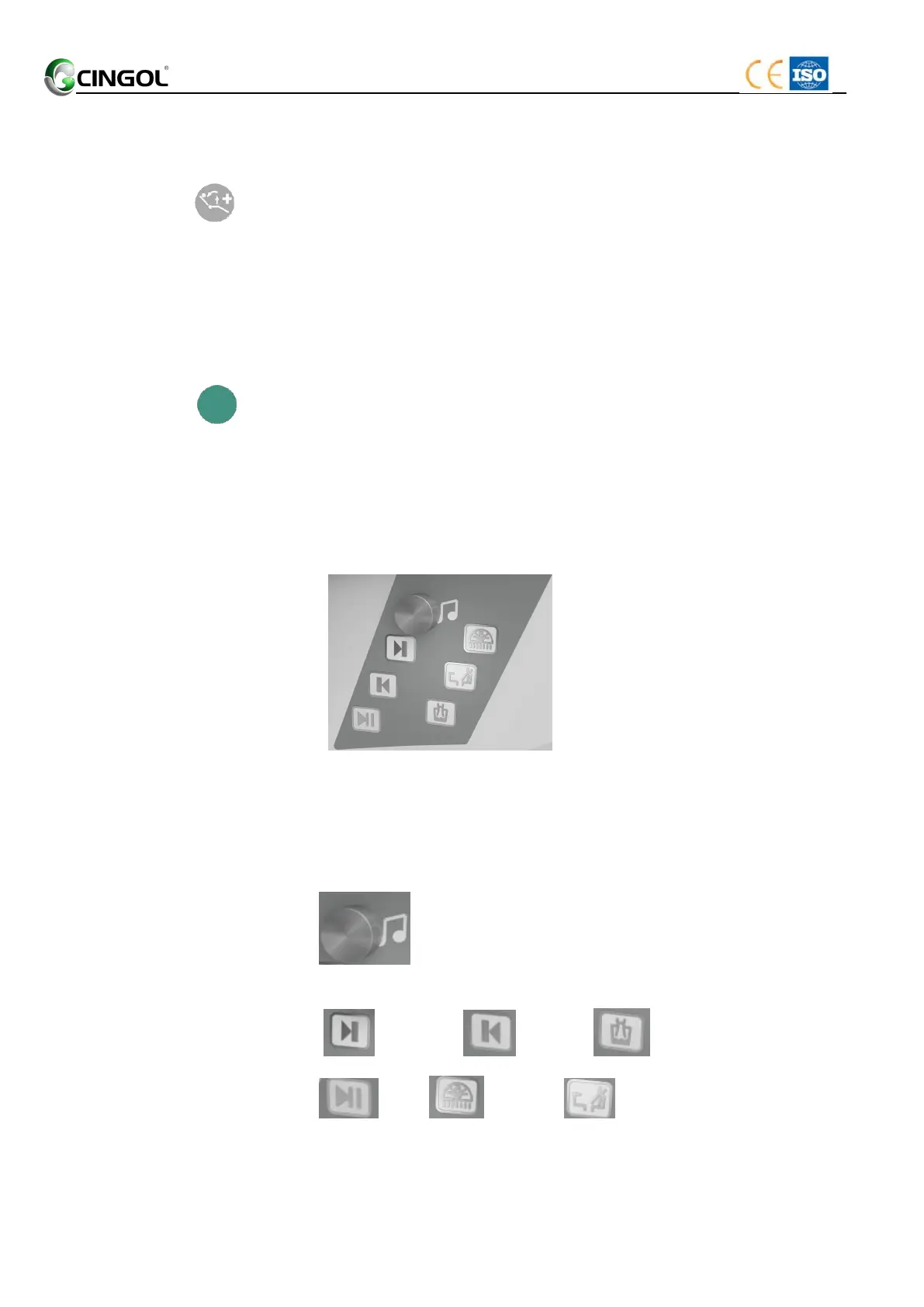
4.3.8 Multi-functional Music Panel
Touch-sense Bluetooth Music Panel
Features: Useful control panel by side of dentist, ease to control
regular used functions in the dental chair.
Touch Panel:
Rotate it clockwise to reduce the volume,anticlockwise
to increase the volume.
Next Song Last Song Cup Fill
Pause LED lamp Spittoon Flush


 To Next Page