X1 Series Dental Unit -Operating Manual
Add: Building 6-1,Nansha Industrial Village Jiangli North Rd,Danzao Town, Nanhai District,Foshan ,Guangdong,China
www.cingol.com
4.4.3.3 Flushing of the cuspidor bowl
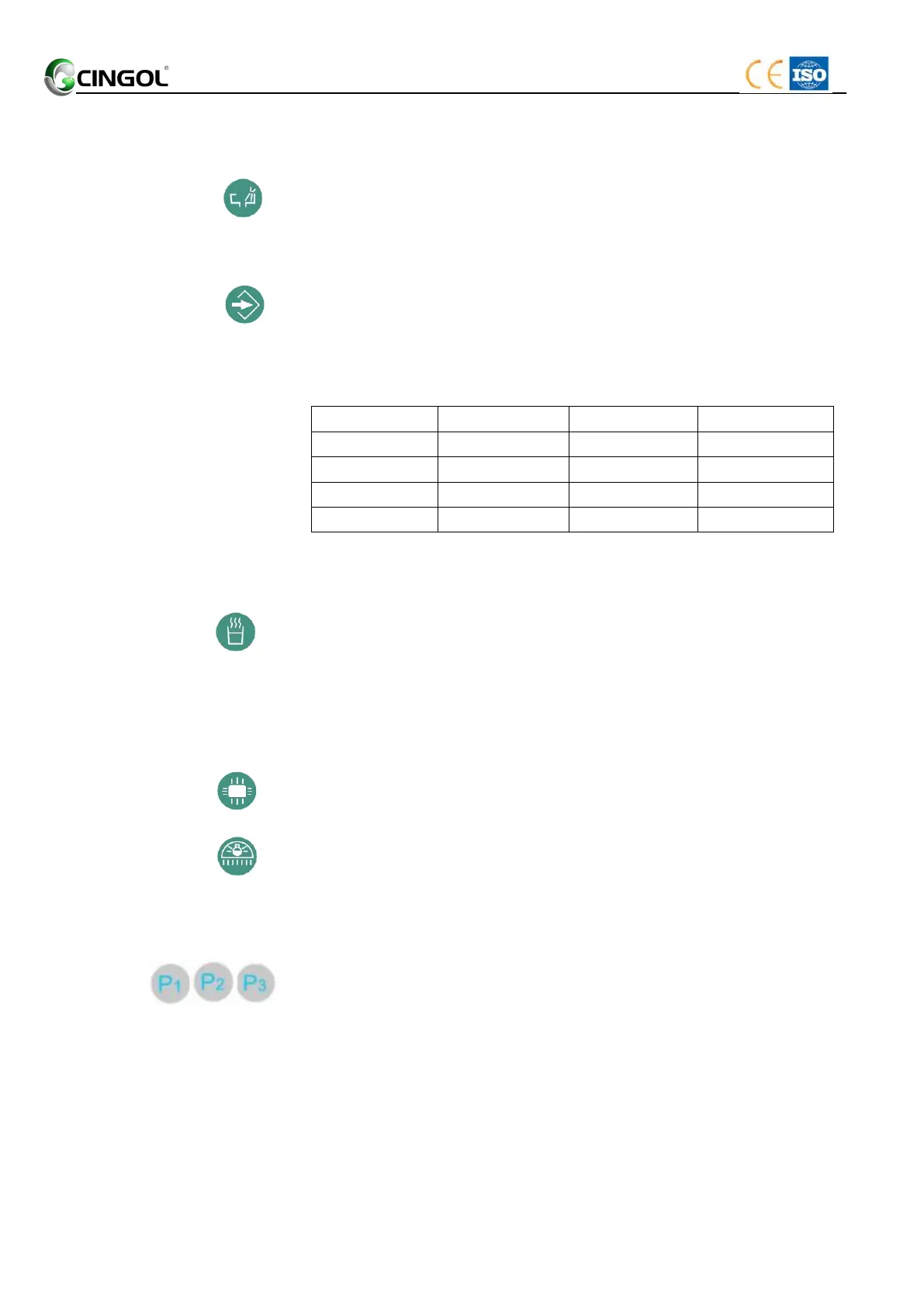
Press the key (Flushing). The flushing function is activated for the
preset flushing time.
Pressing the key (Flushing) again stops the flushing function
immediately.
Setting the flushing time
1. Pressing the key (Set) (about 2second) until the buzzer in the
water unit call. The LED above the key lights up.
2. Press the key (Flushing) to set the flushing time. According to the
following table:
3. Press the key (Set) again finishes setting the flushing time. The
LED above the key lights out.
4.4.3.4 Heating of the tumbler water
Press the key (Heating). The heating function is activated. The tumbler
water temperature can be kept at 40ºC ± 5ºC.
If the LED in the key is lighting, the heater in the water unit is working.
Pressing the key (Heating) again stops the heating function
immediately.
4.4.3.5 X-ray viewer
Press the key. The x-ray viewer lights up.
Press the key again. The x-ray viewer lights out.
4.4.3.6 Operating light
The key is equivalent to the button on the foot control.
See “4..2 Foot control/Operating light switch. ”.
4.4.3.7 Memory position
Dentist able to choose the regular use patient position for efficient work,
there are “P1”,”P2”,”P3” 3 memory positions for daily use (Top mounted
use only)


 To Next Page